Nero AI Video Upscaler Release Notes – 29.0.1.5 & 29.5.1.9

Aurora SR, redesigned UI, cropping, and enhanced export

Experience a smarter, more powerful Nero AI Video Upscaler with a brand-new AI model, streamlined workflow, and greater control over your videos.

All-New Aurora SR Model

Meet Aurora SR, our new high-end upscaling model designed to enhance overall video clarity by intelligently reconstructing fine details. Bring sharper textures, cleaner edges, and more natural-looking detail to your videos.

Brand-New User Interface

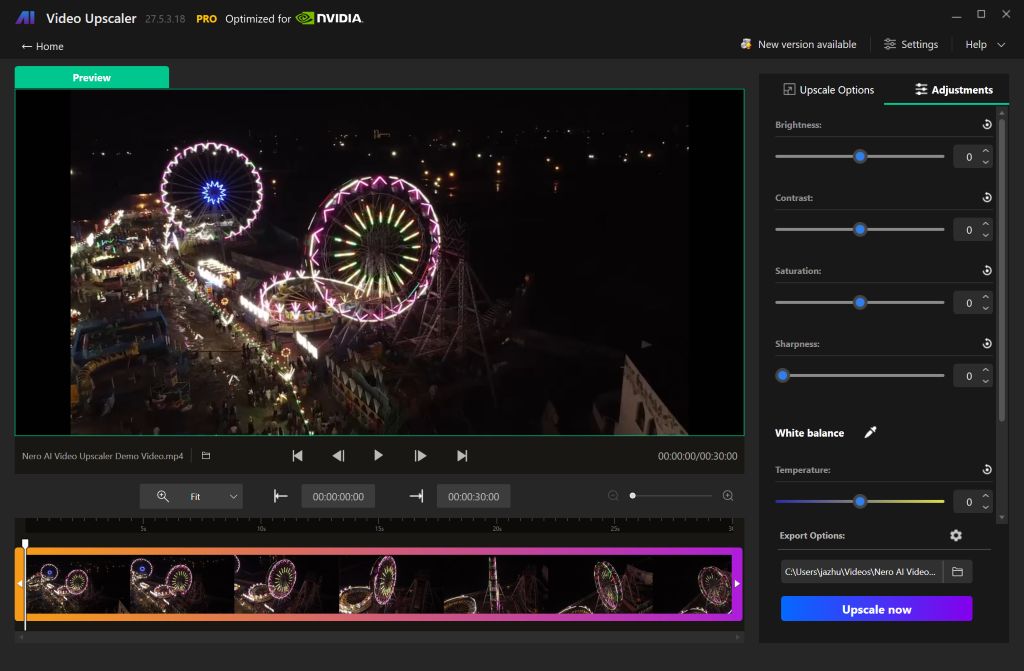
Enjoy a redesigned interface built for a smoother and more efficient workflow. Tabbed video editing lets you work with multiple videos at once, while quick-access controls put frequently used tools right where you need them.

Flexible Video Cropping

Take control of your video framing with the new Cropping feature. Freely adjust the frame to remove unwanted areas, refine the composition, or prepare your video for different aspect ratios and platforms.

More Powerful Export Options

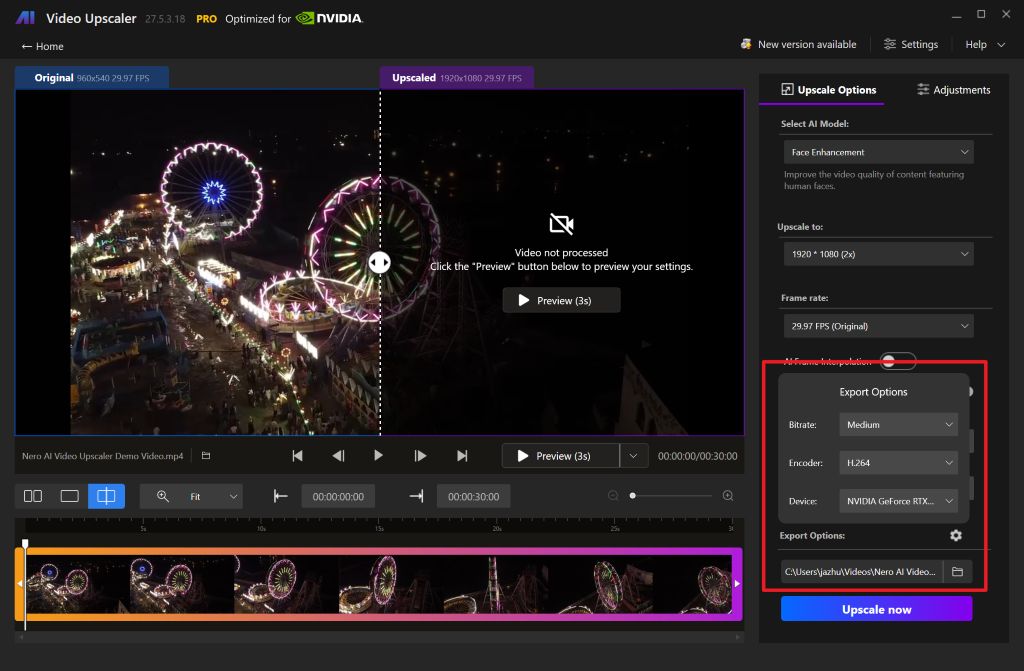
Get greater control over your final output with expanded video export settings. Customize more output parameters to achieve the quality, format, and file characteristics that best suit your needs—from everyday sharing to high-quality professional workflows.

How To Use

Import your videos, switch between them using tabs, fine-tune the frame with the new Cropping tool, choose Aurora SR for enhanced detail, and customize your export settings to create the final video exactly the way you want it.
What’s New in Nero AI Video Upscaler 2026?

The wait is over—Nero AI Video Upscaler 2026 is here, and it comes packed with powerful new features designed to make your video enhancement workflow faster, smarter, and more flexible. Whether you’re a content creator, filmmaker, or simply someone who wants the best quality from their videos, this update is built with you in mind.


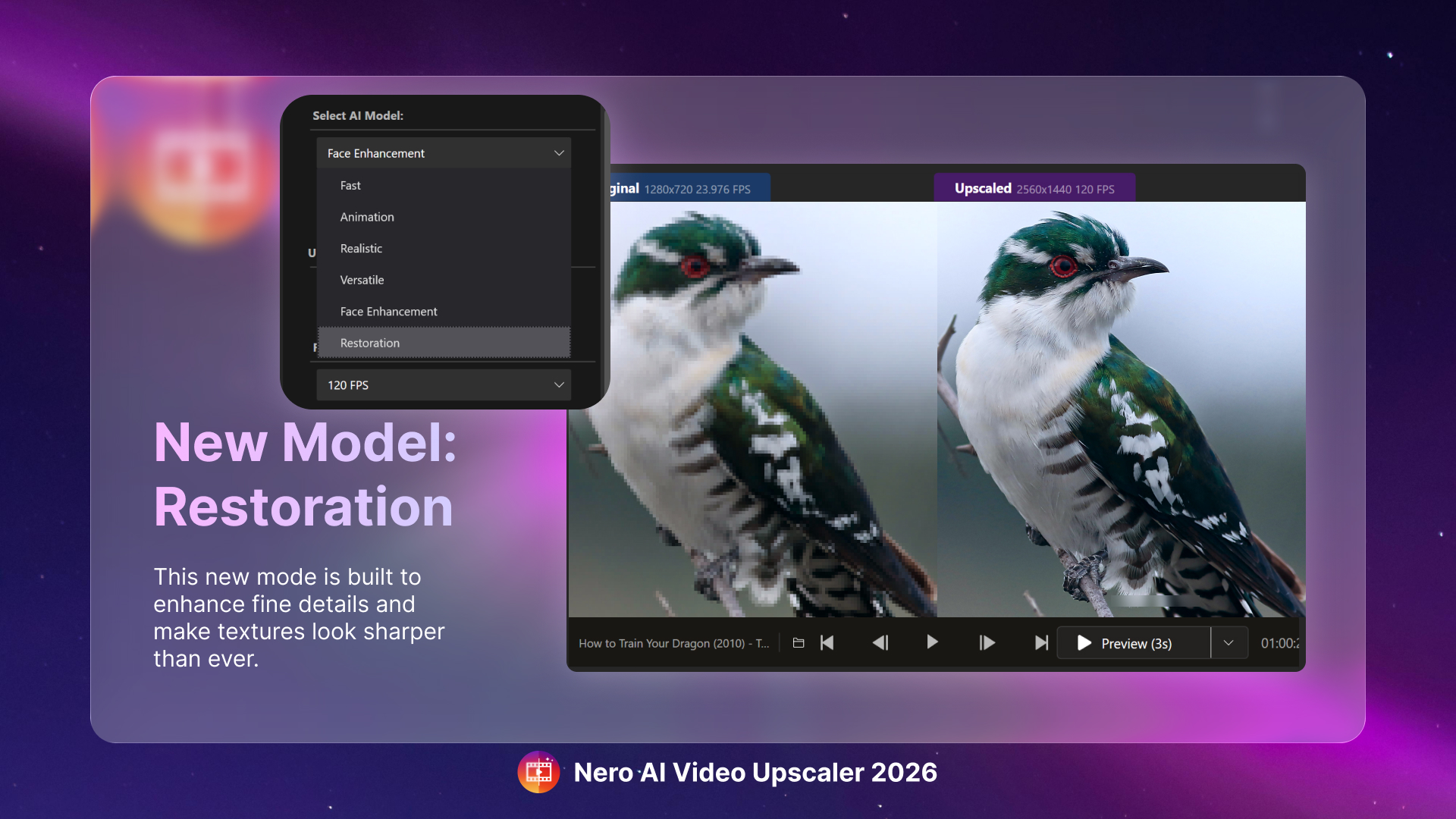
✨ New Enhance Detail Model

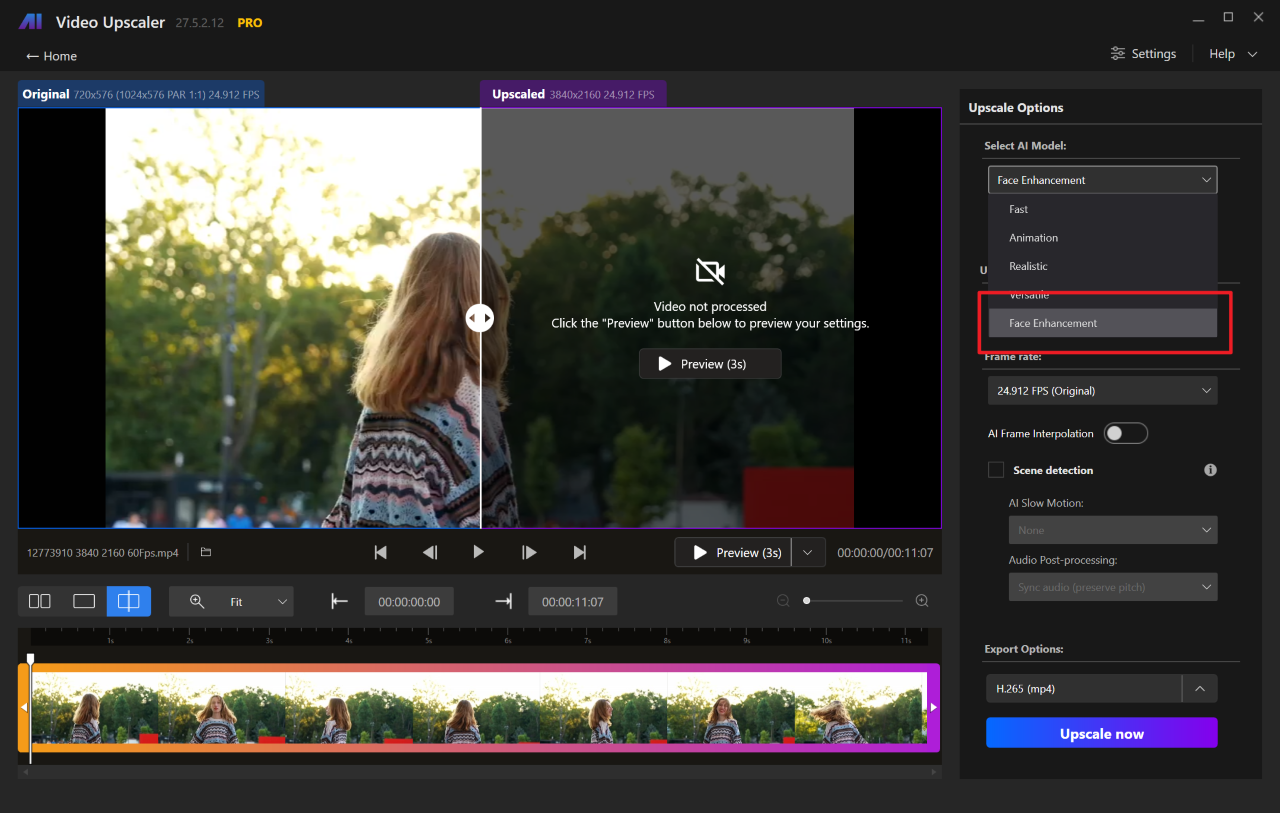
Bring out every nuance in your footage with the brand-new Enhance Detail model. Designed for users who want maximum sharpness and texture, this AI model goes beyond resolution upscaling to intelligently restore fine details, making old or low-resolution videos look sharper than ever before. Perfect for archival material, family videos, or professional projects where clarity matters most.


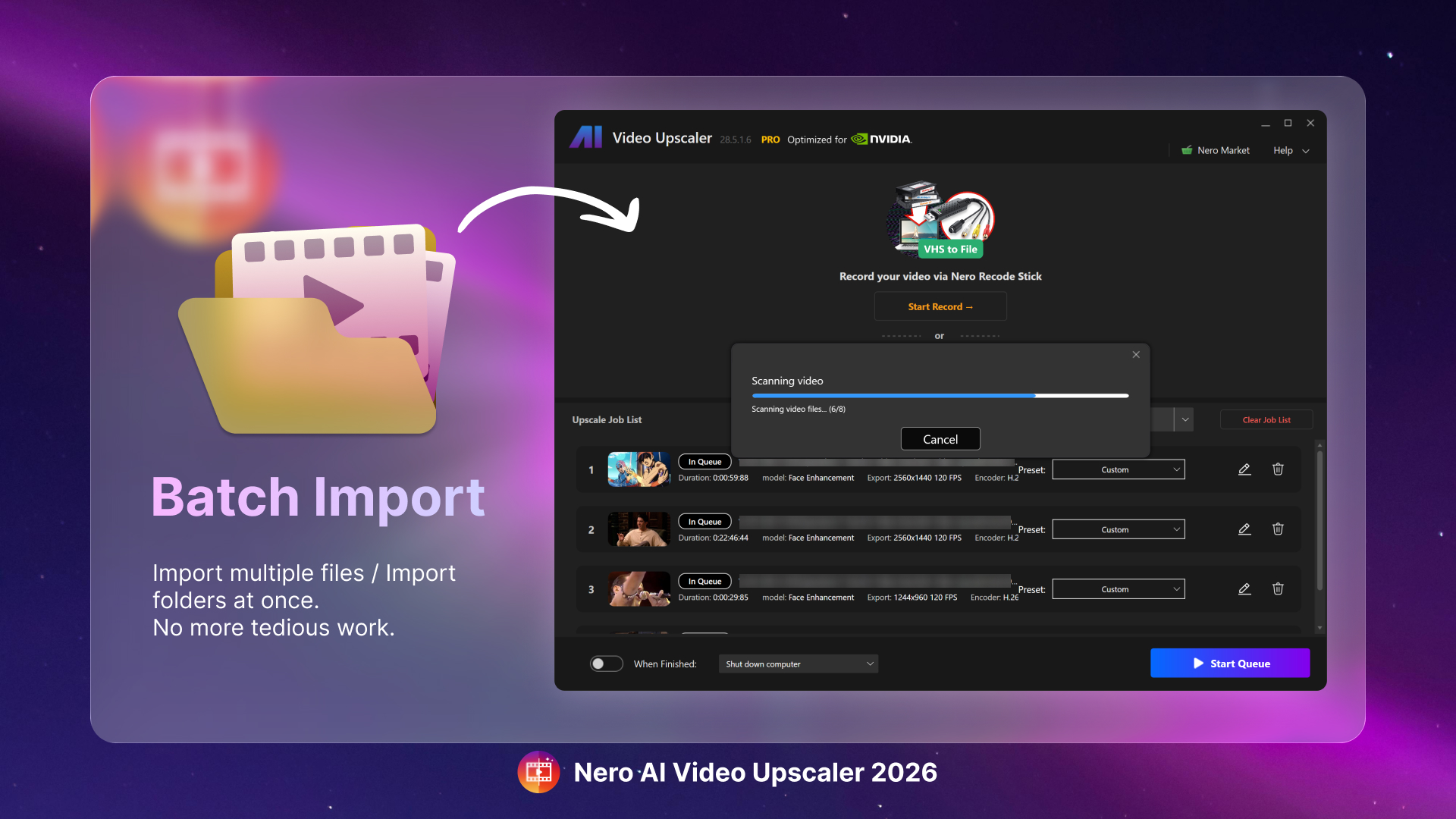
📂 Batch Video Import

Tired of loading files one by one? The Batch Video Import feature lets you add multiple videos at once for upscaling. Simply drag and drop entire folders into the app, and Nero AI Video Upscaler will automatically prepare them for processing. This means less time managing files and more time focusing on the results.


⚙️ Save & Load Presets for Batch Processing

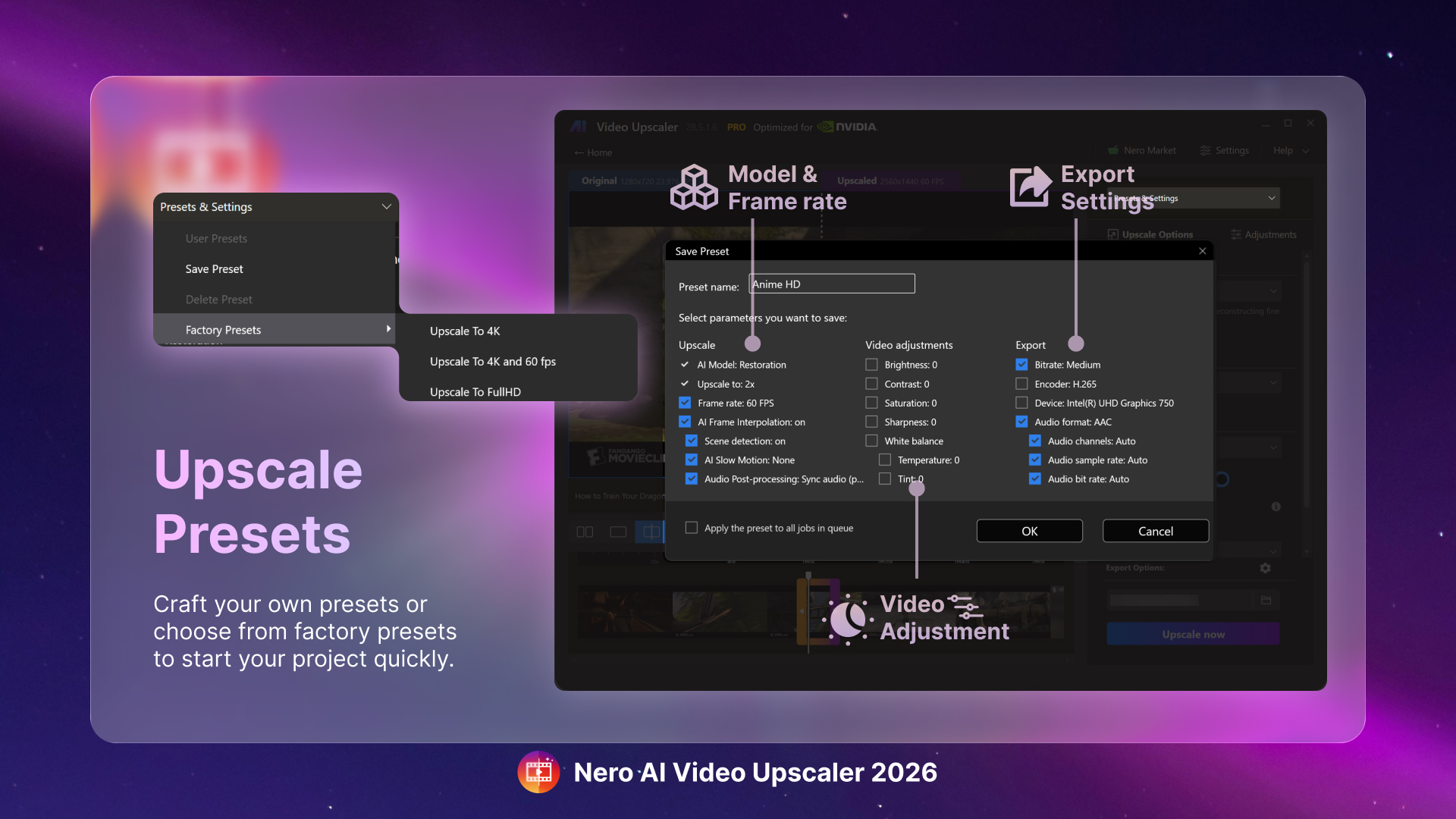
Efficiency just got an upgrade. With the new Save and Load Presets, you can store your favorite settings—AI model, resolution, output format—and apply them instantly to future projects. Combined with batch processing, this feature is a game-changer for professionals handling large volumes of videos.


🚀 Built for Speed and Flexibility

These new tools aren’t just about convenience—they’re about giving you a workflow that adapts to your needs. Whether you’re enhancing a single clip with maximum detail or processing dozens of videos overnight, Nero AI Video Upscaler 2026 delivers a seamless editing experience.


✅ Availability

The new features in Nero AI Video Upscaler 2026 are available exclusively for:

  • Active subscriptions

  • Nero AI Video Upscaler 2026 Lifetime version

  • Nero AI Video Upscaler MS Store and Steam latest version

If you’re using an earlier lifetime version, upgrade today to access the new Enhance Detail Model, Batch Video Import, and Save & Load Presets.

👉 Upgrade now and unlock the full power of AI-driven video upscaling.