Update History for Nero Start

Find latest Nero Start release nots from: https://neroknowhow.com/category/welcome/release-notes-suite/release-notes-nero-start/

2023-06-13

25.5.55.0

Improvements

  • Bug fixes and usability improvements.


2023-04-27

25.5.47.0

New

  • Now you can add a 2nd email address to your Nero Account.
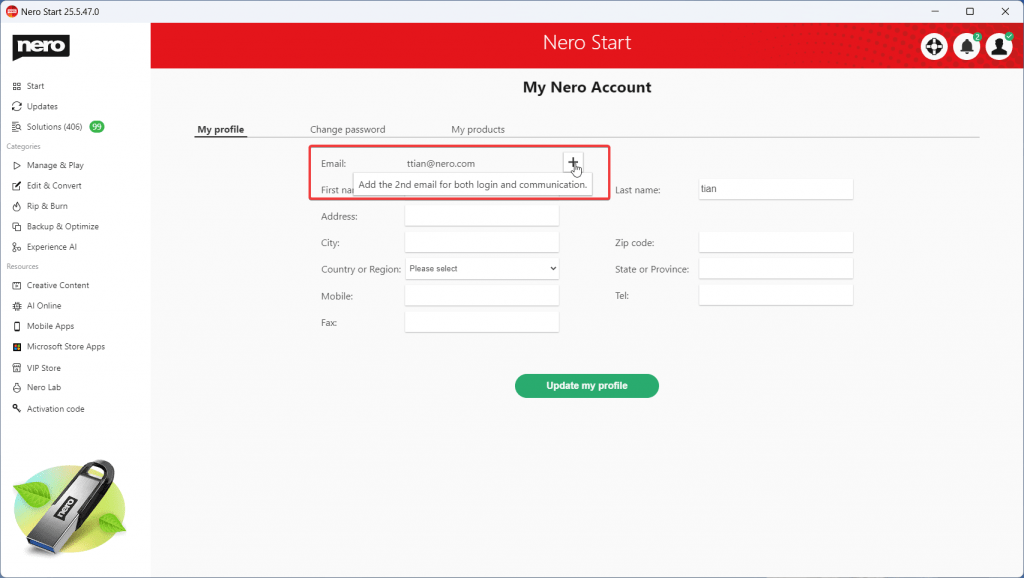
Add 2nd email
Add 2nd email

See the detailed step-by-step guide on how to add a new email address from this link.


2023-04-10

25.5.43.0

New

  • Automatically updated how-to links on the Solutions page.
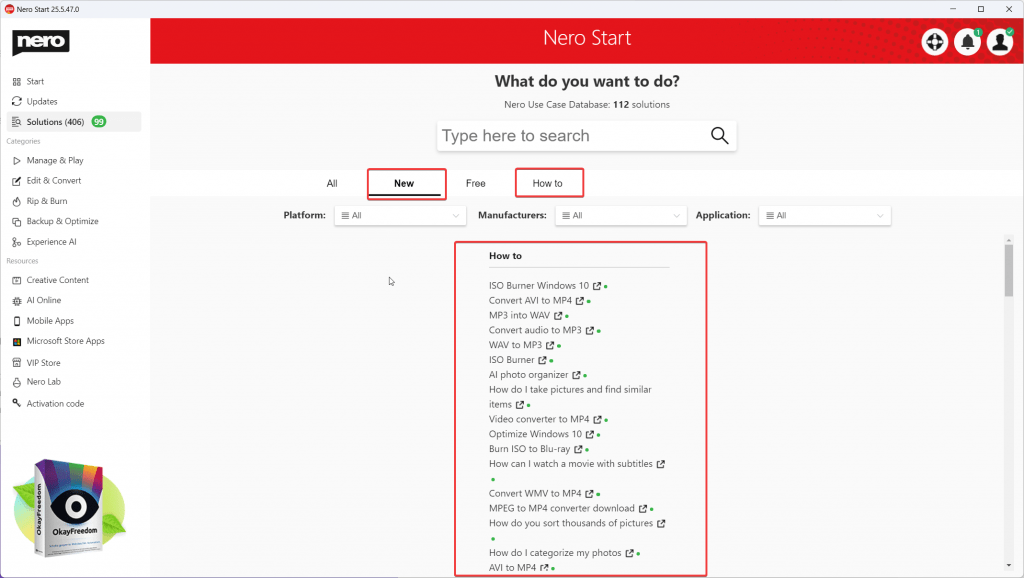
NeroLauncher_elpkx41dmR

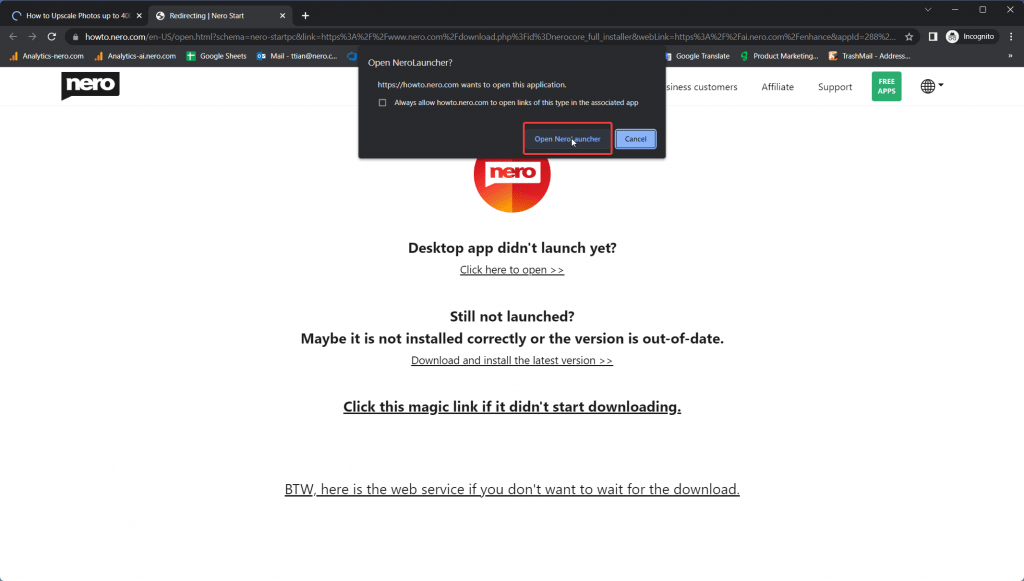
  • Launch the desktop app from howto.nero.com page.
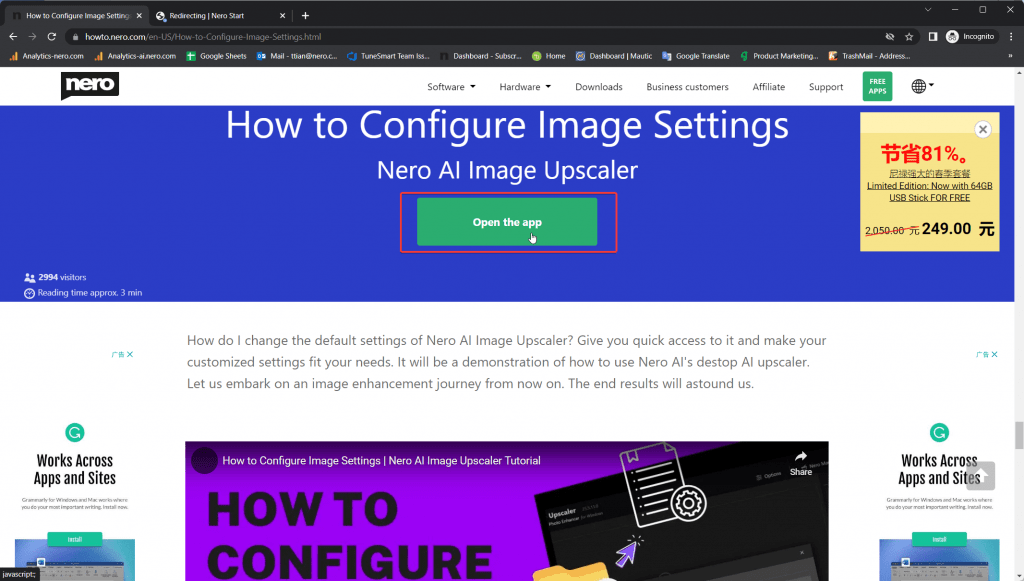
chrome_aMsHRbrHuR

chrome_Rb1HbTxMDm

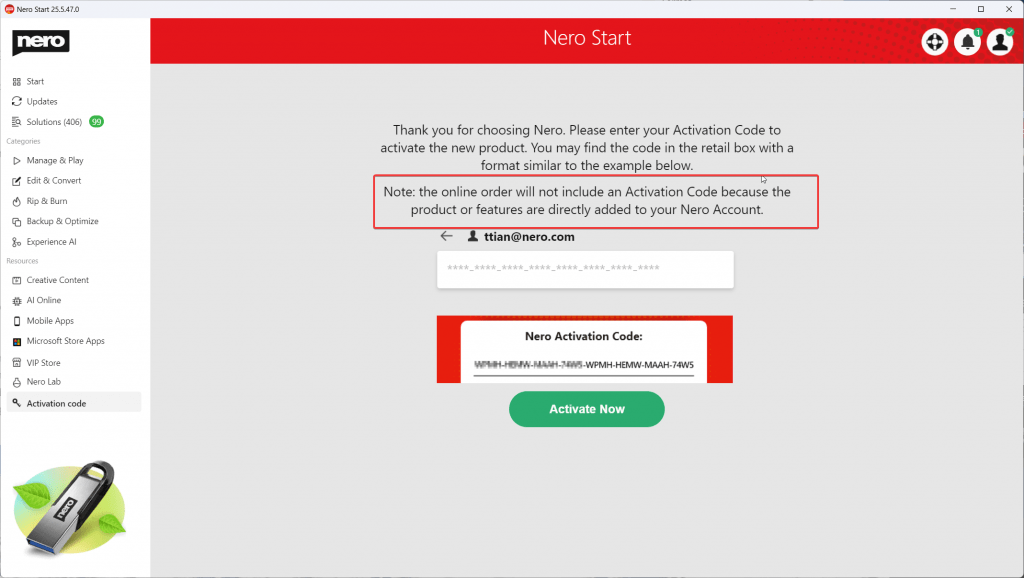
  • Update the activation description.

NeroLauncher_pgNyRmble9


2023-01-11

25.5.26.0

Improvements

  • Optimize the grouping of apps on the Start screen.
  • Improve the activation code detection.
  • Improve the click behavior of top5 use cases
  • Localization update for both Chinese simplified and traditional versions.
  • Other improvements include stability and reliability.


2022-11-24

25.5.21.0

New

  • Display the new features tutorials inside Mega Update.


2022-11-18

25.5.18.0

Improvements

  • Will not download and install all applications by default.


2022-11-9

25.5.15.0

New

  • Sign up new Nero Account and try the full Nero Platinum features for free!
  • You need to sign in Nero Account to keep apps, use case tutorials, and other sources up-to-date.

2022-10-28

25.5.13.0

Improvements

  • Compatibility with Nero AI Image Upscaler 365 and could be redeemed by activation code.


2022-10-21

25.5.12.0

New

  • Release for Nero 2023
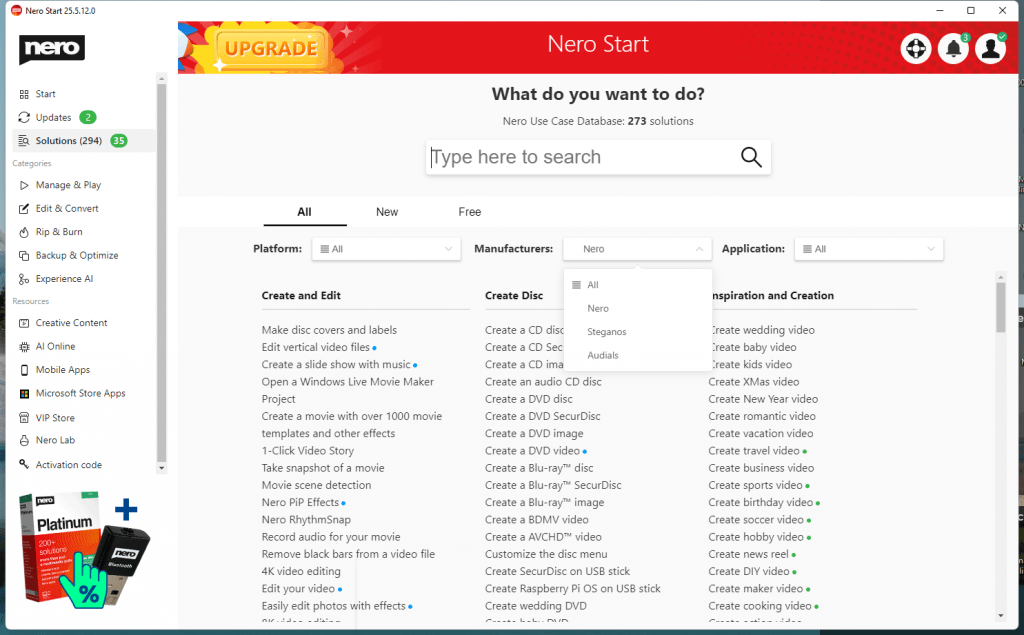
  • Manufacturer filter for the use case.

by manufacturer

  • New tab for use case search: New added.
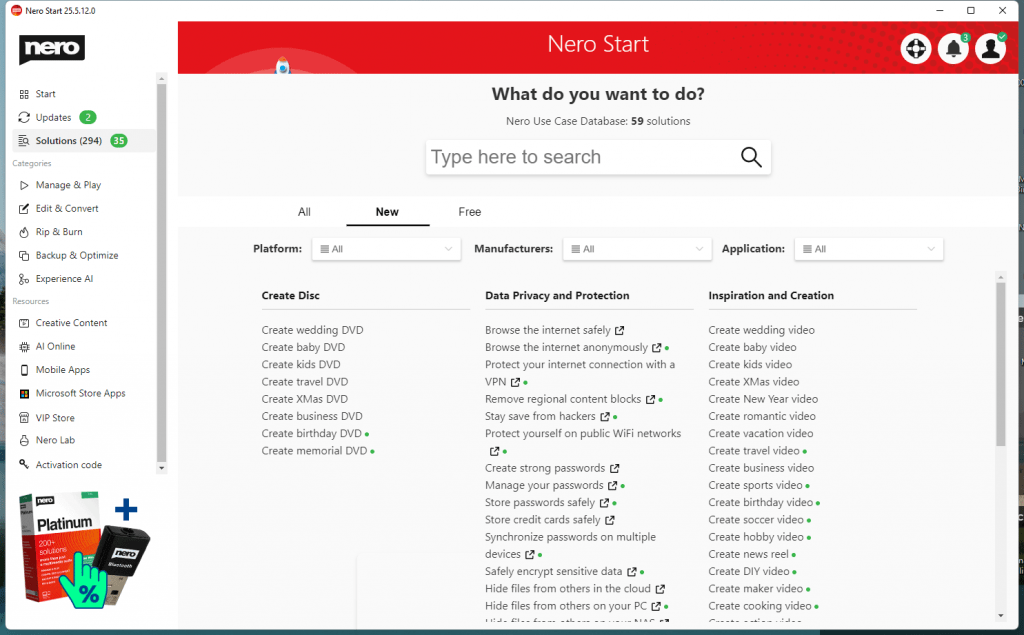
New added use cases

  • New tab for use case search: Free to install
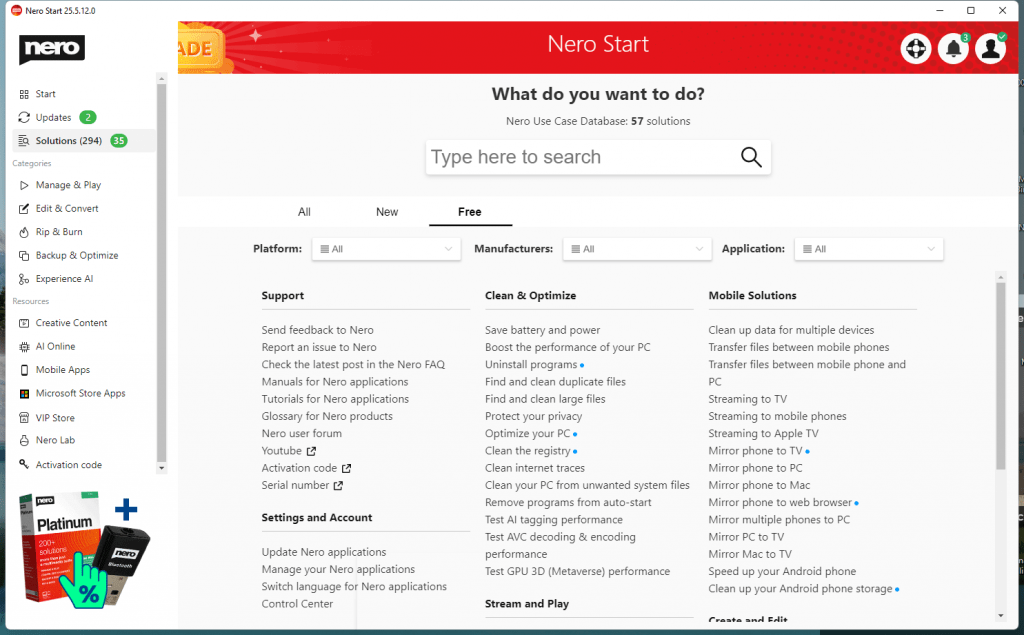
Free to install

Improvements

  • Free to install Nero AI Image Upscaler


2022-9-15

24.5.102.0

Improvements

  • Improved the notification inbox.
  • Improved some localizations for Turkish.


2022-8-9

24.5.97.0

Features
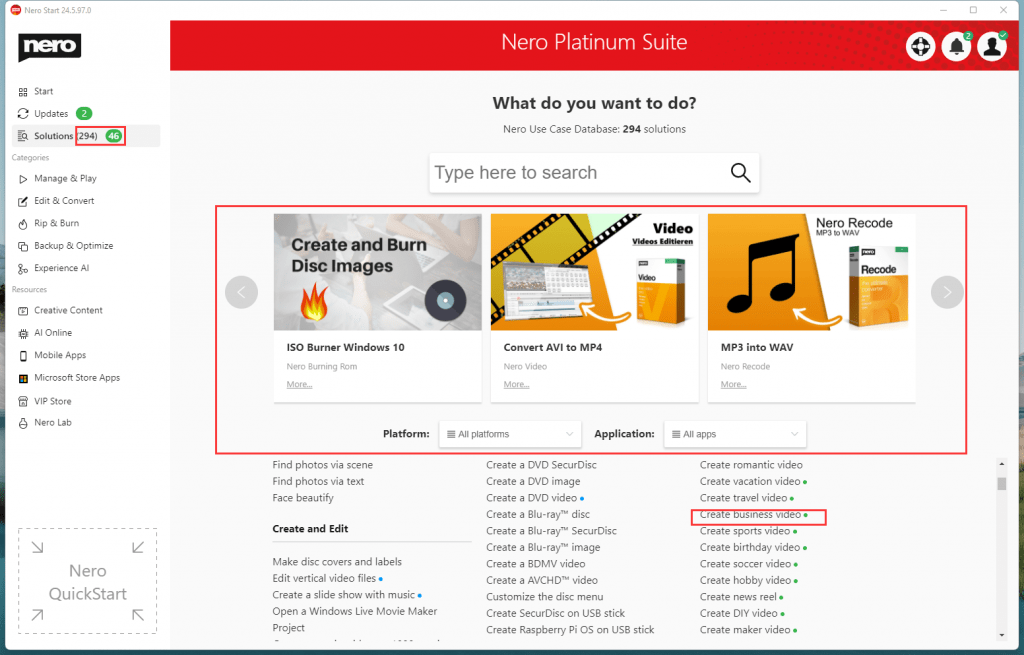
new solution page

  • New added “Top 5” use cases as well as the tutorial pages.
  • 59 new use cases arrived with the tiny green dots.
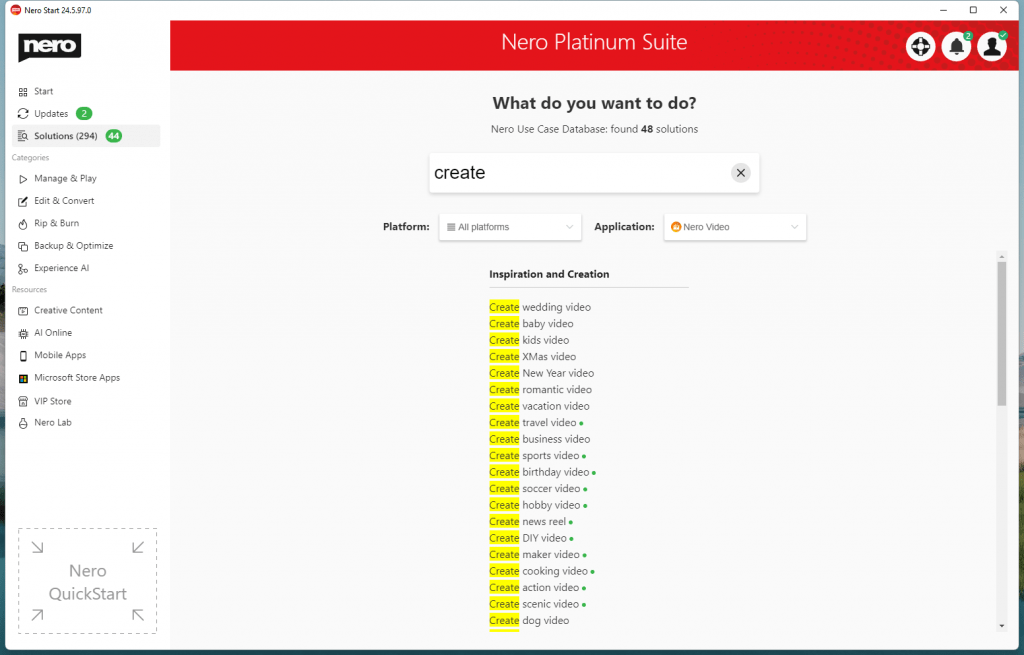
 

new search result

  • Now you can find use case with platform and application filter.
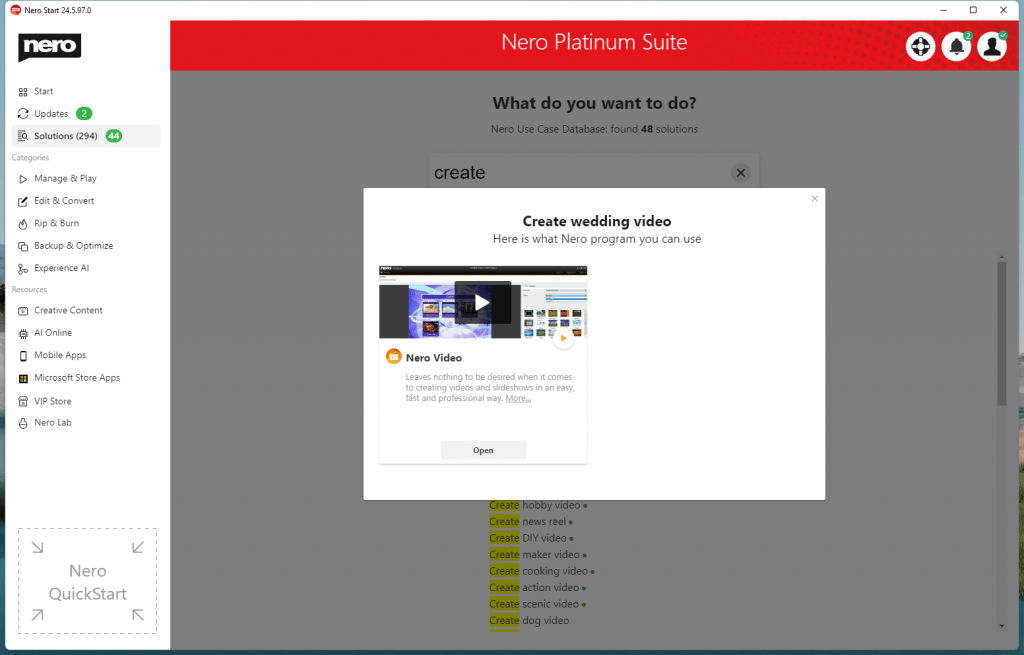
 

watch video for use case

  • Watch the tutorial video by use case.
  • More animation of use case results.

Improvements

  • Better searching results for mobile use cases.


2022-8-5

24.5.95.0

Improvements

  • Bug fixes and usability improvements.


2022-6-30

24.5.89.0

Features

  • New UI layout for app use case card and more tutorial links.
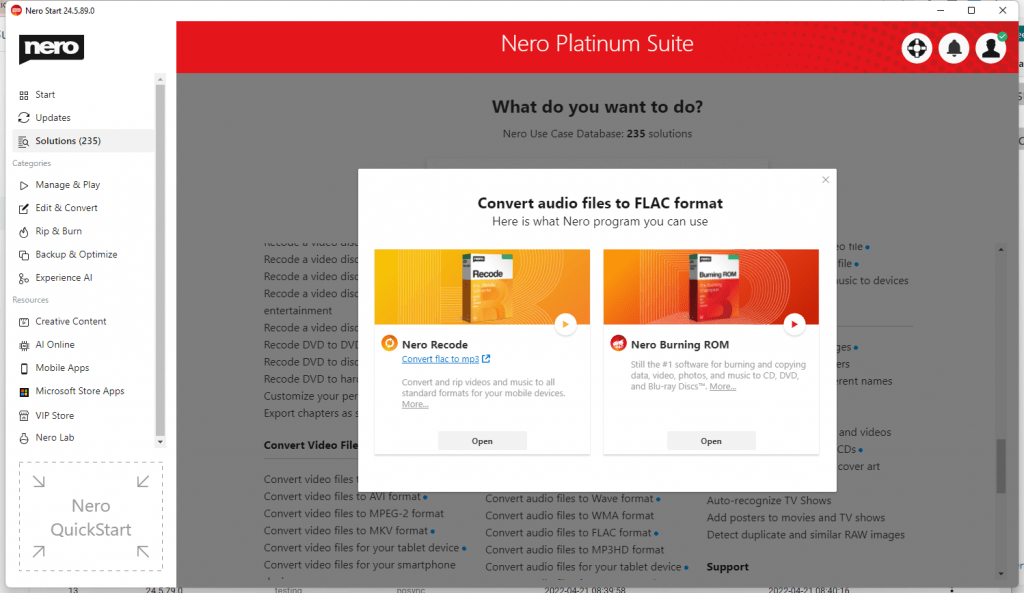
New UI layout for app use case card and more tutorial links

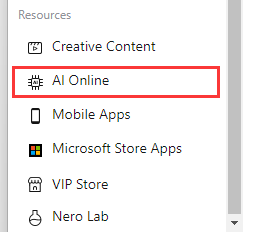
  • New Resources: AI Online

New Resources AI Online

  • New 3-2-1 Eternity Backup

Improvements

  • Improves the online message.
  • Better use case search result display.

Fixes

  • White screen during 1st time installing in some cases.


2022-5-31

24.5.84.0

Features

  • Adds Market shortcut to desktop

Improvements

  • Improves the compatibility of the installer.

2022-5-31

24.5.84.0

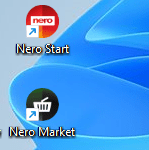
Features

  • Adds Nero Market shortcut to desktop

Snipaste_2022-06-02_15-01-27

Improvements

  • Improves the compatibility of the installer.


2022-5-27

24.5.83.0

  • [New] Highlight out the matched keywords
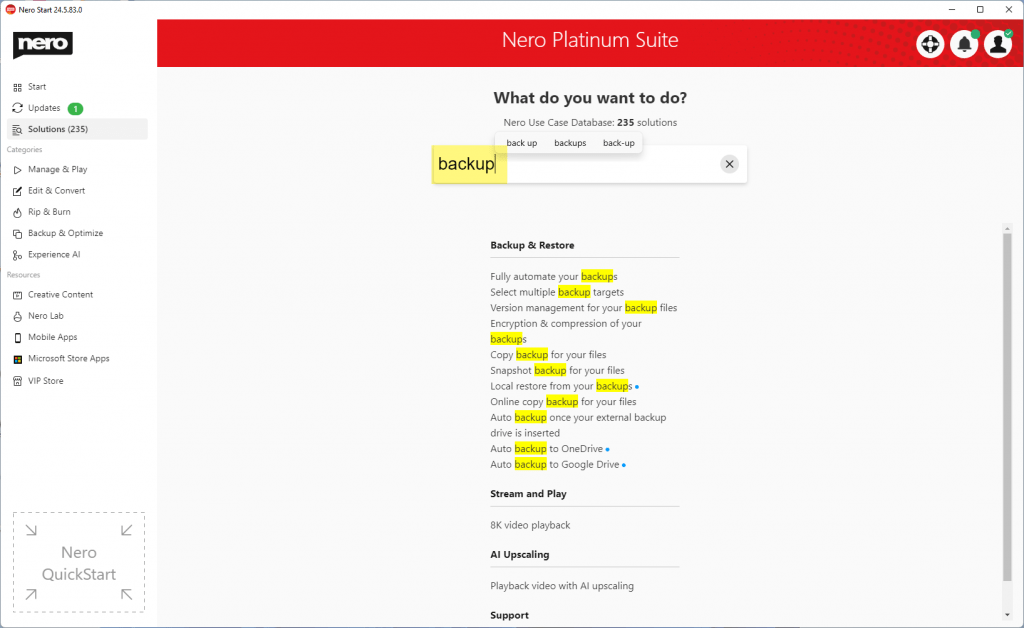
Snipaste_2022-05-27_17-22-56

  • [New] More upgrade rocket animations

f81759c8-bbc5-40ad-b8ed-78afb46dfd1b


2022-4-21

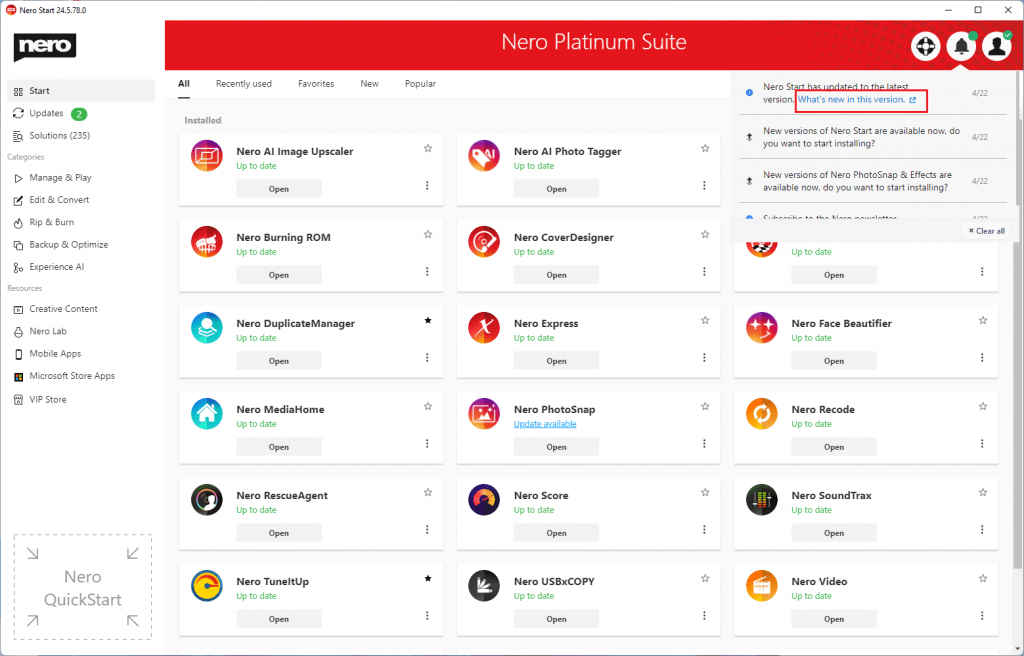
24.5.78.0

  • Added more use cases and it is 235 in total.
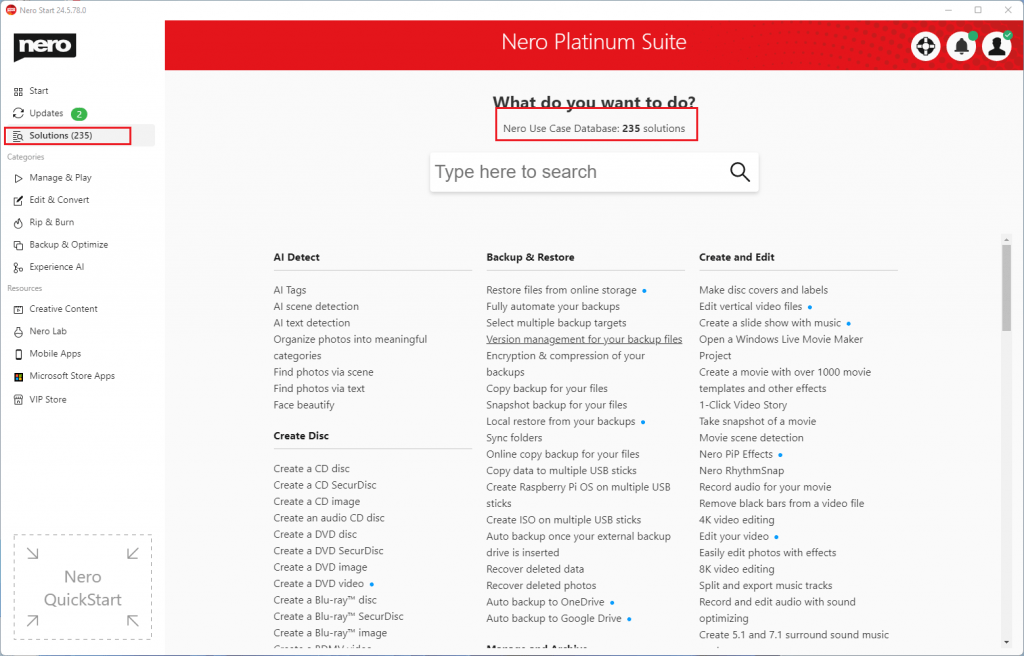
235 use case

  • Improved UI for external links.

url icon

  • We highlighted the tutorial page if it is available.
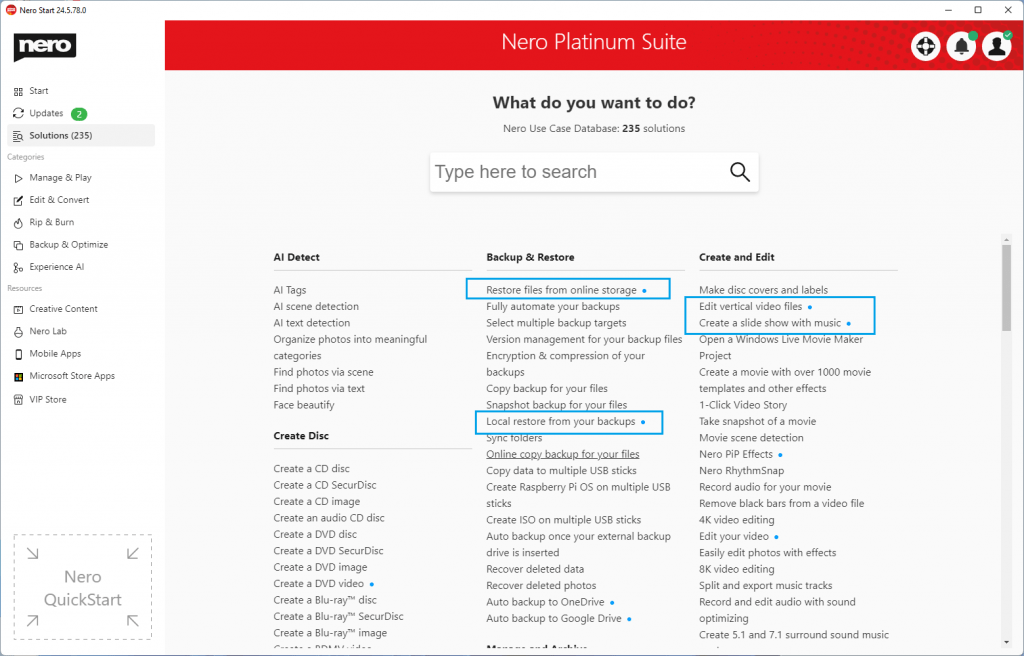
highilght landing page

  • This update also includes some bug fixes and usability improvements.


2022-3-1

24.5.63.0

  • This update includes some bug fixes and usability improvements.


2022-1-26

24.5.56.0

  • This update includes some bug fixes and usability improvements.


2022-1-19

24.5.55.0

  • [New] Now you can start Nero apps with right-click menu easily.
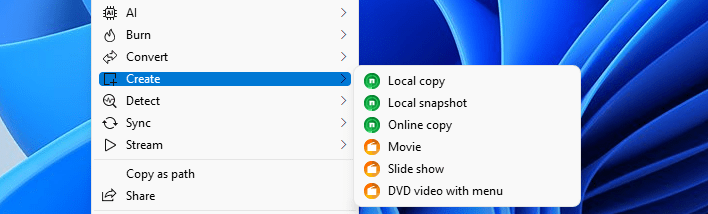
RMB screen

  • [New] You can configure the settings for the mouse right-menu-button in Nero Start Options > General page.
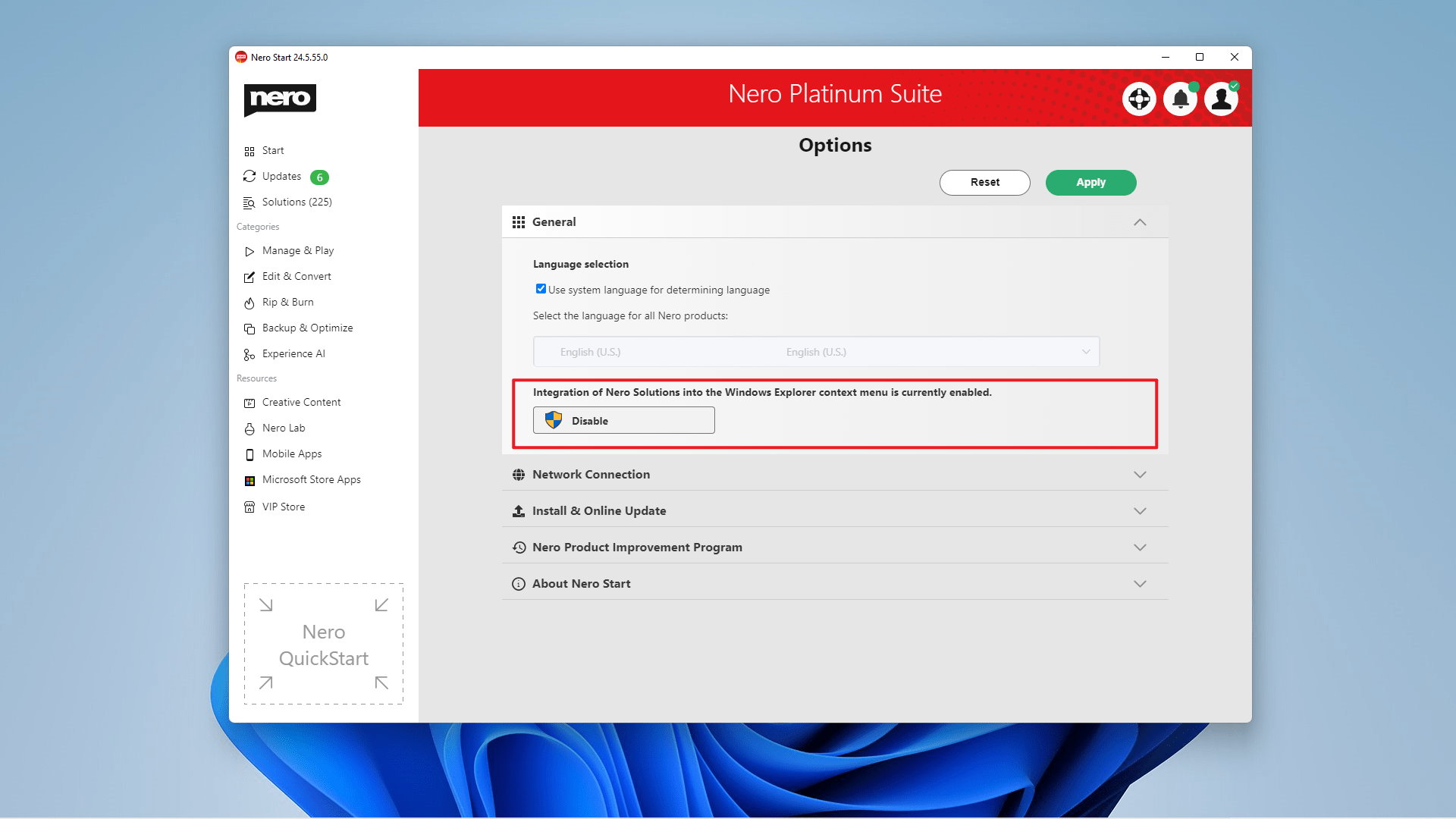
RMB option

  • [New] Added ‘Serial number‘ result in solution page.
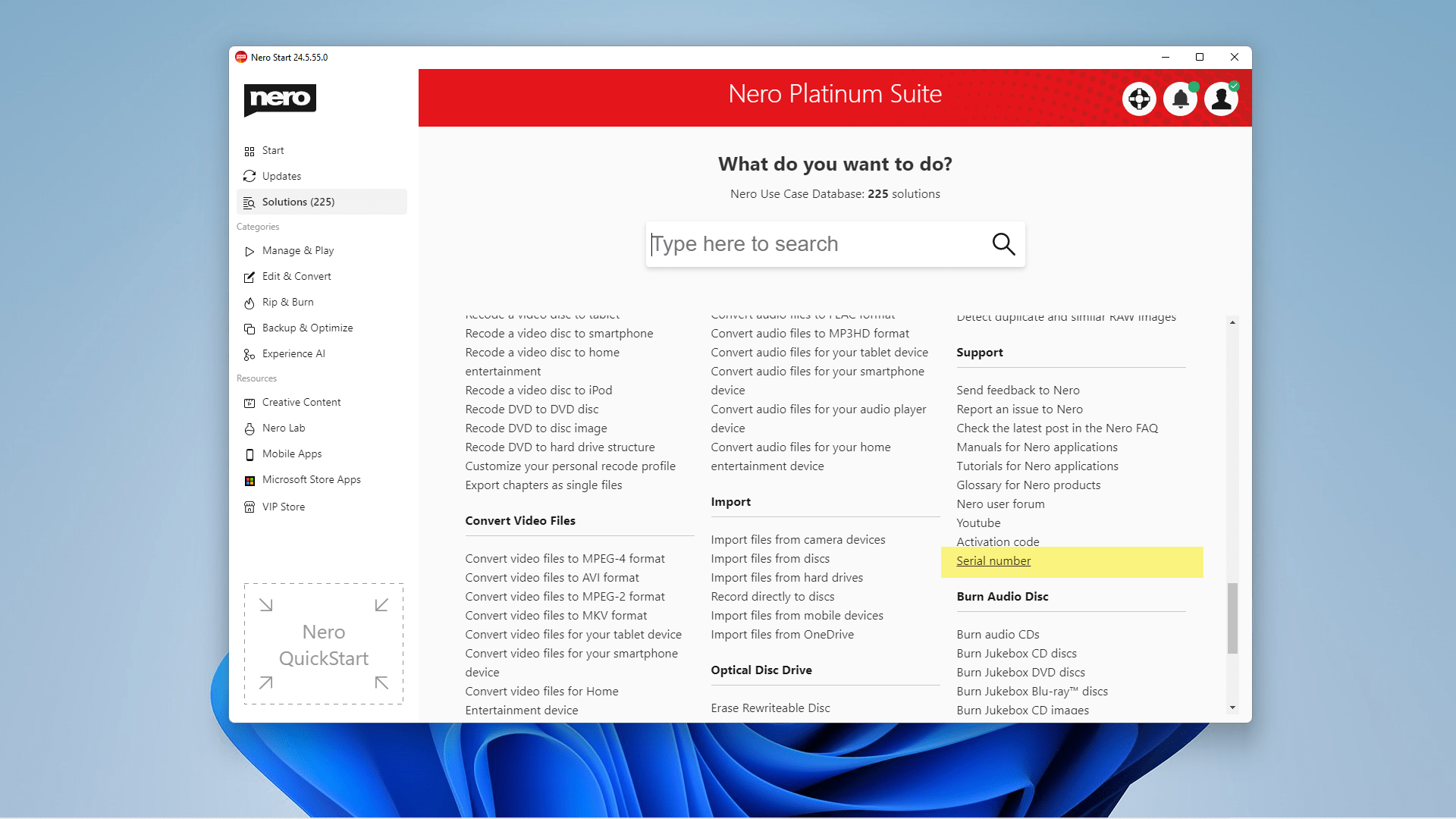
serial number

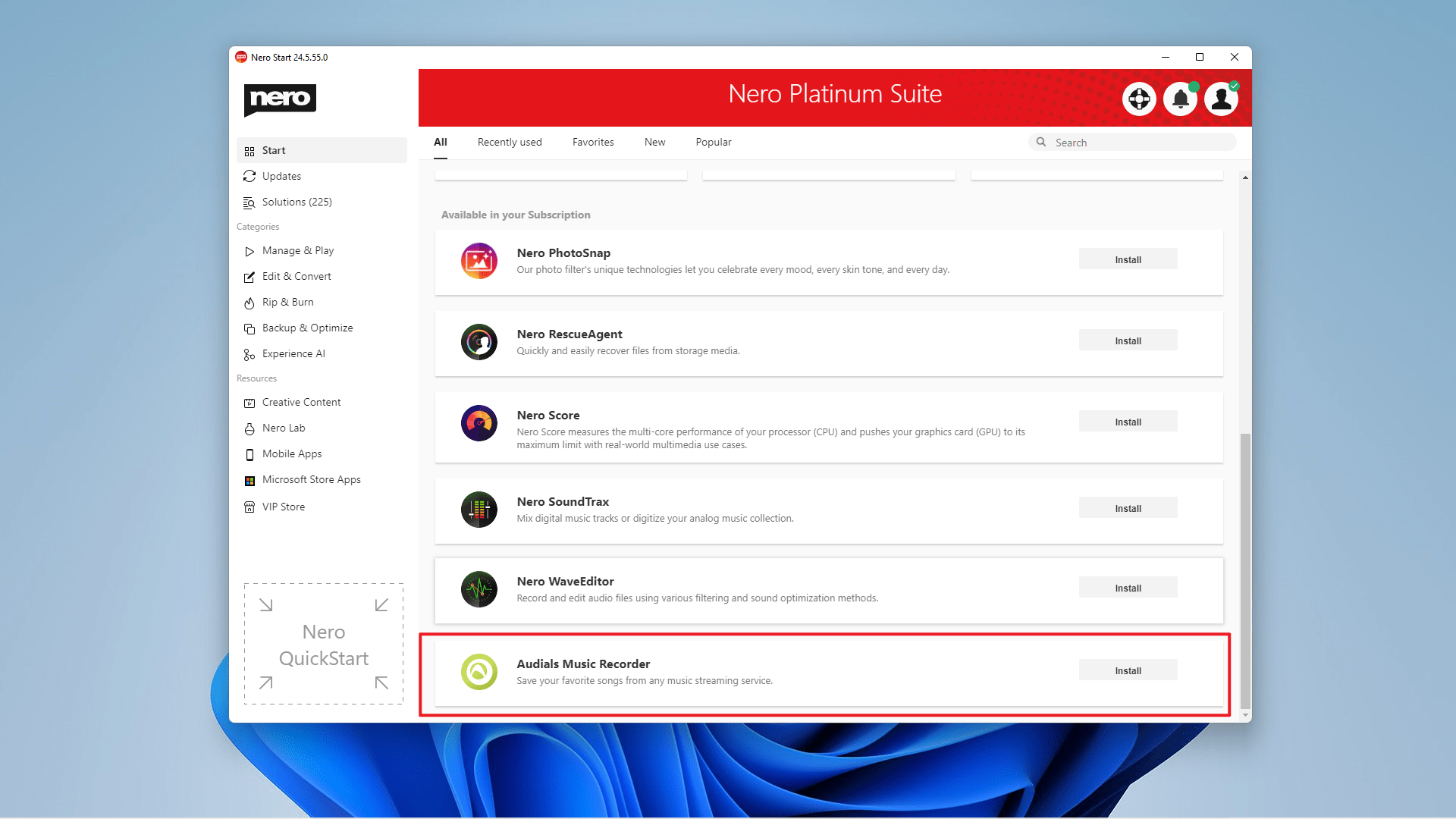
  • [New] Introduced Audials Music Recorder 2022. Now you can experience the new version of Audials Music Recorder.
AMR2022

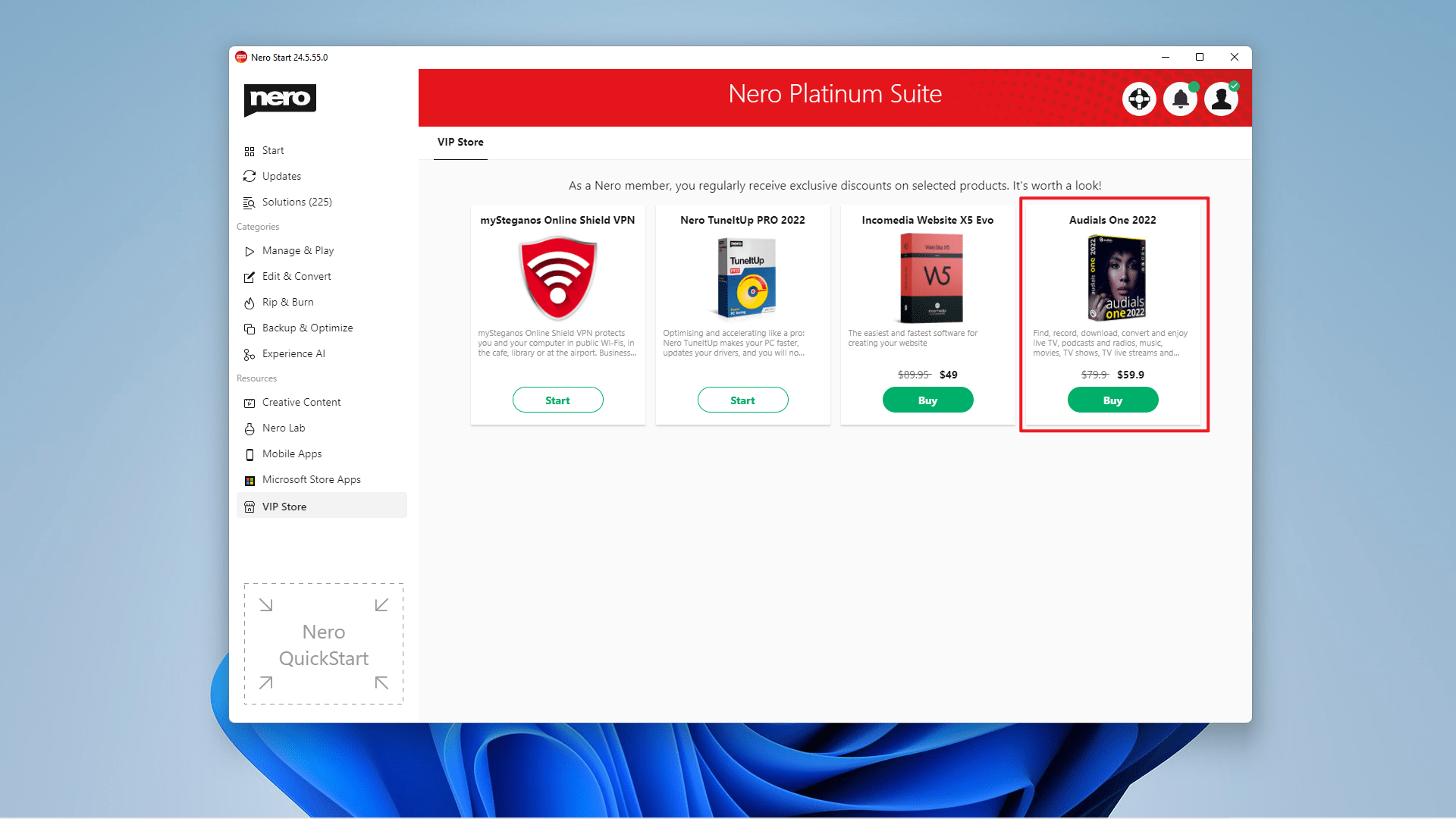
  • [New] Introduced Audials One 2022 in VIP Store. You can either upgrade to Audials One 2022 from Audials Music Recorder 2022 or from VIP Store in-app purchase directly.
AO2022

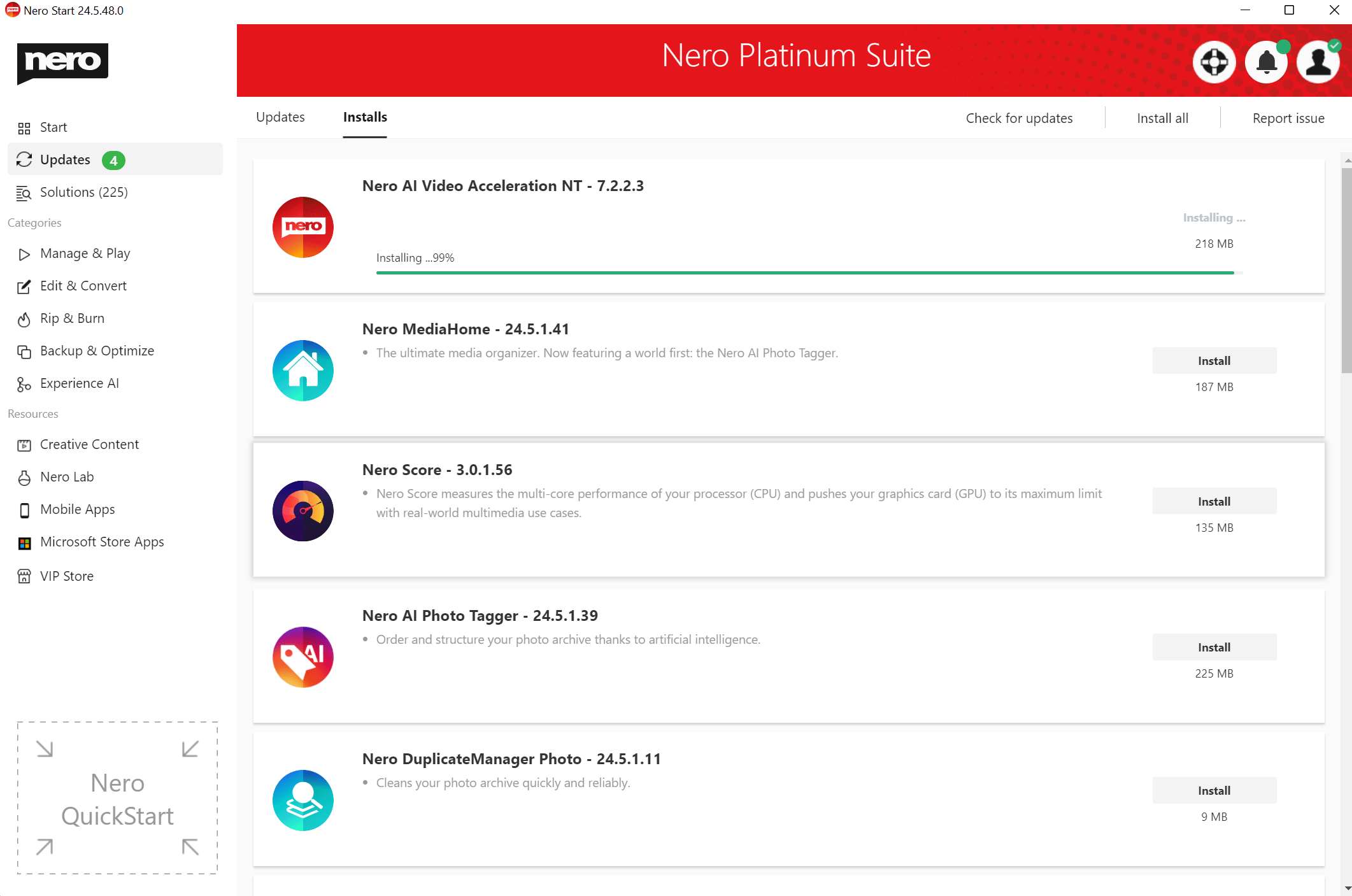
  • [New] Added CUDA AI hardware acceleration downloading and compiling for AI upscaling on the Updates page.
HWA download in Nero Start


2021-12-9

24.5.42.0

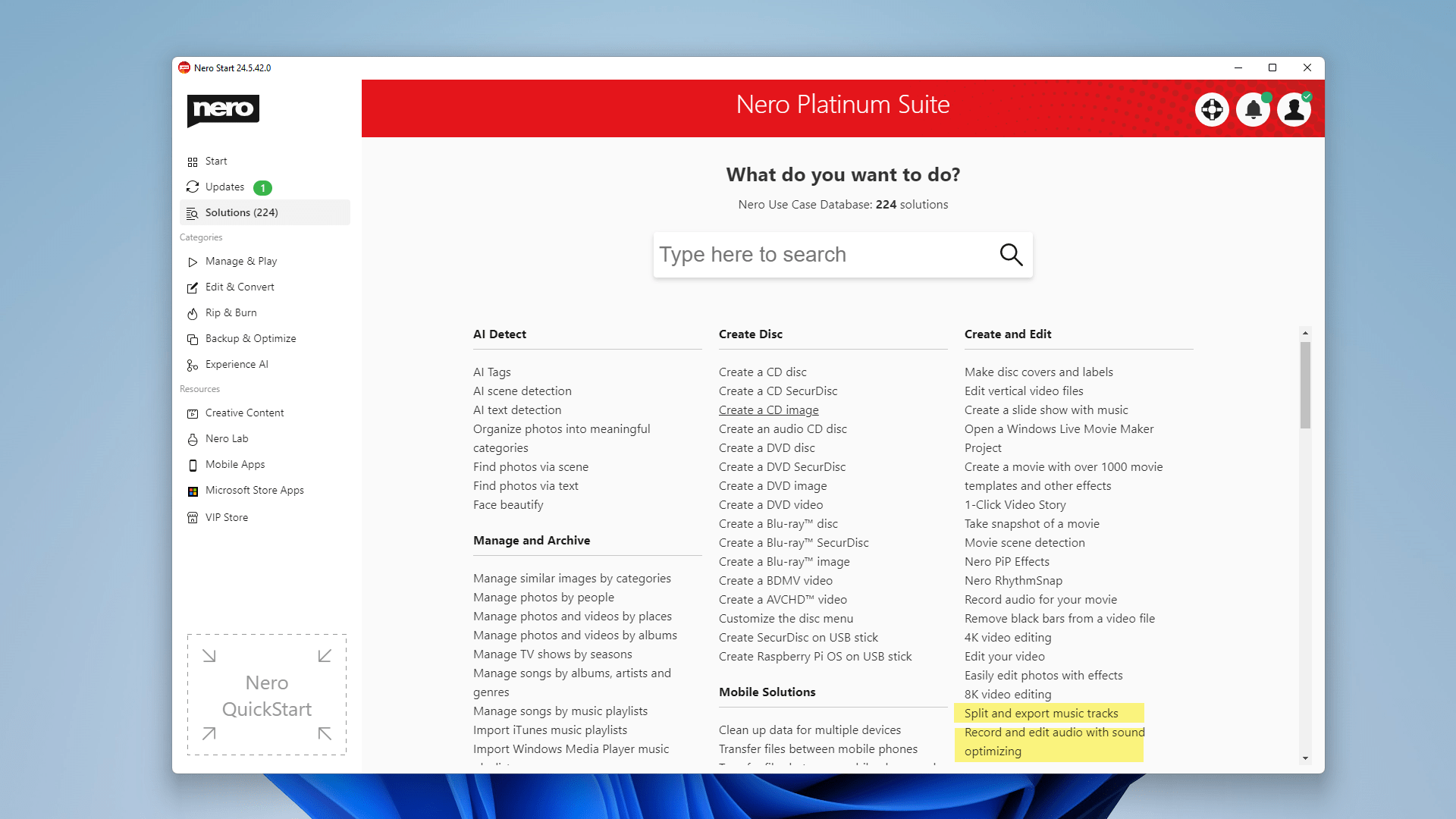
  • [New] Now you can search for more use cases of free apps.
new use case

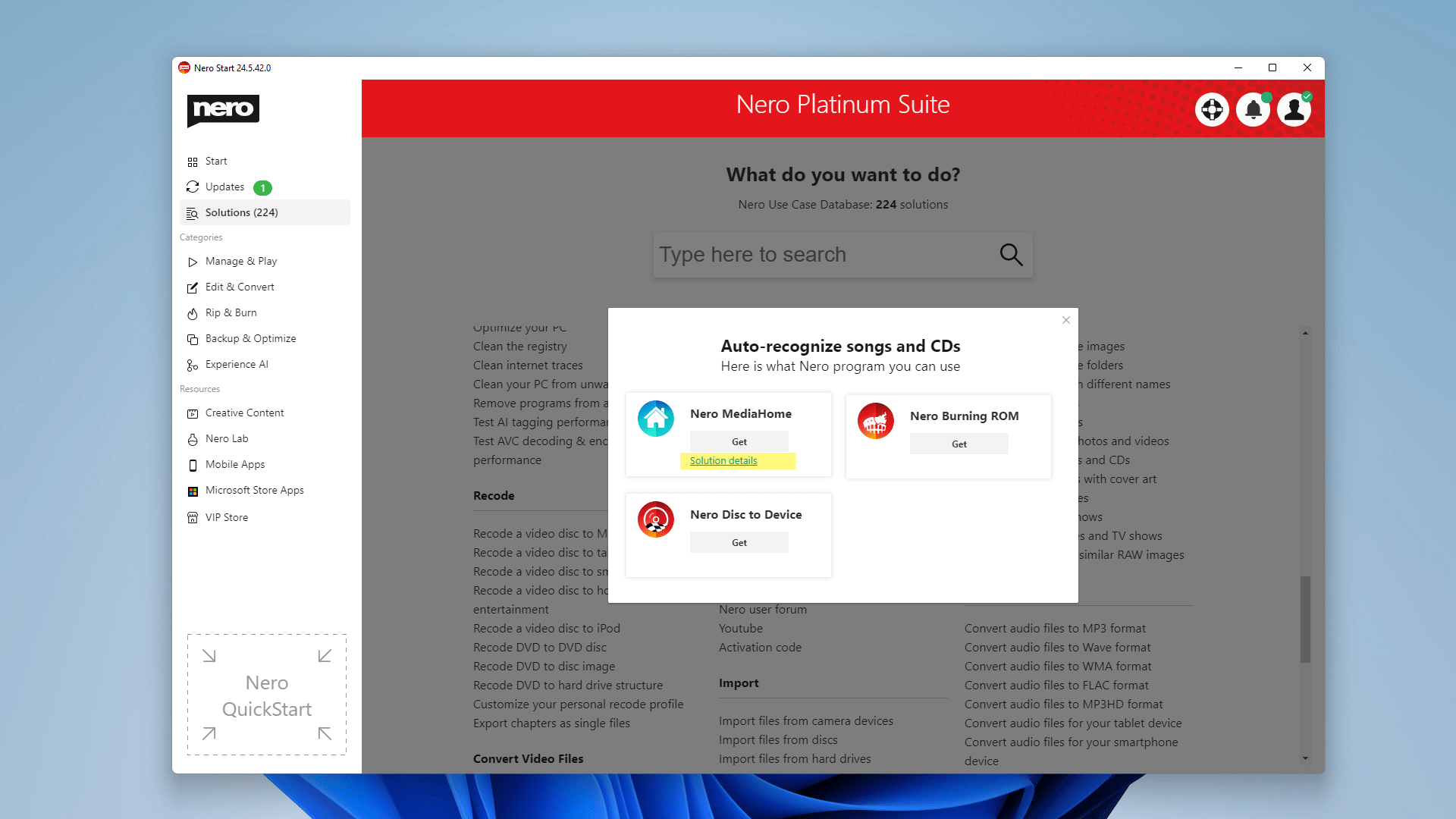
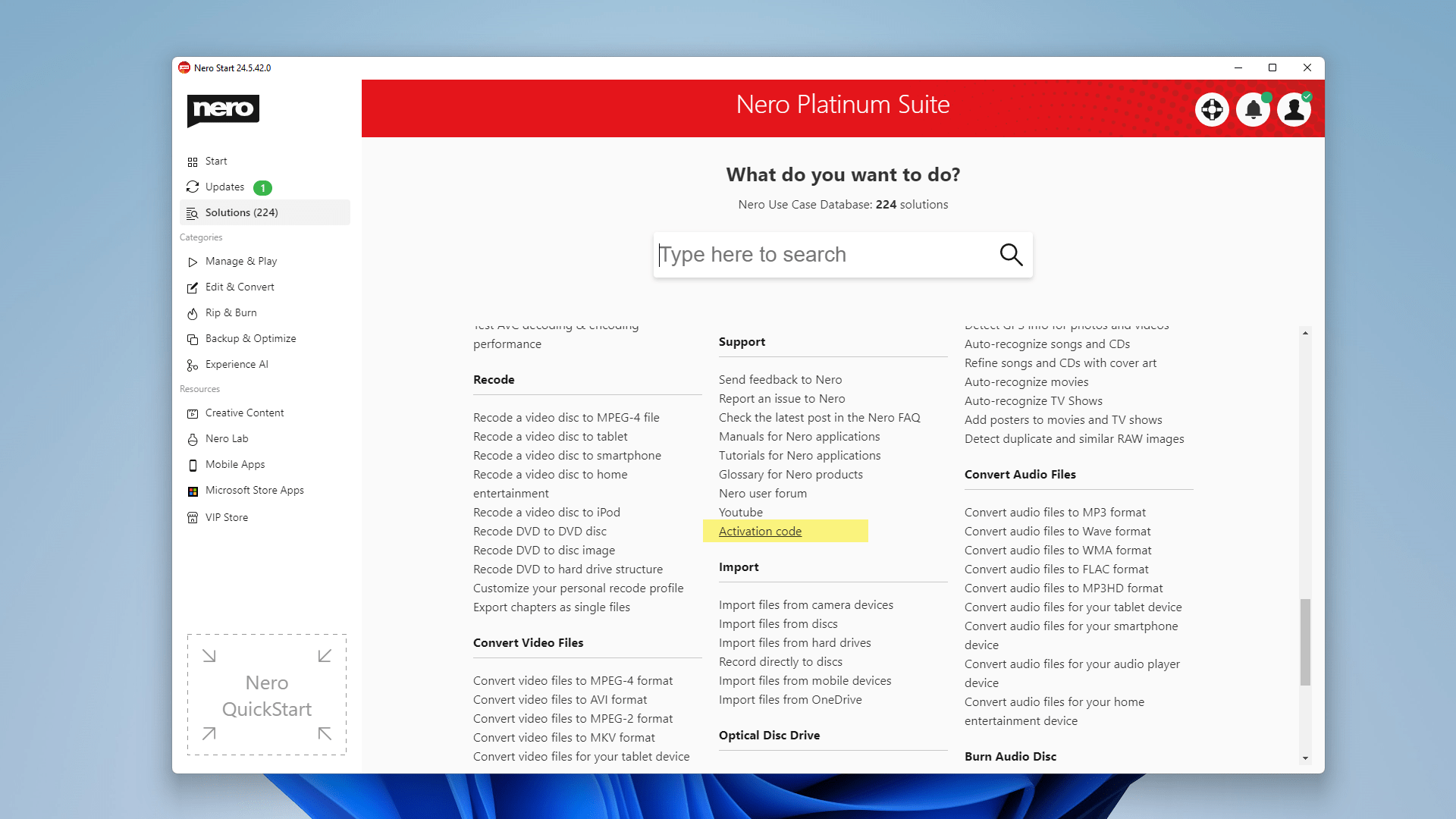
  • [New] Added FAQ for ‘Activation Code‘ and now you can search for it.
activation code

solution details

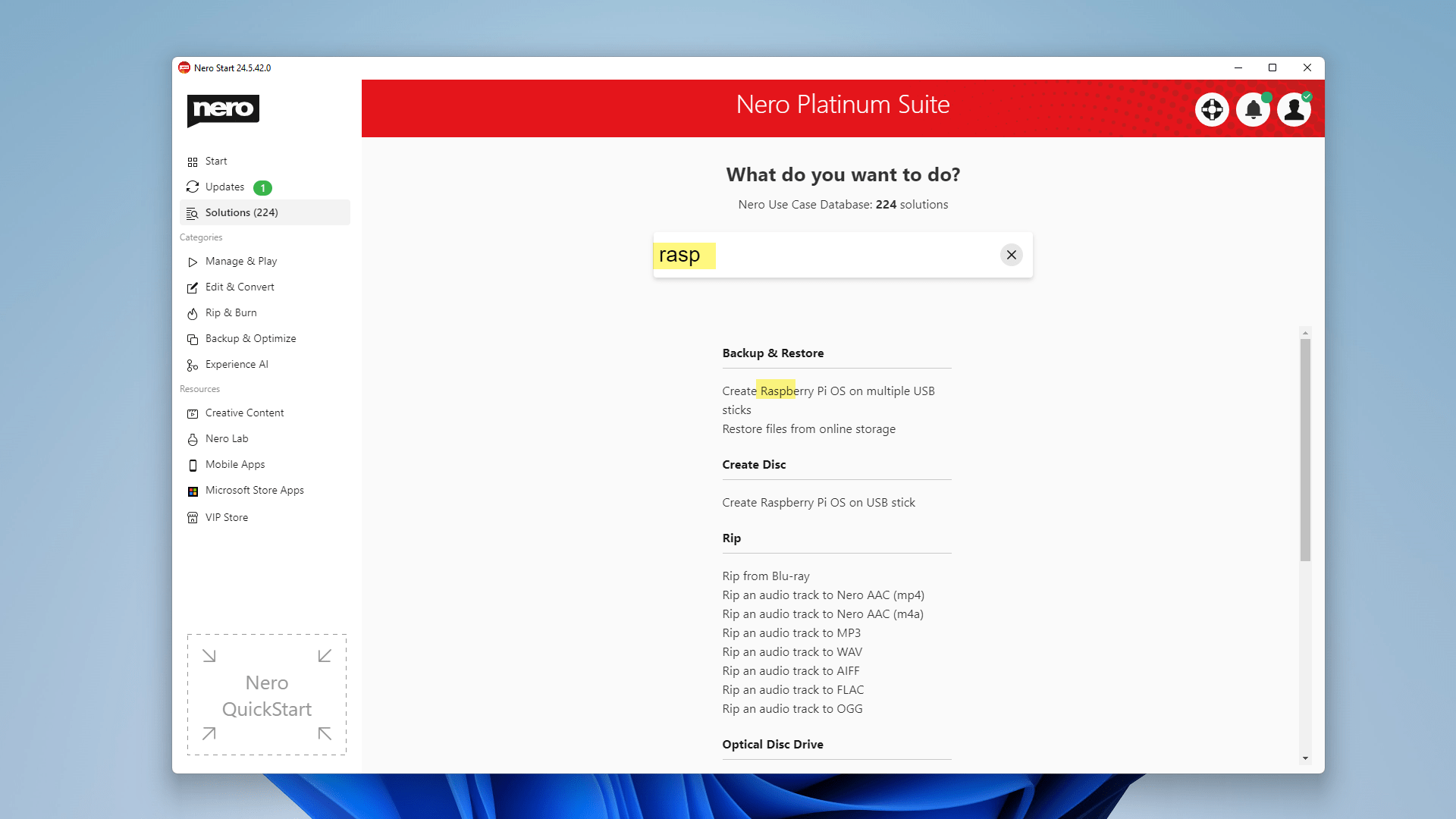
  • Optimize result displaying order during the search.
optimize result displaying order

  • Update some icon and banner designs.

new banner

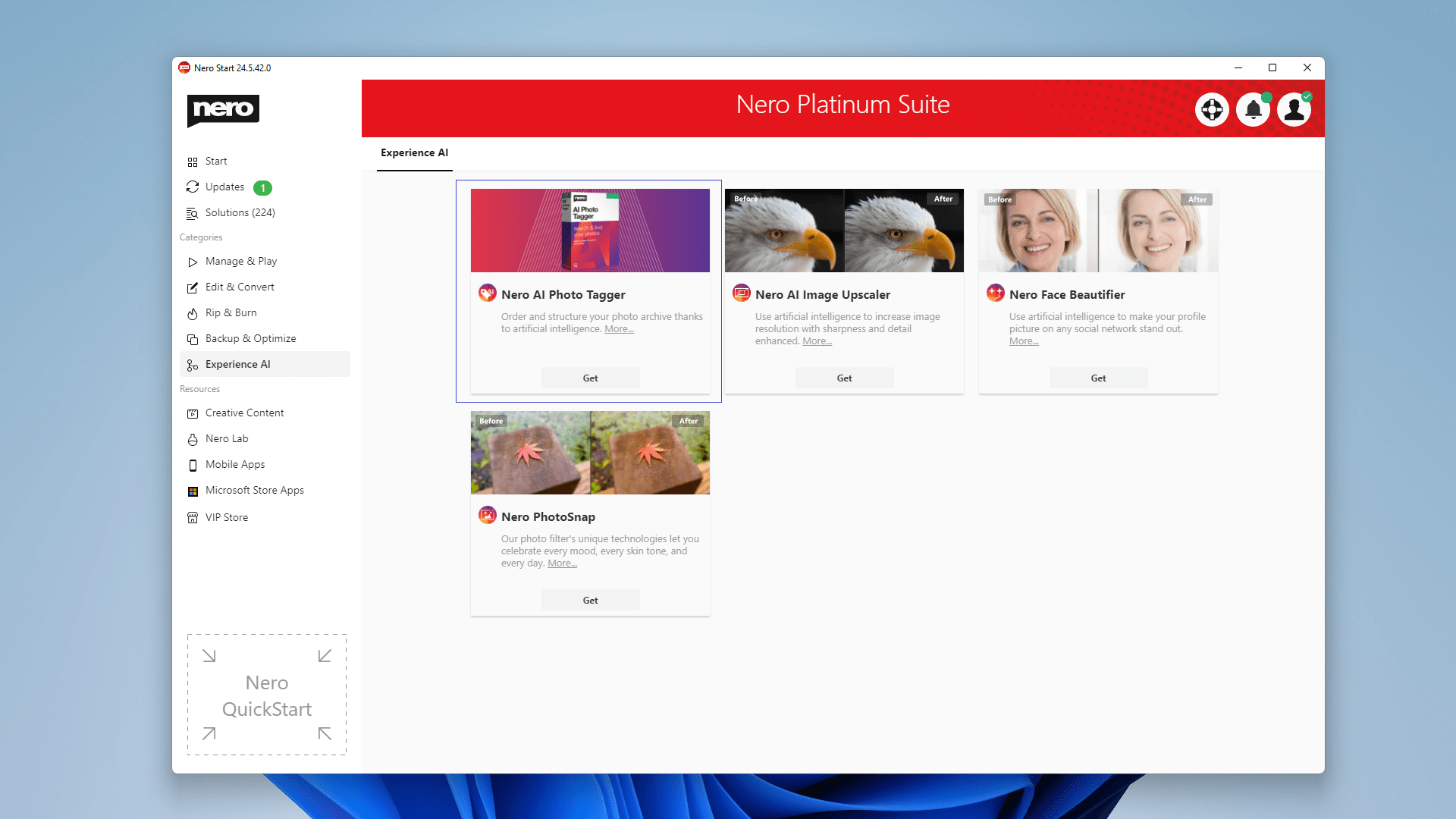
  • Changed Nero AI Photo Tagger app category to ‘Experience AI’.
apt new category

  • Some improvements for speed, stability, and reliability.


2021-11-10

24.5.33.0

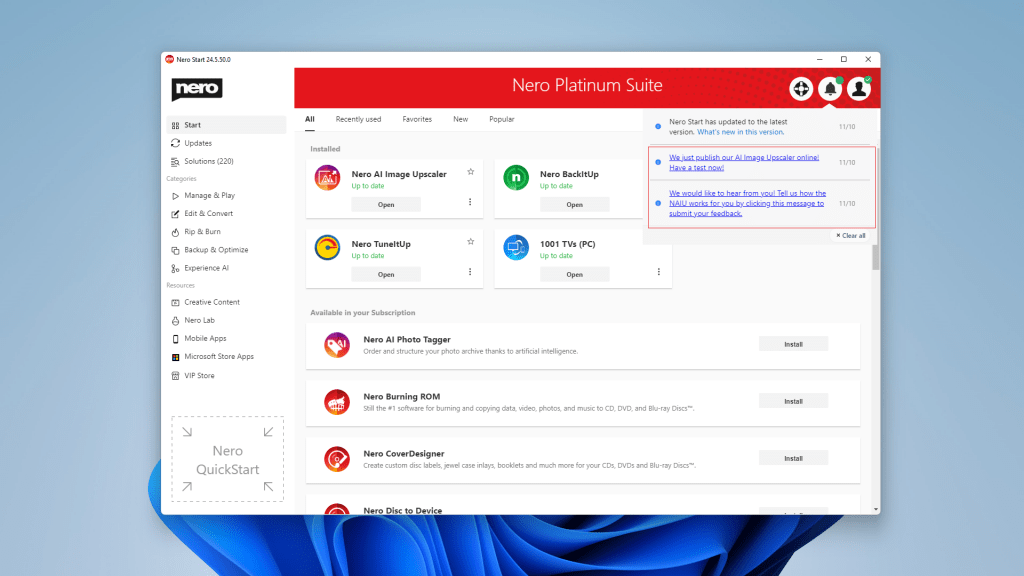
  • [New] Update now to regularly receive notifications for upcoming campaigns.
online message

  • Improved compatibility with Win11 OS.


2021-10-20

24.5.23.0

  • 2021 Q3 Release
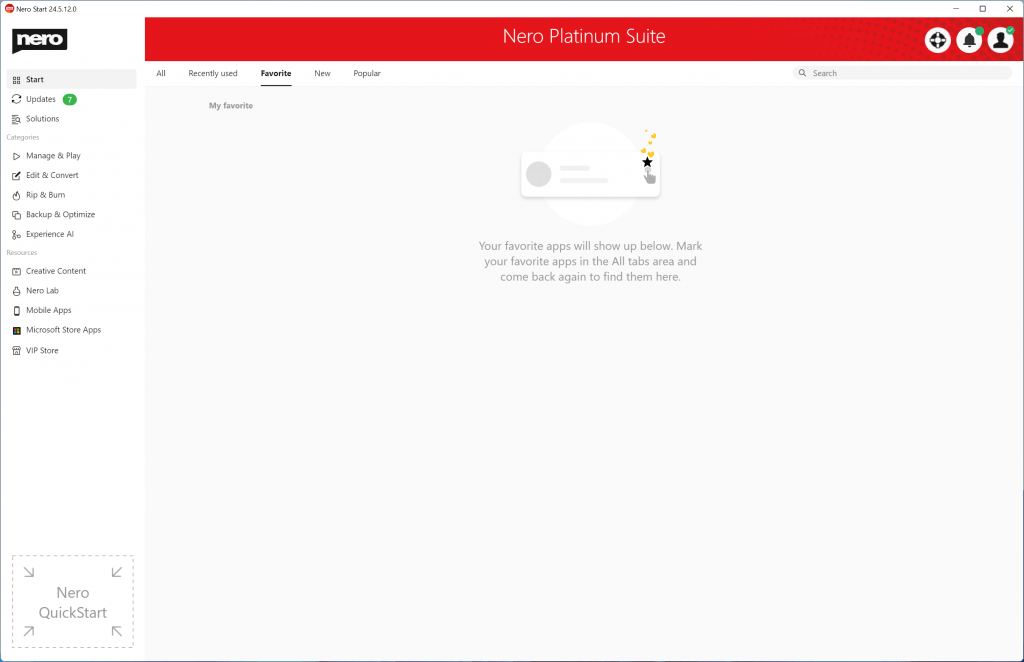
  • [New] The new user interface provides you with dynamic and customized tabs such as “Recently used” and “Favorites” pages.
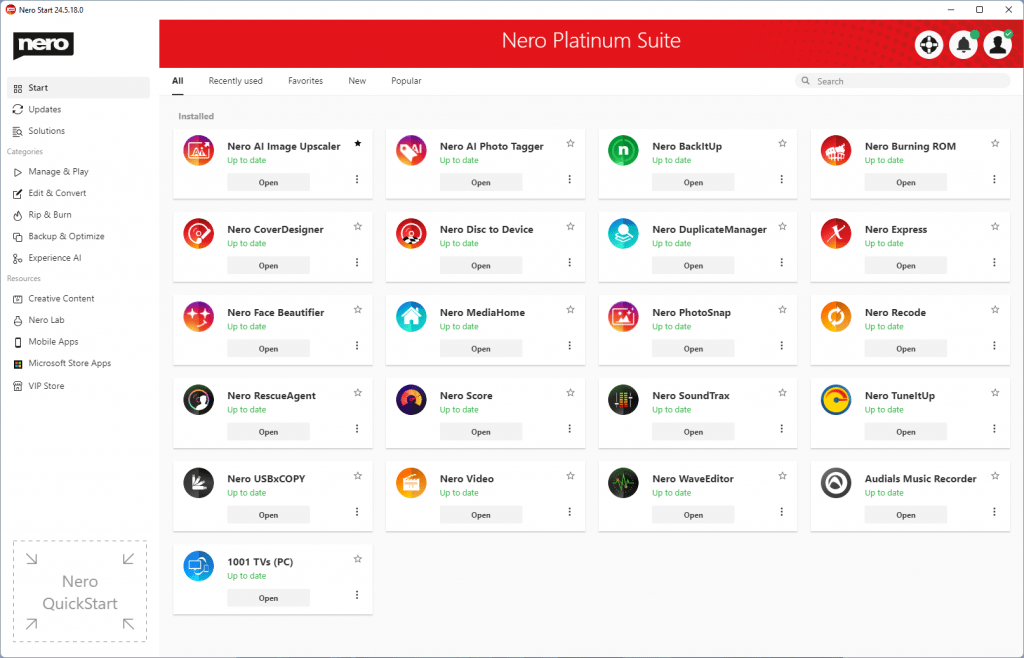
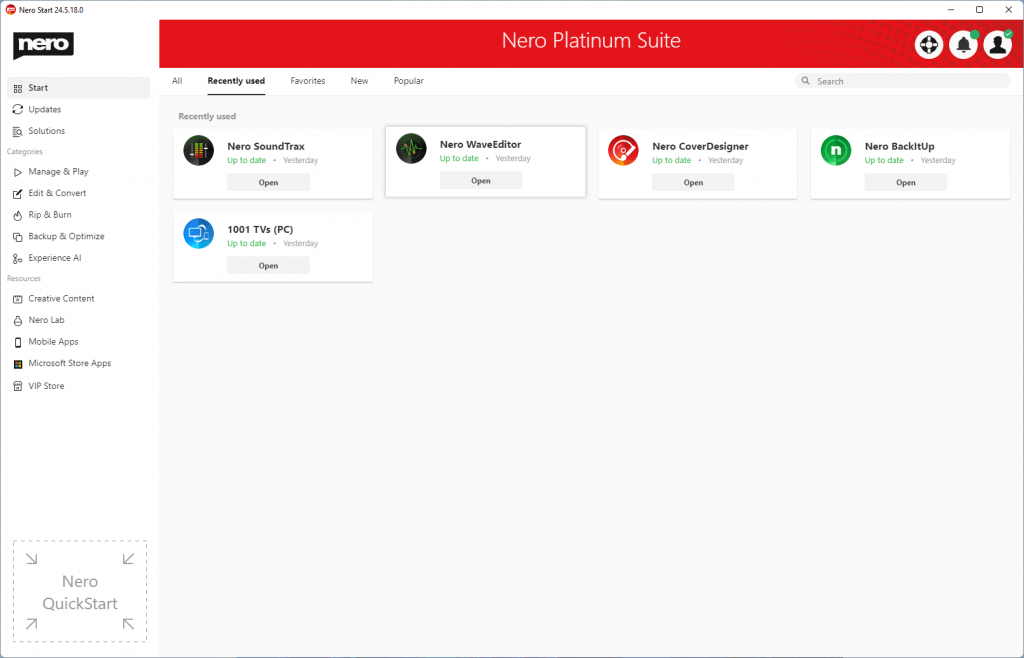
nero start-all

nero start-recently used

nero start-favorite null

  • [New] See the latest released apps and most popular apps from users all over the world.
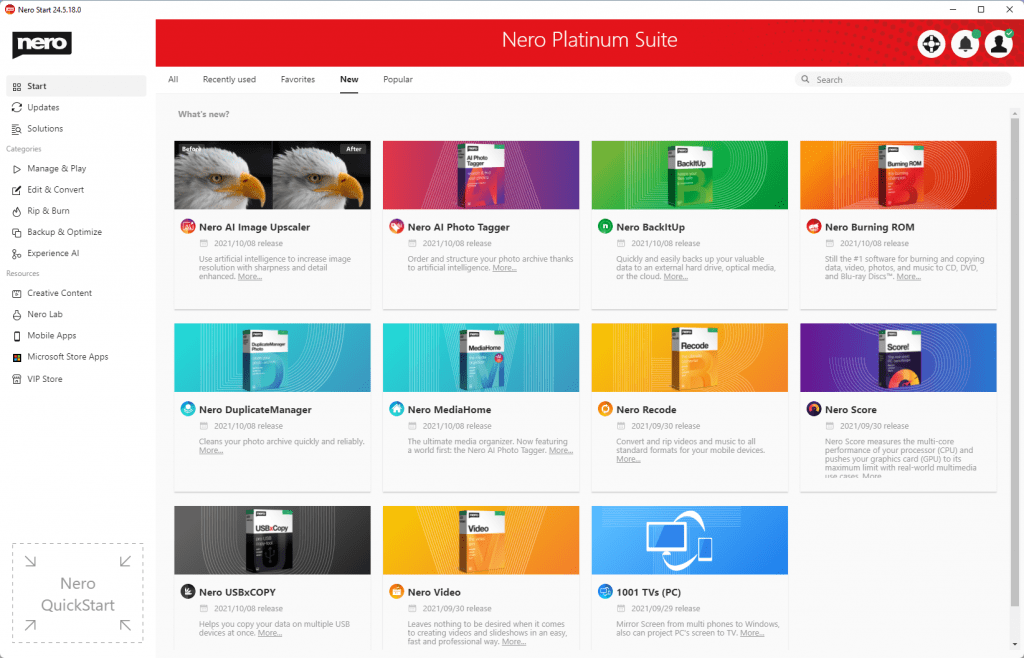
nero start-new

  • [New] Dedicated “Updates” tabs keep you focused on the apps you have installed.
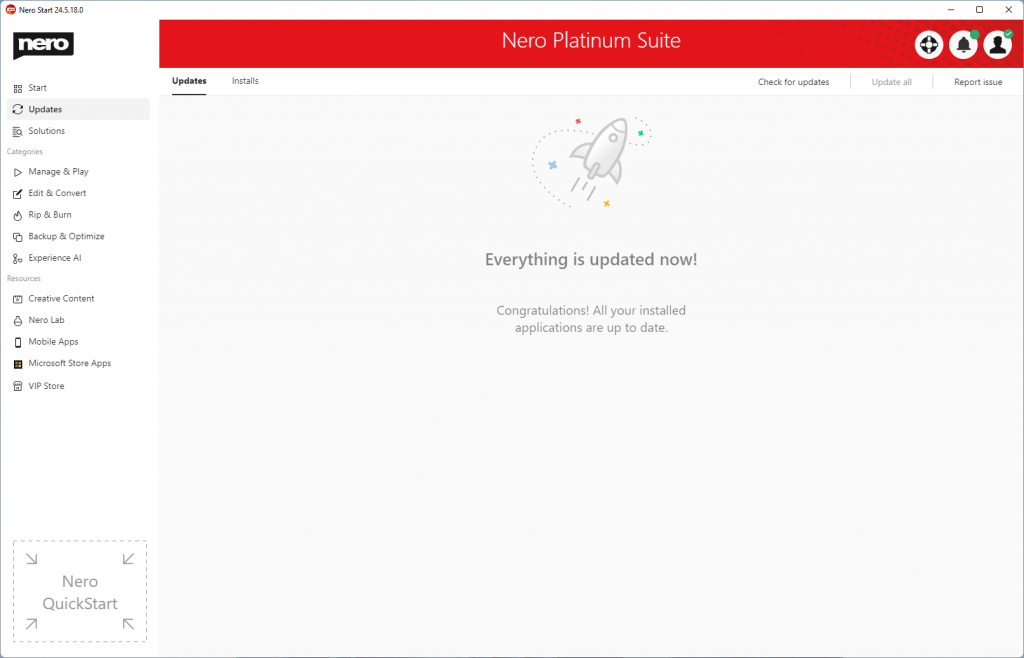
nero start-updates-updated

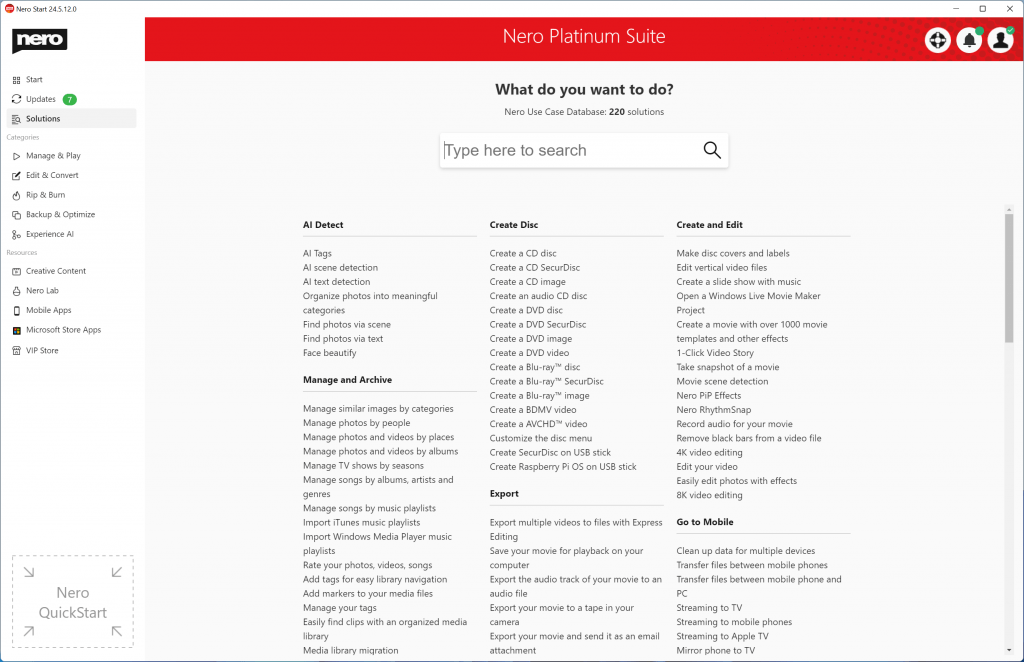
  • [New] Provides more than 200 solutions for mobile and PC with easier and faster accessibility and a ‘Search’ bar on the ‘Start’ page.
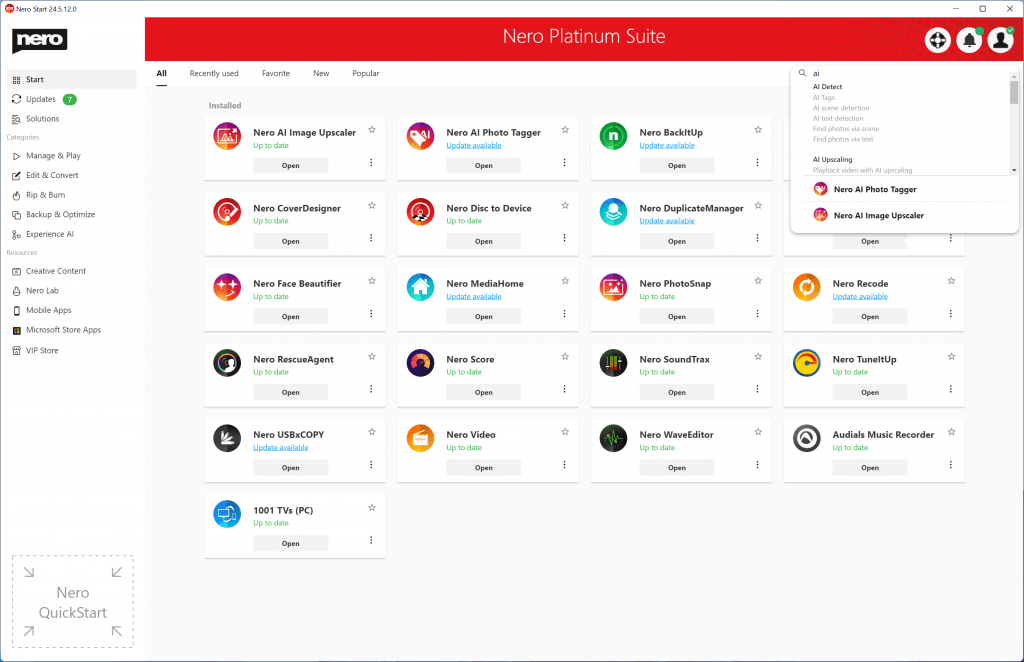
nero start-search-ai

nero start-solutions

  • [New] A brand new category “Experience AI” provides easy access to apps that are powered by AI.
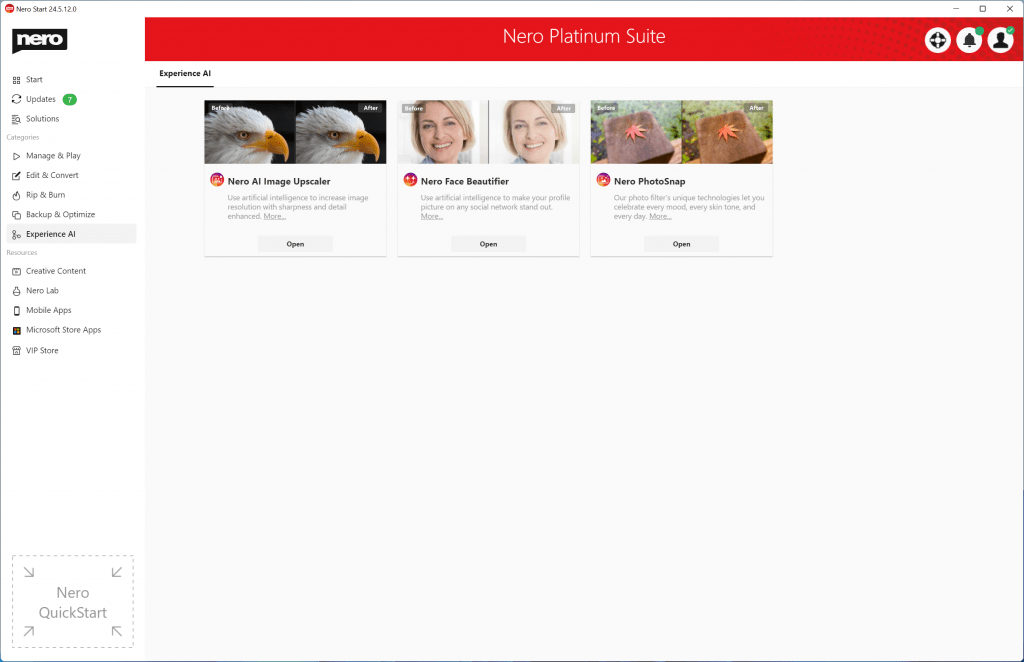
nero start-e&a


2021-8-4

23.5.2.59

  • This update includes some bug fixes and usability improvements.


2021-7-21

23.5.2.58

  • [Improvements] Improved download and install logic.


2021-6-25

23.5.2.57

  • [New] As a Nero user, you can log in to the Nero Account to purchase 3rd party apps in the VIP Store.
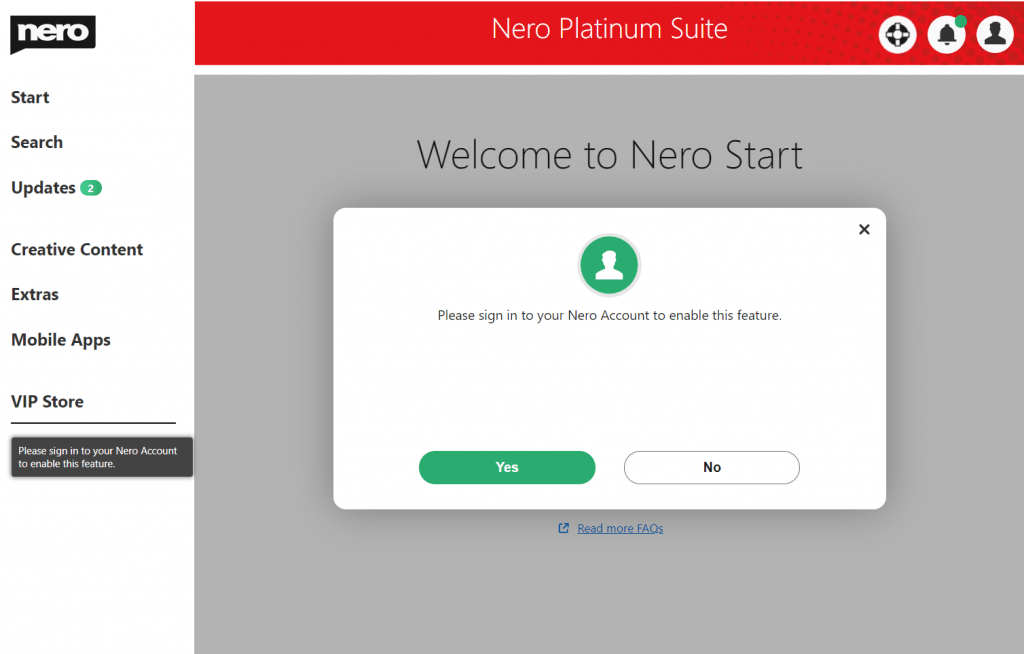
VIP Store

  • [Improvements] Added solution counter for Nero Use Case Database in Search Page.
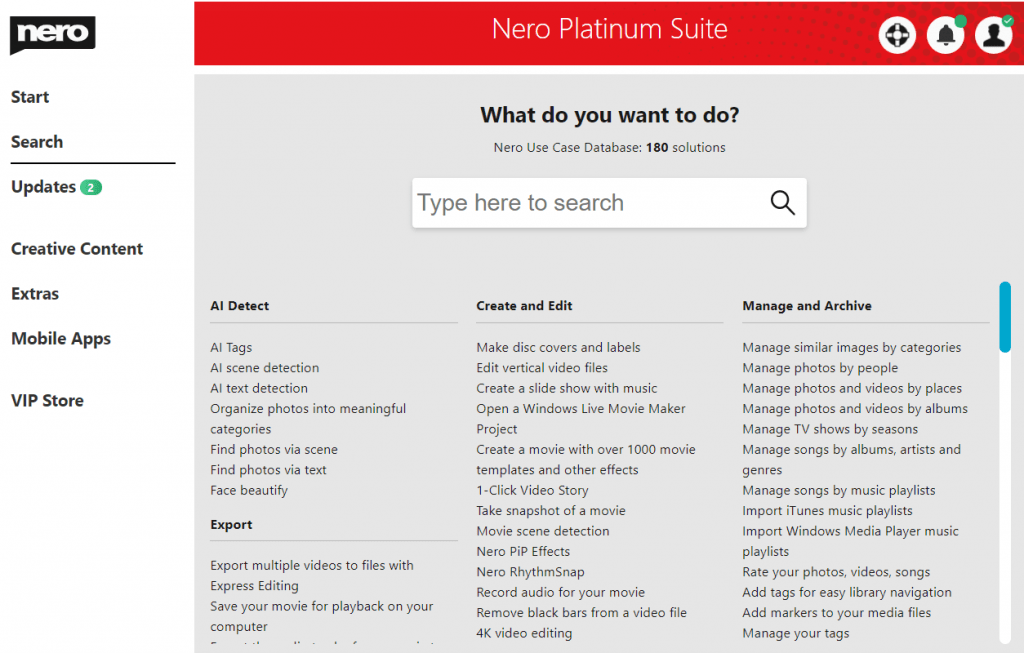
solutions

  • [Improvements]You can upgrade to Nero Platinum Suite full version with flexible options, easier and fatser.


2021-5-20

23.5.2.53

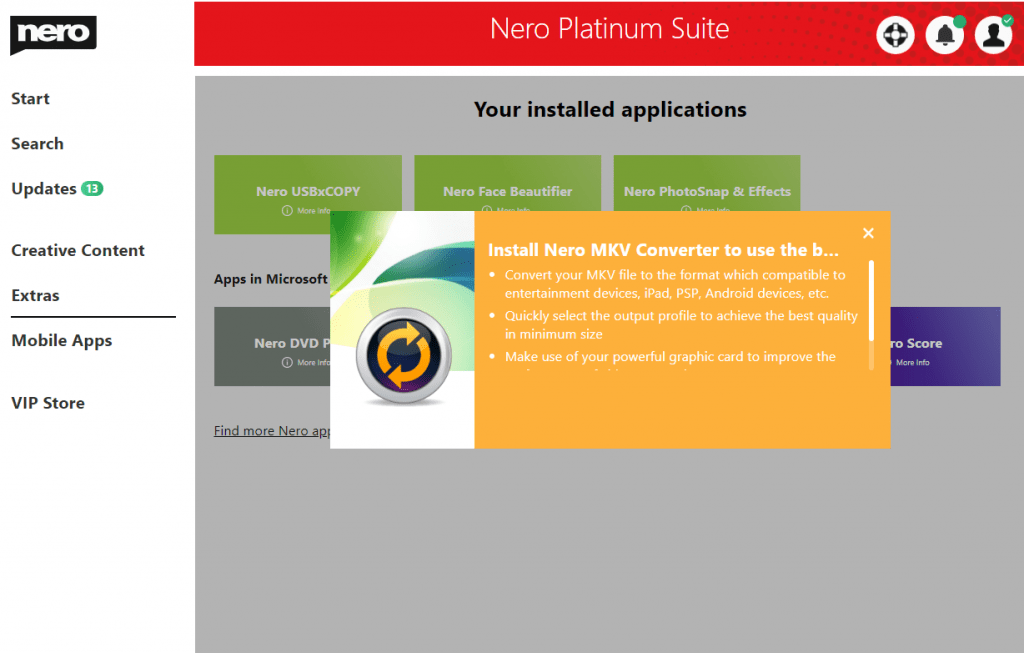
  • [New] Nero MKV Converter is now added to the Extras page for Microsoft Store apps.
Snipaste_2021-05-20_13-47-26

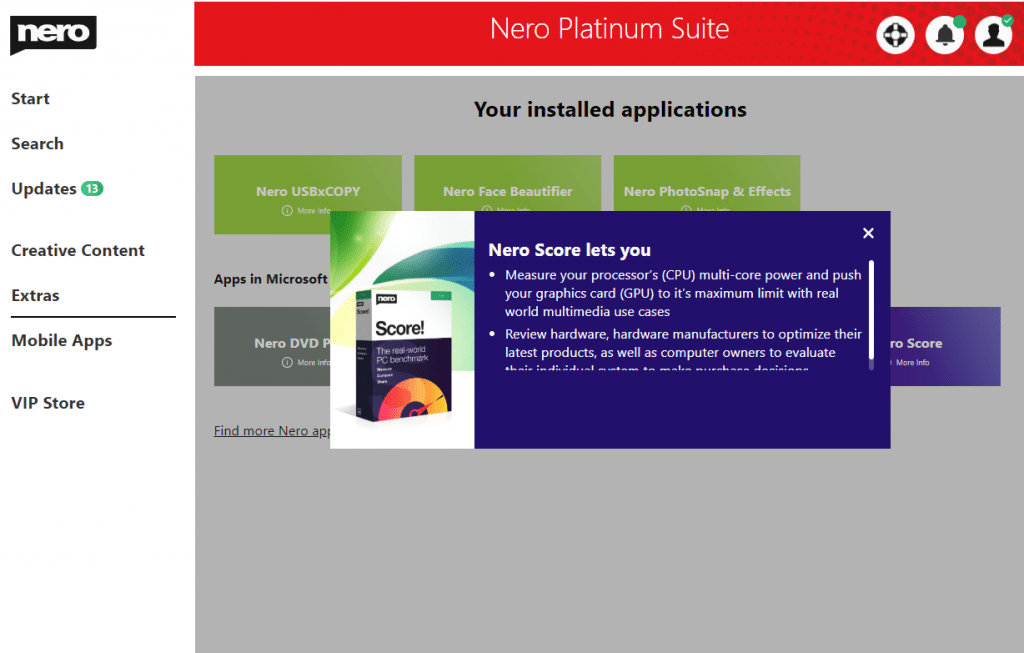
  • [New] Nero Score is now added to Extras page for Microsoft Store apps.
Nero Score

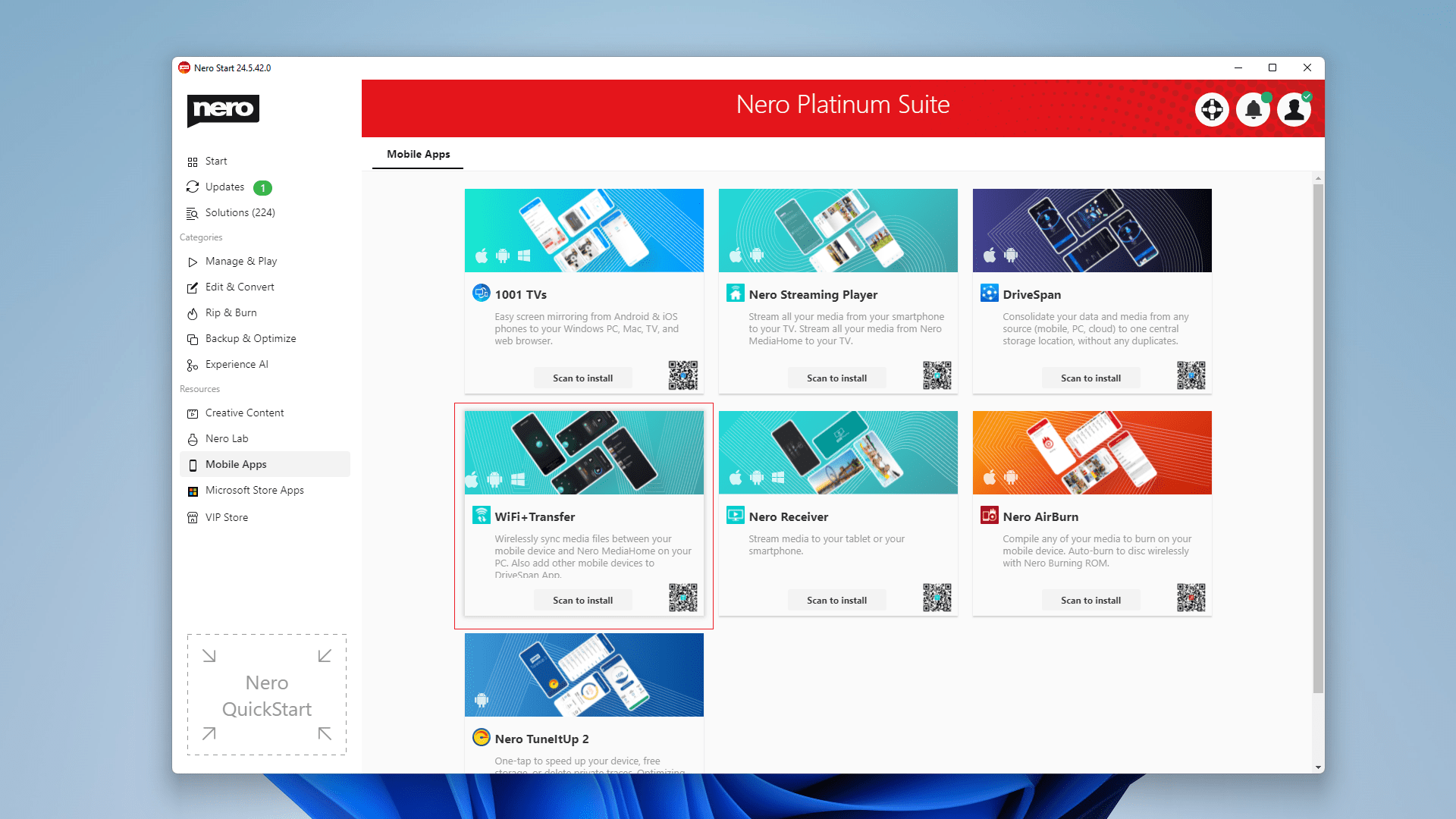
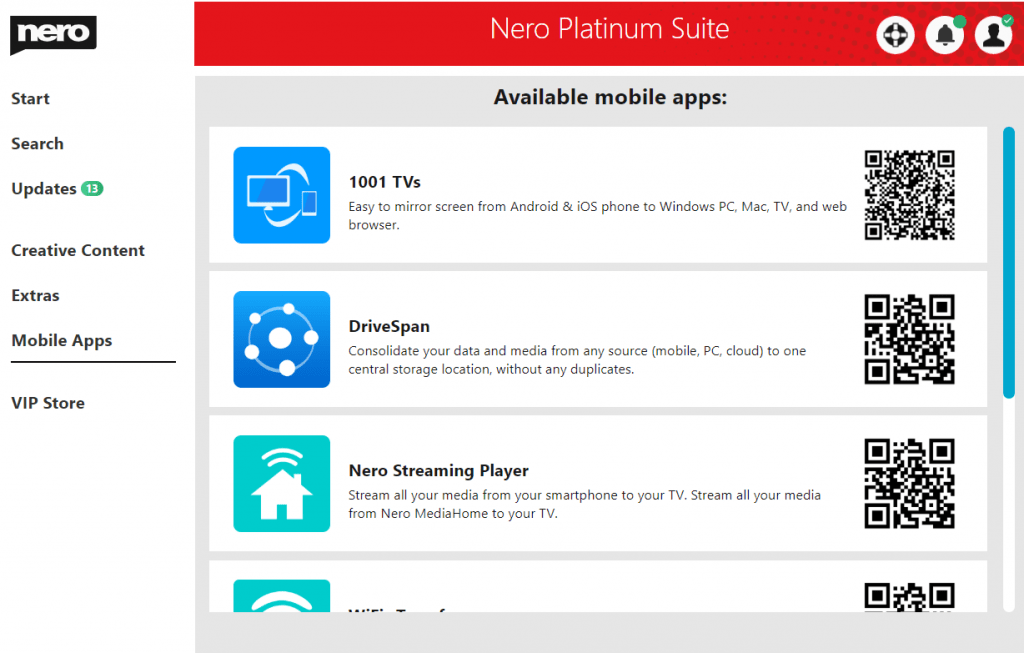
  • [New] 1001 TVs is now available from the Mobile Apps page.
1001 TVs


2021-4-29

23.5.2.51

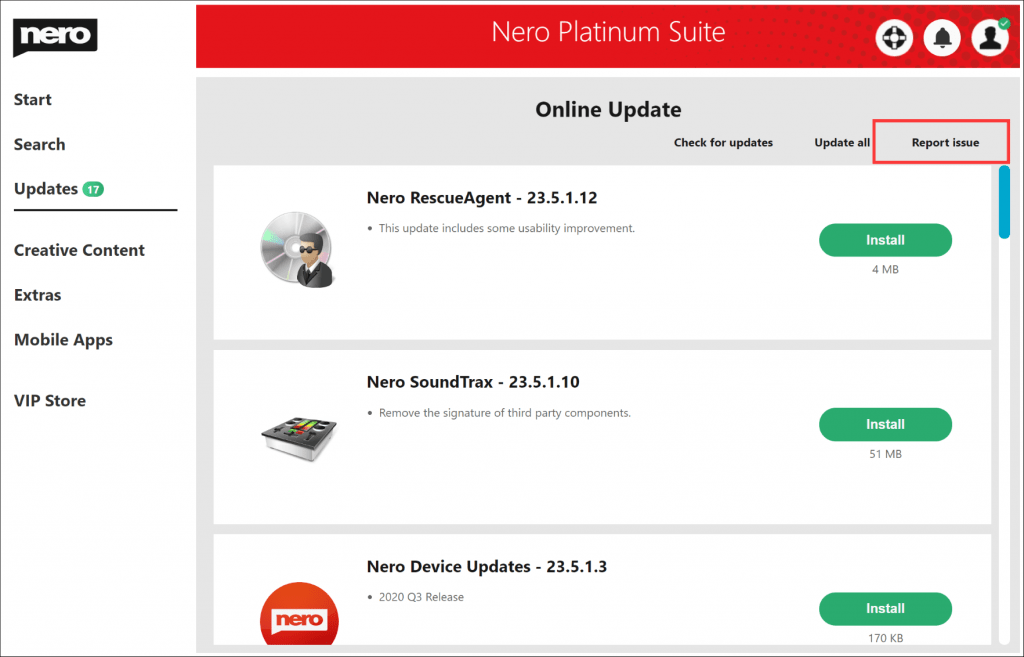
  • [New] You can report the download/update/install issues manually when it is failed in the Updates page.
Report Issue

  • Fixed some issues in download and installation.


2021-4-8

23.5.2.43

  • Improved download and install performance.


2021-2-5

23.5.2.36

  • [New] The update center now is displaying the package size of each application version.
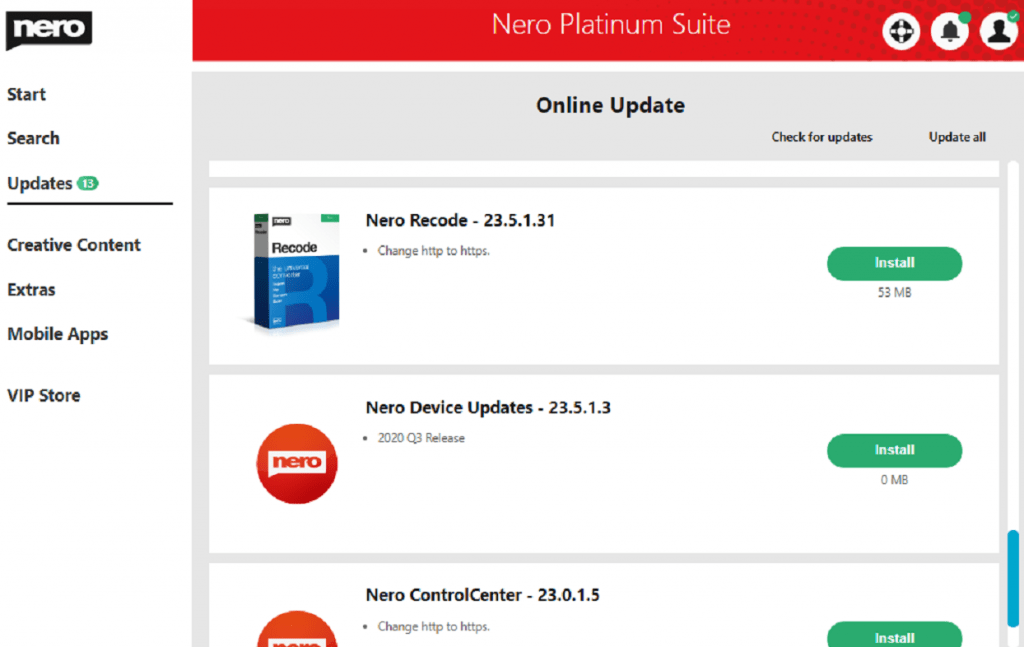
Update center with size info

  • Improved to support the upcoming version of Nero DuliplicateManager Photo x64 update.


2020-12-8

23.5.2.20

This update contains some improvements and bug fixes to continuously improve the quality:

  • Better compatibility – Nero Start has improved the download behavior when the network is poor.
  • Nero Start now is better compatible with Nero standalone products.
  • We have fixed some application update issues related to special characters in the installation path.
  • Better support Nero TuneItUp.
  • Now, in the ‘Search’ view, you can easily find what Nero AI can help you with and easily jump to the application.


2020-11-2

23.5.2.7

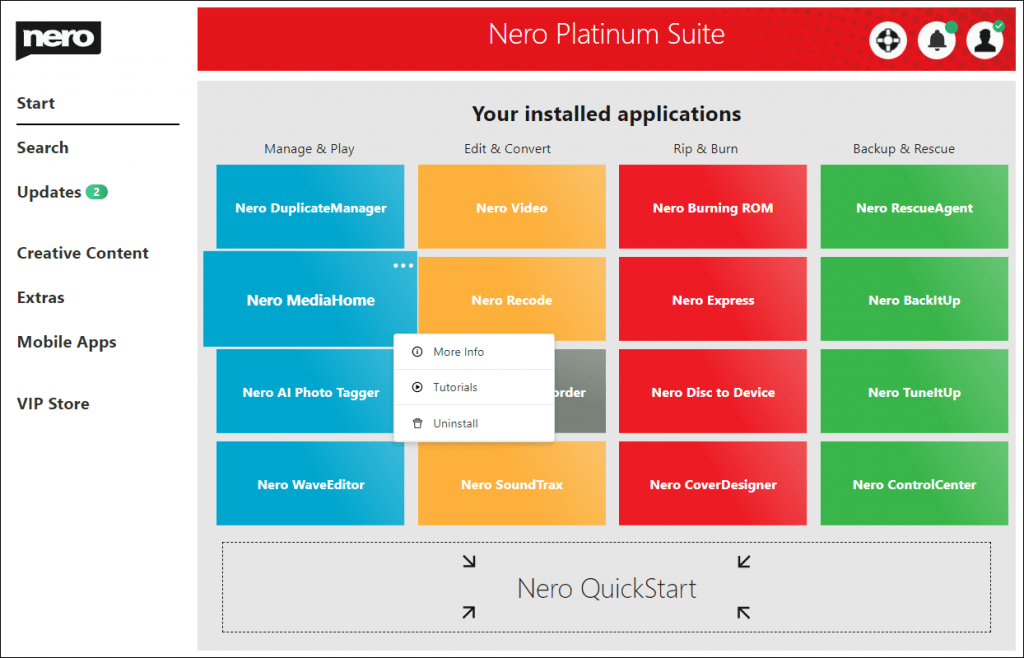
  • [NEW] Available to uninstall the application from the right-click menu.
  • Fix several issues in updating applications.
  • Fix issue for VIP Store.

Right-Context Menu


2020-9-23

23.5.1.54

  • 2020 Q3 release.
  • [NEW] VIP Store is available for Nero Platinum Suite – 1-year license. In the VIP store, exclusive discounts are available.
  • [NEW] Nero TuneItUp PRO is available for Nero Platinum Suite – 1-year license. Download, install and unlock it!
  • Fix issues to improve the software’s stability.
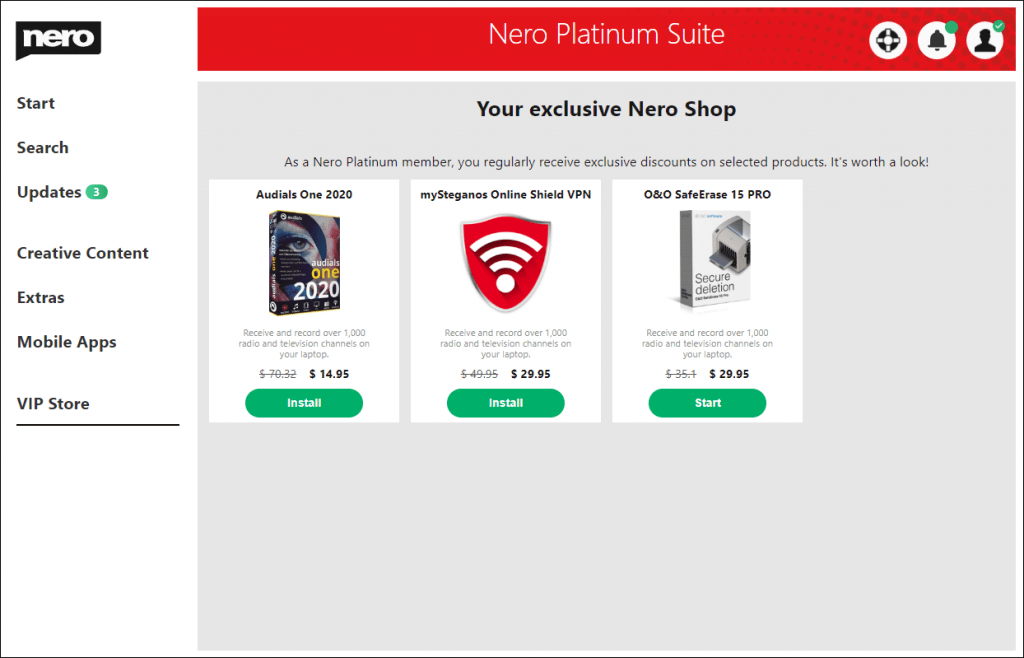
VIPStoreLatest NTIU_PRO


2020-9-16

23.5.1.48

  • [NEW] New Updates Center to install and Update Nero products.
  • [NEW] New designed Options screen in Nero Start.
  • [NEW] It is available to select one Nero product from all products in my Nero Account and show it on the Start screen.
  • Improved notifications in Nero Start.
  • Fix issues to improve the software’s stability.
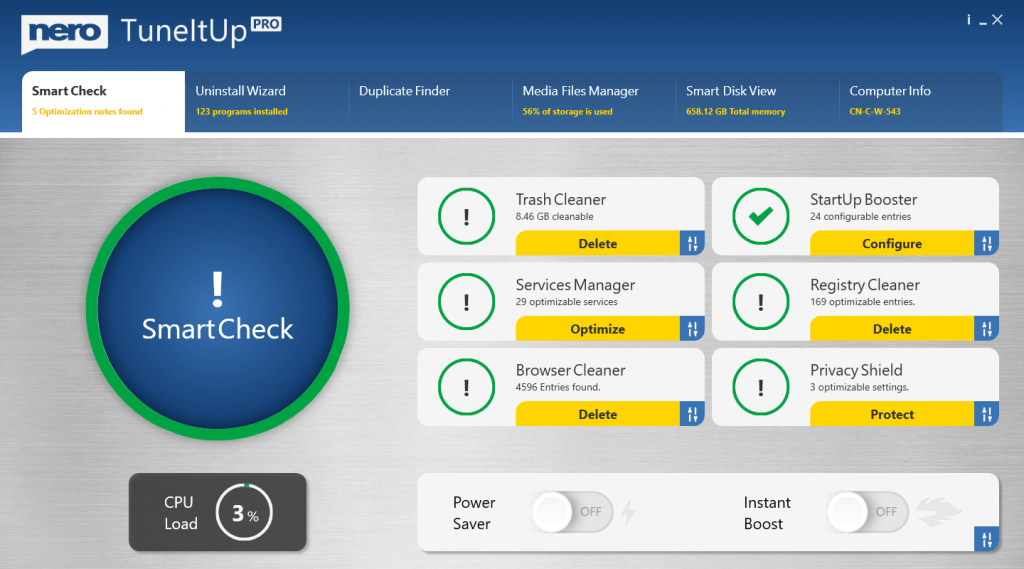
NeroStart


2020-07-03

  • [NEW] You can get Nero products from Windows Store now. Open the “Extra” screen, and find Nero in Windows Store.
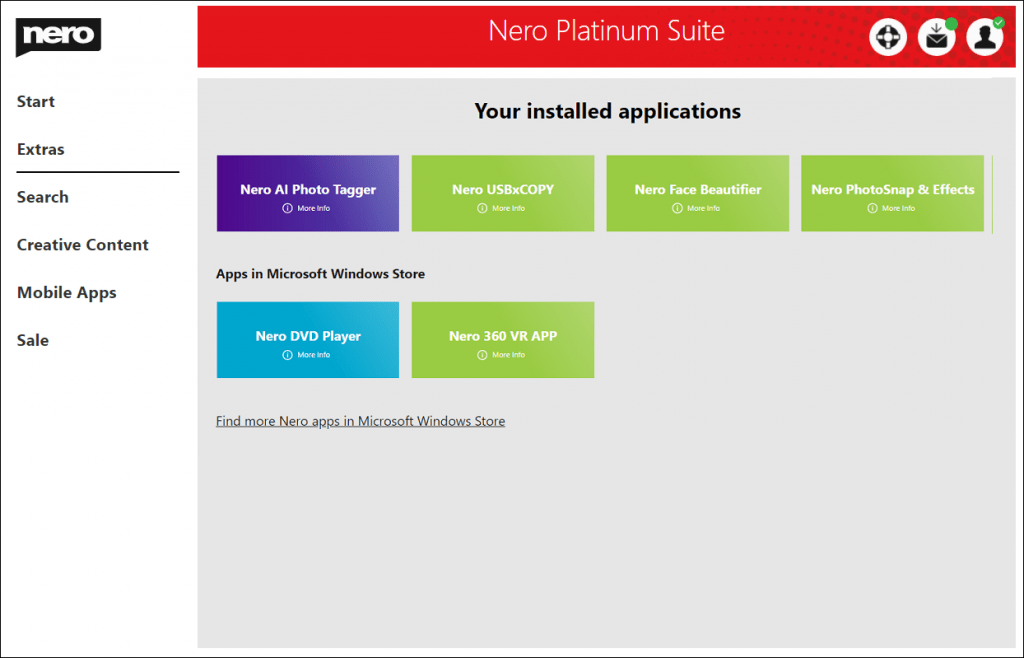
WindowsStore

  • Fix issues to improve the application’s stability.

new solution page


Nero KnowHow 00250

Changelog – Nero AI Image Upscaler

This is the changelog for version ID starting with xx.5.x.x  

If you are running an app from the Microsoft Store whose version ID starts with 2.0.x.x, please see the changelog here. 

25.5.12.0

2023-01-13

New

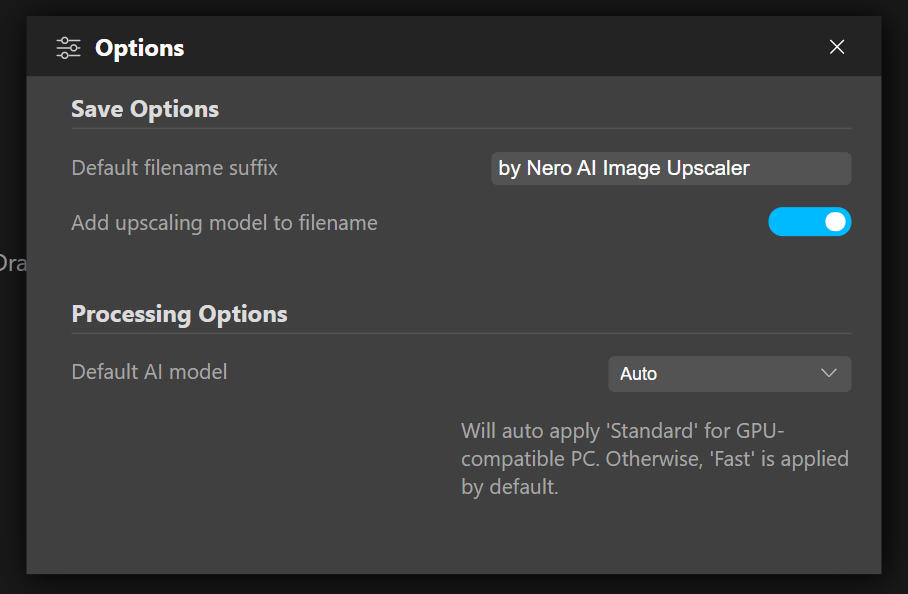
setup default ai model

  • Now you can set up the default AI model in the Options.
  • Support new format .webp

25.5.11.0

2022-10-28

Improvements

  • Localizations for German


25.5.10.0

2022-10-14

New

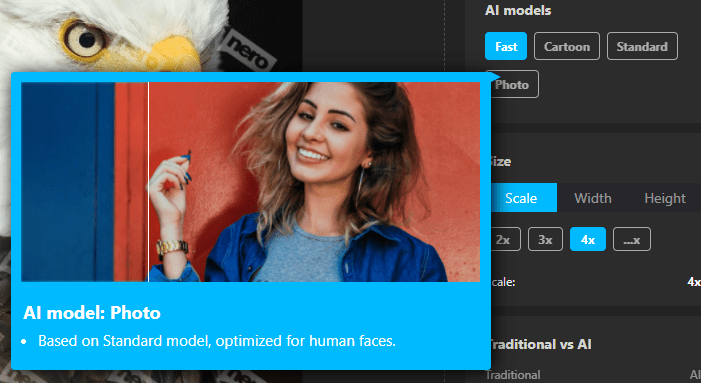
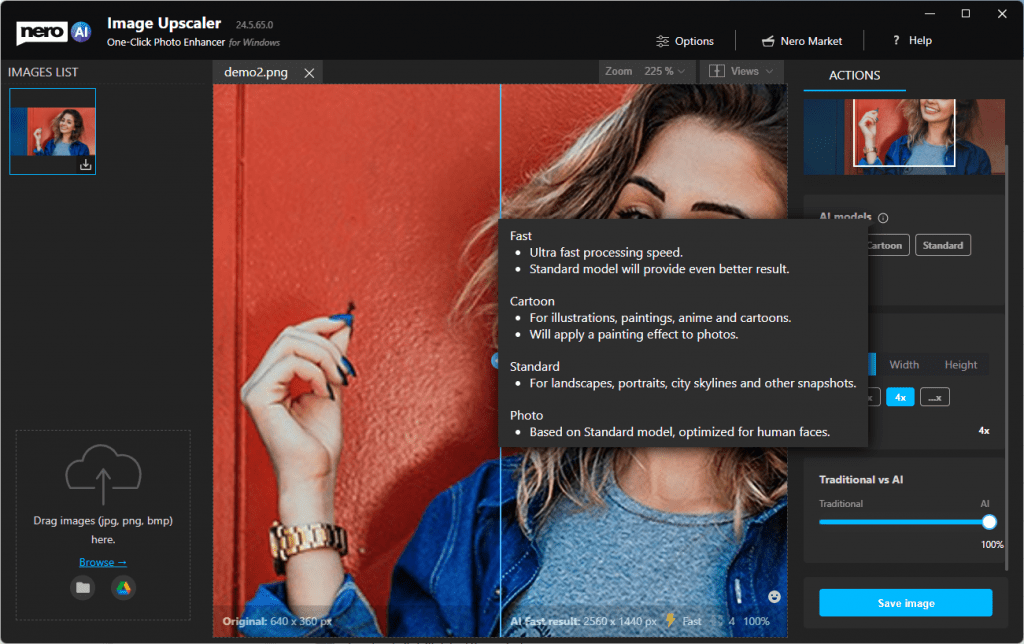
  • Hints with gif when cursor hovers on the model.

tooltip for models

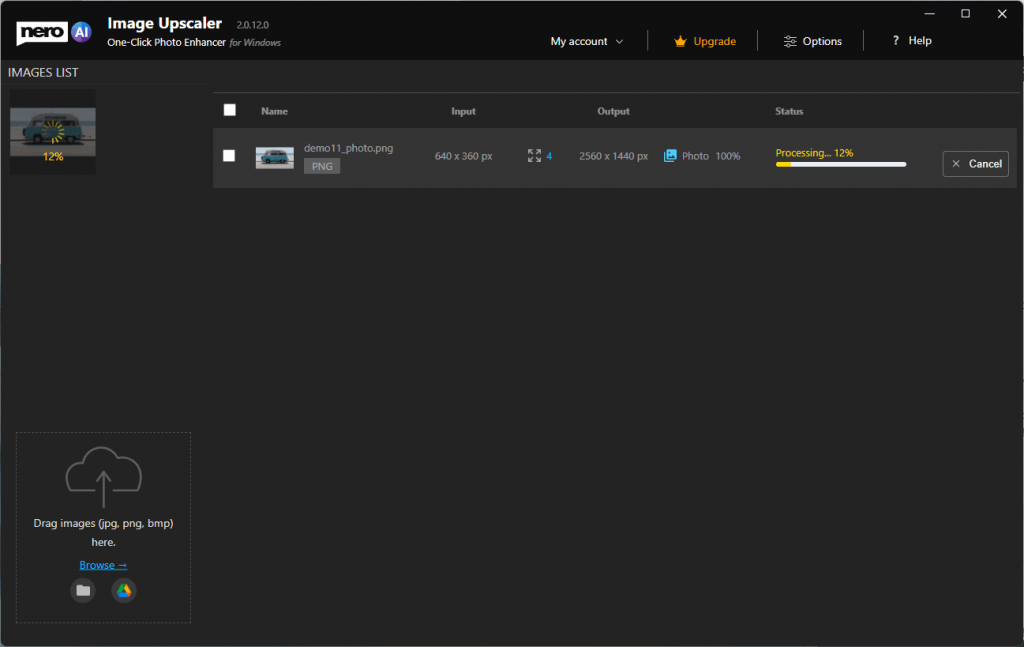
  • Show the progress status in the thumbnail list for the image under processing.

progress status

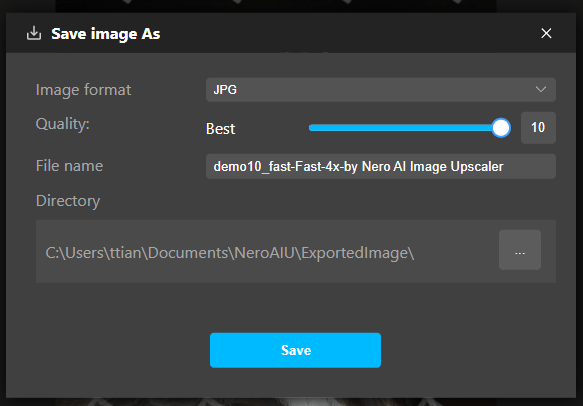
  • Support compression settings when saving results as the jpeg.

jpeg compressions

  • Keep original EXIF data in the resulting image.

Improvements

  • Better sample image with result presenting.
  • The process will not be interrupted when the PC sleep.
  • Other improvements for stability and reliability.


24.5.67.0

2022-07-04

New

  • Some example images to start with.new start with example
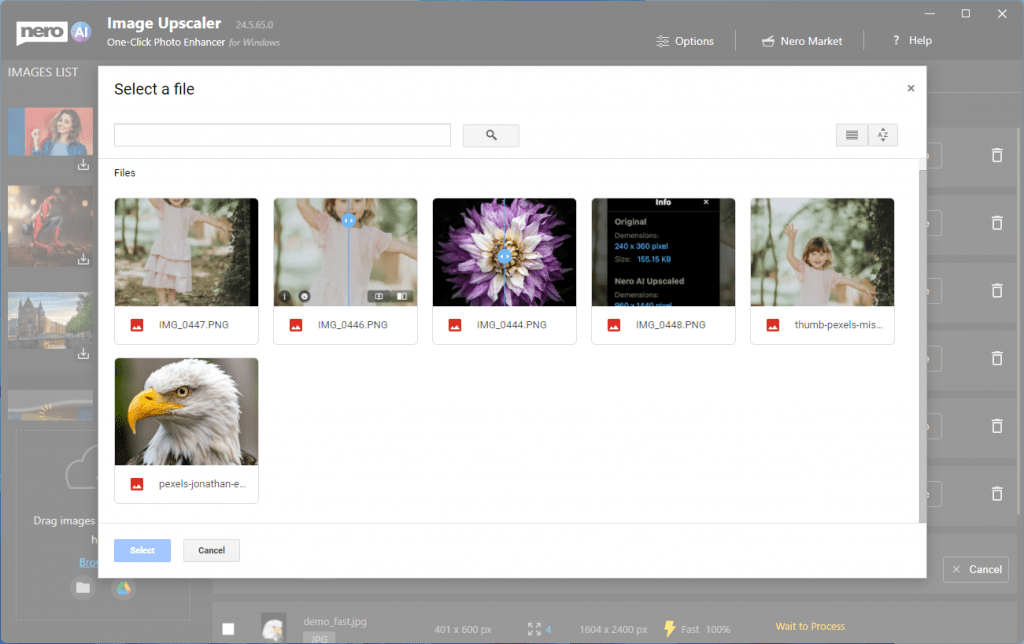
  • You can input images from Google Drive

open from google drive

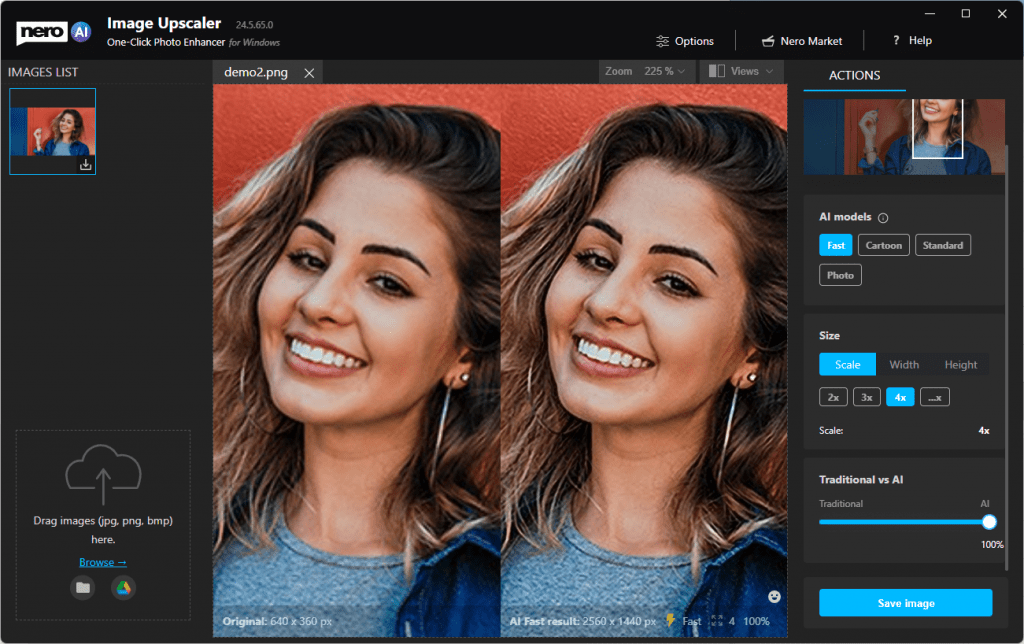
  • AI model selection is now available. Try different models for different photos till you get a happy result.

ai models

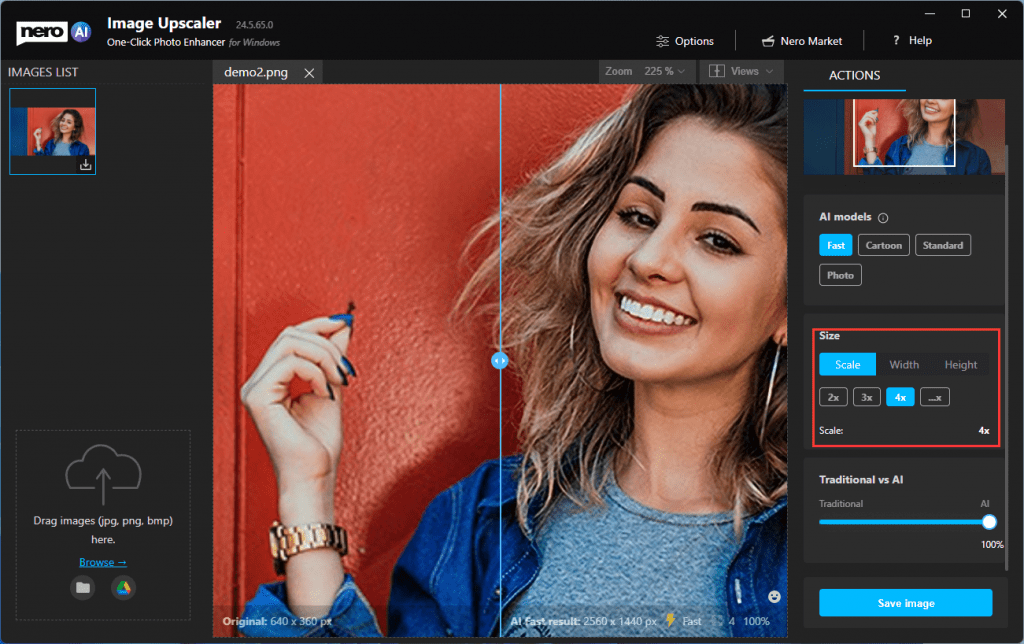
  • You define how big the result goes. 2x, 4x or by targeted width and height values.

more scale ratio

  • More comparison views:

1on1 view

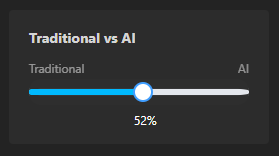
  • Compare traditional and AI results with the slide bar.

traditionalvsai

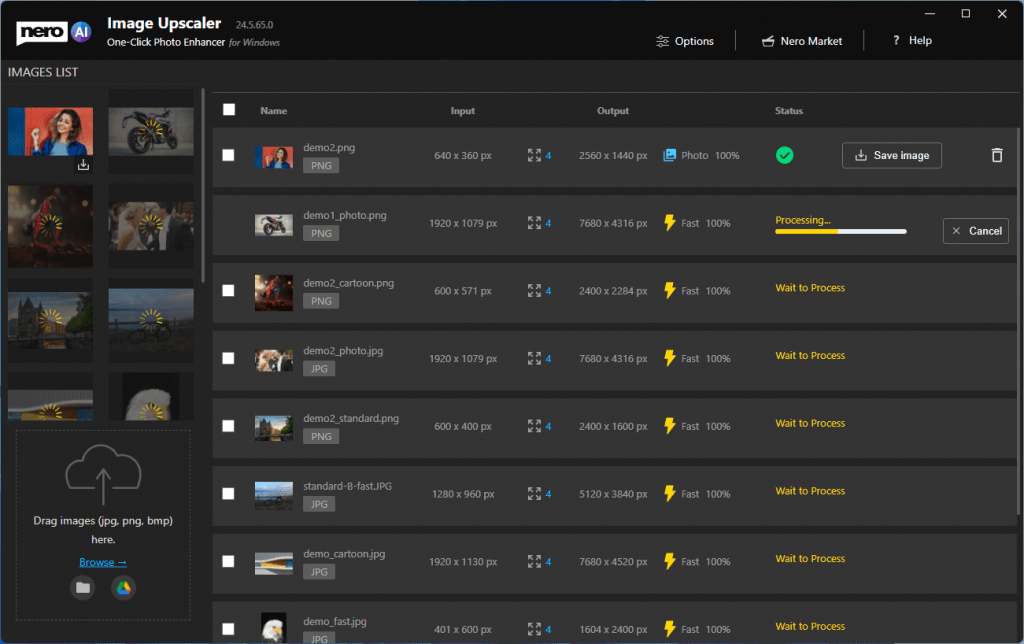
  • Batch processing is possible and up to 20 images in a row.

batch process

Improvements

  • Giant improvements in processing speed with NVIDIA GPU acceleration.
  • Save files with customized file names.


24.5.30.11

2021-12-07

Improvements

  • New icon design
  • Some improvements for photographs with faces.


24.5.30.7

2021-10-21

Improvements

  • Improved ads and Nero Market button.


24.5.30.6

2021-10-11

Features

The initial release of Nero AI Image Upscaler – use artificial intelligence to increase image resolution with enhanced sharpness and detail.

  • Upscale rate: 4x.
  • Remove noise and jpeg compression artifacts.
  • Support JPEG, and PNG.


Nero KnowHow 00251

What is Nero AI Image Upscaling?

Whether you’re a blogger or designer, an online store owner, or a student, poor photo quality can be a major obstacle when it comes to photo printing and sharing.

These problems are now things of the past – with Nero’s cutting-edge deep learning technology, you can now enlarge your photos by enhancing their details and increasing their resolution.

What is Nero AI Image Upscaler (Lens)?

Nero AI Image Upscaler (Lens) is an AI-powered tool that can enlarge image size and increase resolution with enhanced quality.

By reducing noise and sharpening the details, AI Image Upscaler (Lens) lets works best on small images and photos.

How does Nero AI Image Upscaler (Lens) work?

Nero AI Image Upscaler (Lens) uses state-of-the-art image super-resolution technology based on deep convolutional neural networks.

Our neural network is trained on an immense dataset of training photos. In detail, we used millions of low-resolution and high-resolution image pairs to train the software on upscaling images and to learn typical features of physical objects such as the bricks of walls, hair and skin.

After the network recognizes those features on the images, it will enhance those details based on its general knowledge of the world.

What is traditional image upscaling?

Before AI-based image upscaling technology, it was virtually impossible to increase photo or image size without losing quality.

The best option, called Bicubic Interpolation – made your image unsharp and blurry.

Left: Original 4x | Right: 4x by Nero AI

Nero AI Upscaling
Bicubic

What pictures work best with Nero AI Image Upscaler (Lens)?

The system works best with unprocessed images that were not previously upscaled or pixelated by any other software tool.

Our main focus currently is upscaling physical content with sharp corners like digital illustrations, images with sharp borders, and contrasting textures (such as watches).

For high-quality images such as 4K wallpapers, the result will be less obvious after processing.

Do you remove JPEG compression artifacts?

Yes, we automatically remove JPEG noise (also known as compression artifacts), if we detect an image with a .jpg or .jpeg extension.

If for any reason you want to upscale your image without removing noise, you can input your image as a png-file.

Is there a size limit for the images I want to upscale?

For web and mobile versions, the source image should be smaller than 16 megapixels (e.g. 4000*4000 pixels in a 1:1 aspect ratio).

For the desktop version, the source image should be smaller than 16.78 megapixels.

However, the processing speed depends on your desktop’s and GPU’s limitations.

Processing a high-resolution image will take up more time. In addition, the result may be less obvious.

Where can I find Nero AI Image Upscaler (Lens)?

Note: The Image Upscaler for macOS is coming…

Click on this magic link to download the version for your Windows Desktop PC.

You can also download it from the Microsoft Store with the below link: https://www.microsoft.com/store/apps/9N346N9MMKD9

Log on to the website https://ai.nero.com/image-upscaler to upscale small images online for free.

Or install our browser extension for Chrome and Edge from: https://chrome.google.com/webstore/detail/hd-image-downloader-nero/jdapmgnpnablnnmogepmjlomhhncmmie

“Nero Lens”, the mobile application is available in the App Store and Play Store.

Lens- AI Photo Enhancer & Upscaler for iOS: https://apps.apple.com/us/app/ai-photo-enhancer-upscaler/id1594148389

Lens – AI Photo Enhancer-Unblur/Clear for Android: https://play.google.com/store/apps/details?id=com.nero.image_upscaler

For more versions, please visit here.

Nero KnowHow 00250

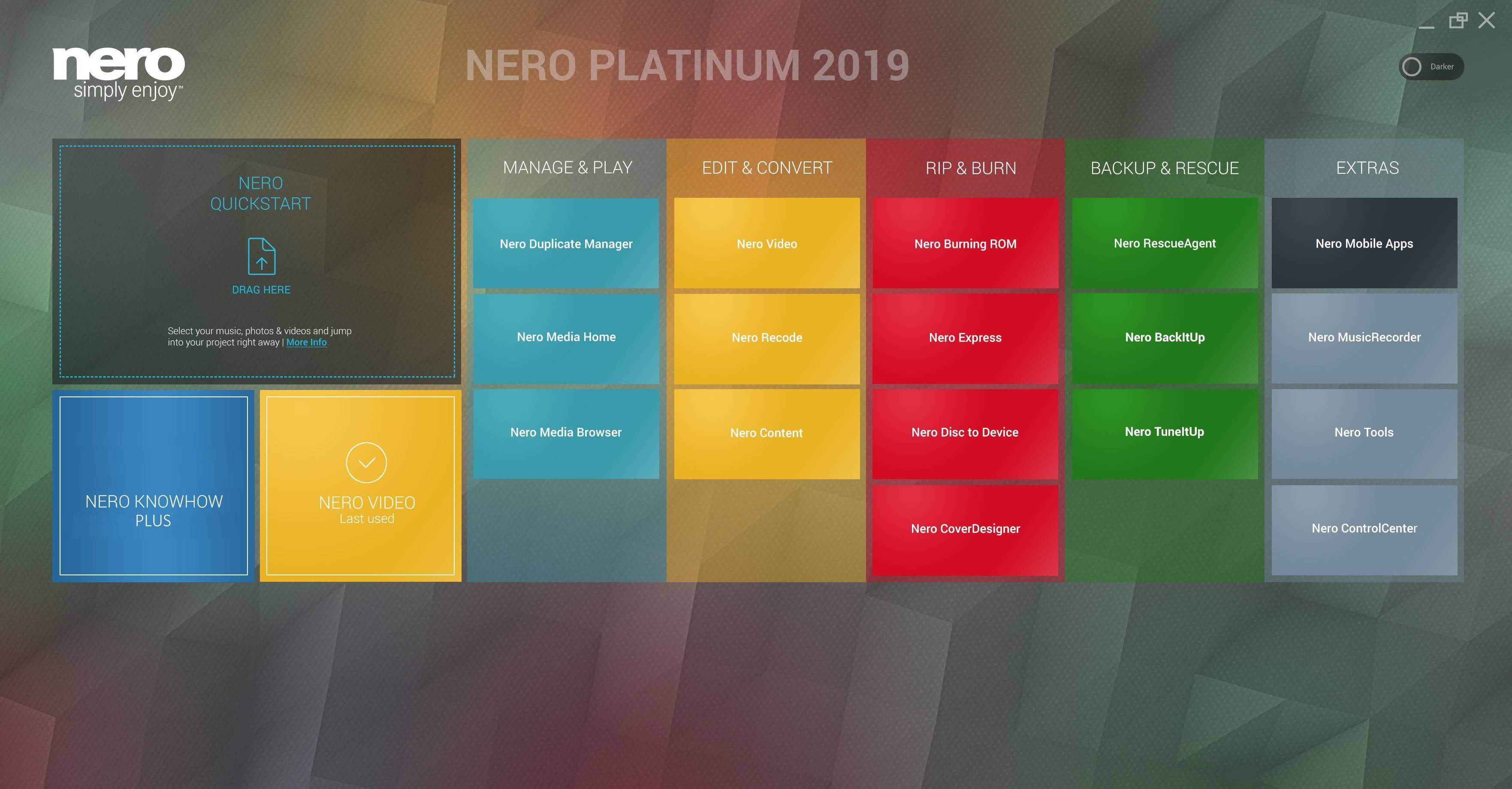
What is new in ‘Nero Start’ in Nero 2019?

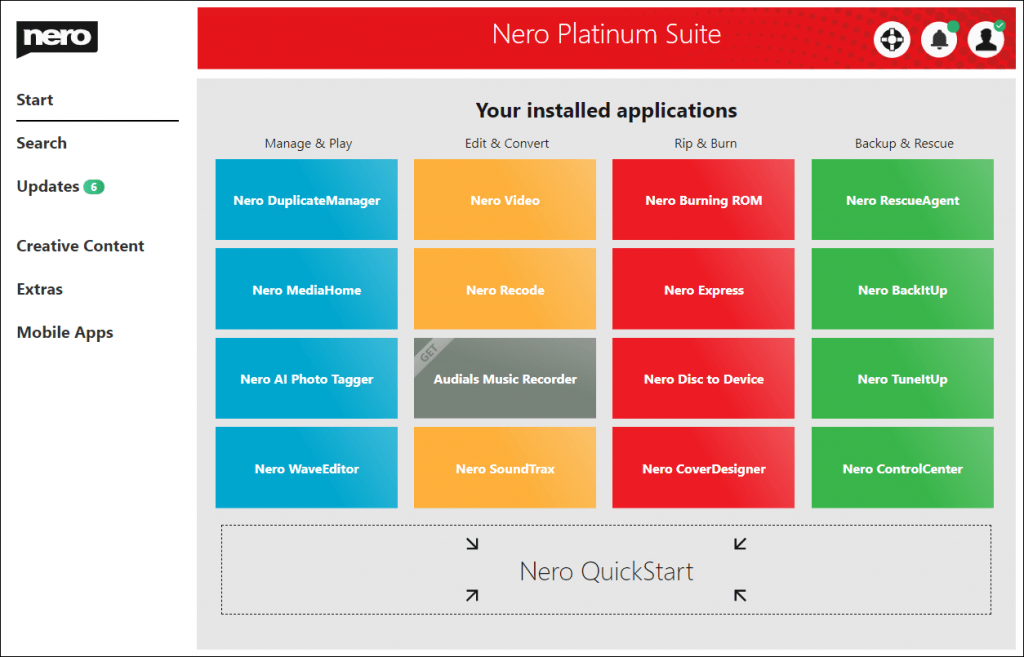
Starting with Nero 2019 generation, ‘Nero Start’ (to some also known as Nero Launcher) comes in a refreshed design and updated workflows. Now, you will get going with your Nero product much more easily and achieve result faster than before.

The new user interface with completely updated design and workflows now includes animated buttons, which make the former next/previous page behavior superfluous. This way, you can directly open the info and video tutorial windows per application, now.

Moreover, it integrates a last used application function and gives prominent access to new Nero KnowHow PLUS. Via a slider, Nero Start allows you to change the UI between a lighter and a darker UI version.

Another highlight is ‘1-Click Video Story‘, that integrates into ‘Nero QuickStart’. Simply drag & drop photos or videos to the drop zone and your files will load automatically with a predesigned movie theme inside of Nero Video. Also see Nero KnowHow 00139.

‘Nero Start’ is available for all Nero Suite and standalone products, and also includes access to new ‘Nero KnowHow PLUS’.

1.PNG

Changes in the Version Installation Behavior

First published with Nero 2019, ‘Nero Start’ becomes independent of the installed Nero Suite generation. It is part of the Nero product installer but installs individually as ’Nero Core’ (including Nero Start, Nero Control Center, Nero KnowHow PLUS, and  Nero Update), after which the Suite applications will be installed.

From Nero 2019, ‘Nero Start’ will reside on the system and integrate with the Nero product version you own. Your product version displays prominently in the header of Nero Start. Even if you uninstall Nero Suite, ‘Nero Start’ with ‘NeroKnowHow PLUS’ and ‘Nero ControlCenter’ will still be available and usable.

Because ‘Nero Start’ will be generation independent, you will no longer see a version number associated to the Nero icon in Windows Start Menu. The icon will not say ‘Nero 2019’, but will just say ‘Nero’, or ‘Nero Start’ respectively. If a desktop shortcut was not added automatically, clicking on this icon in Windows Start Menu, will launch the application and automatically create a desktop shortcut for ’Nero Start’.

What to do if ‘Nero 2019’ was not installed, but only ‘Nero Core’

In some circumstances, it can happen that after the initial installation of Windows prerequisites and ‘Nero Core’, the installer will ask you to reboot. In most cases, the installation for Nero applications will automatically continue after the reboot.

In the rare case that the installation does not continue automatically, please run the installer you received with your Nero ESD purchase or run the Nero program installer on the DVD of your Nero retail product again, to finalize the installation.

Nero KnowHow 00135