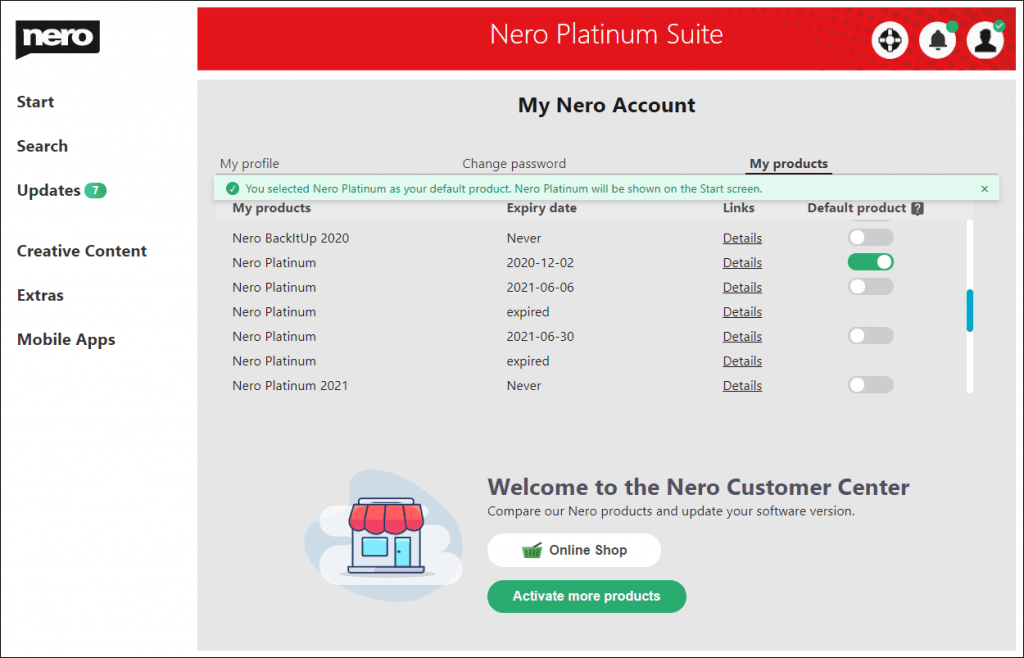
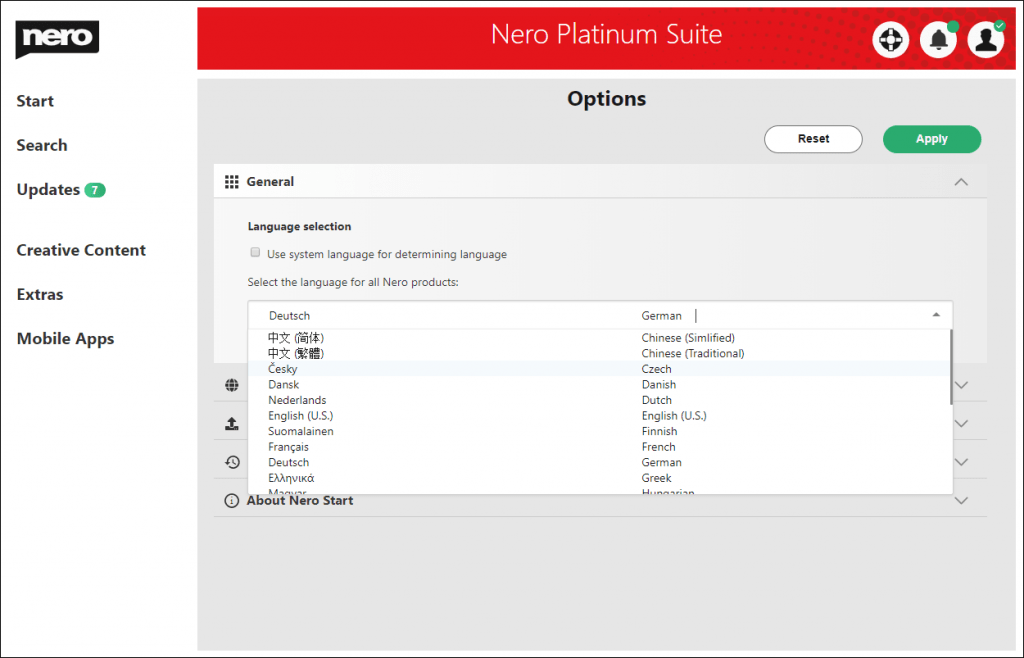
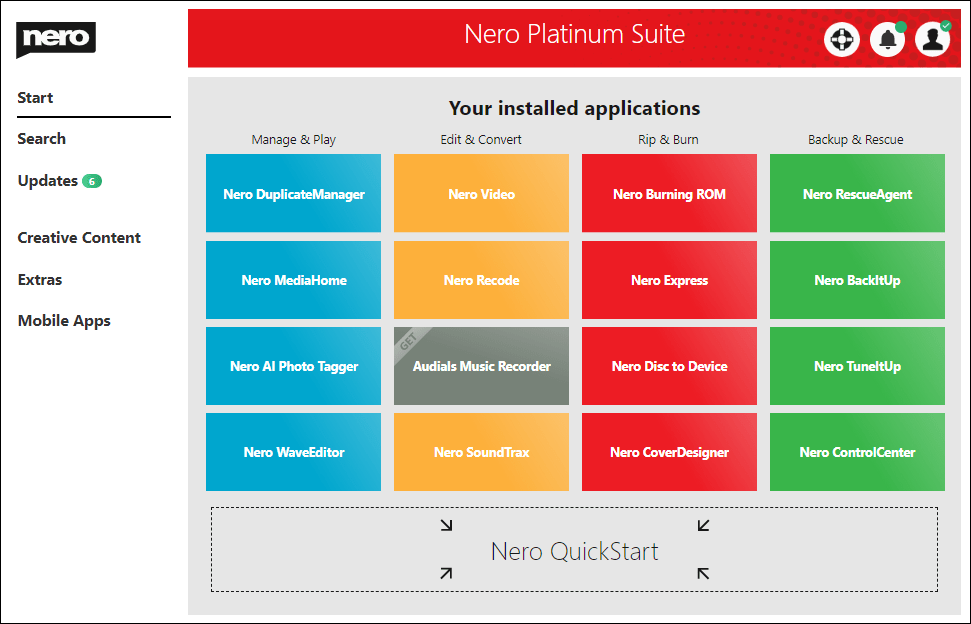
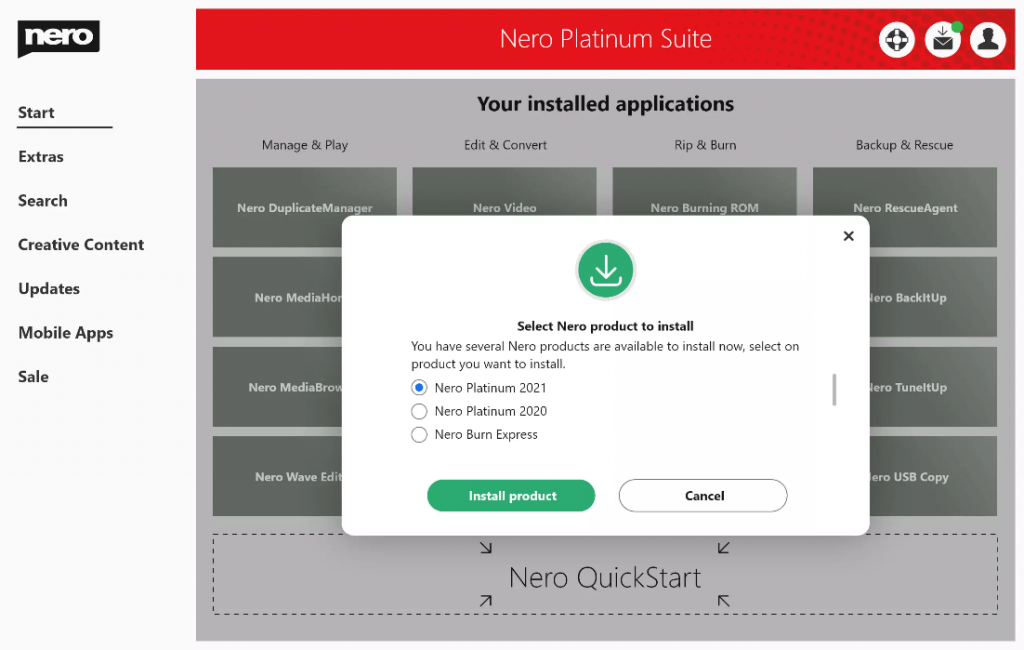
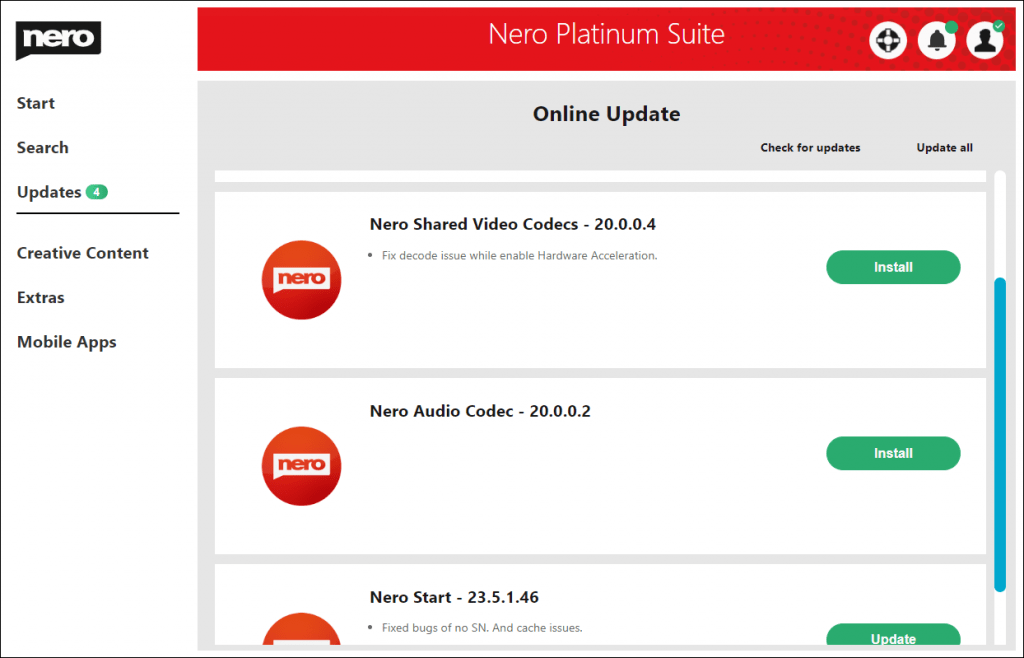
If you have multiple products in your Nero account (e.g. Nero Platinum 2021, Nero Platinum 2020, or Nero Platinum Suite), Nero Platinum Suite is usually the default product and all applications on the home screen point to the individual applications in the product.
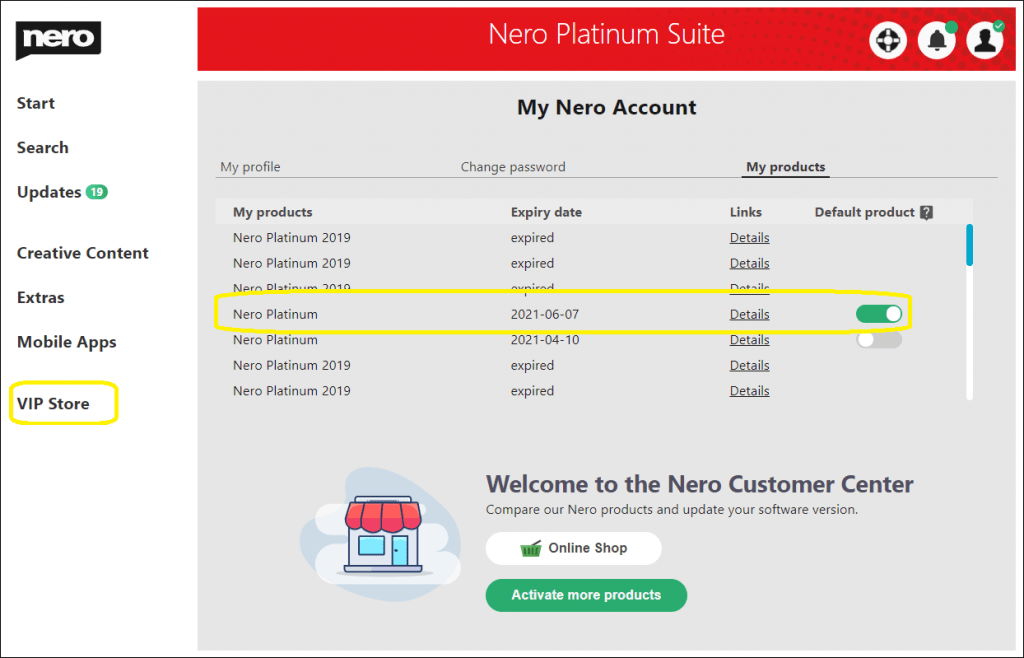
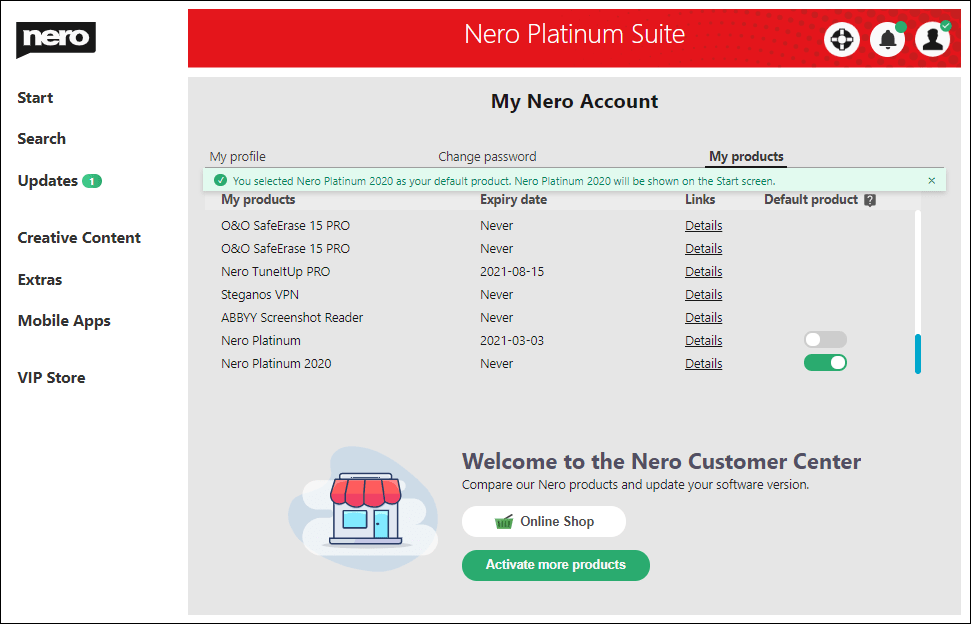
But if you prefer to switch the default product, you can open the My Nero Account page, and activate the My products screen to change it. After the default product is changed, (e.g. change from Nero Platinum to select Nero Platinum 2021), you can find all applications in the Start screen point to the applications of Nero Platinum Suite 2021. What’s more, the updates also change to the given default product.
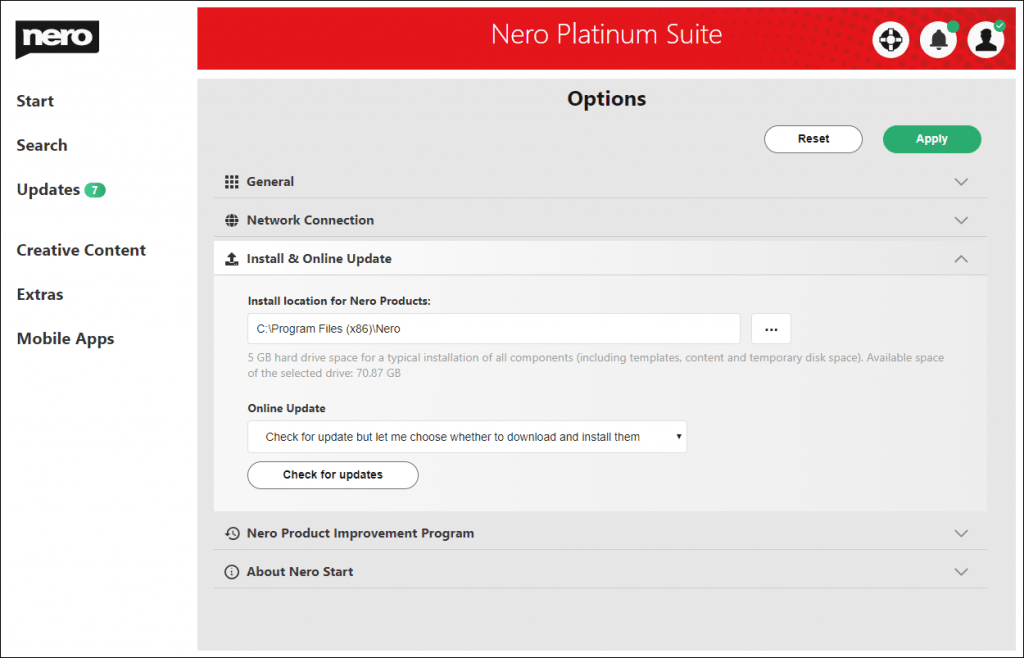
Install location for Nero Products: The location used for installing or updating Nero Products. You should keep 5GB of disk space available for the partition.
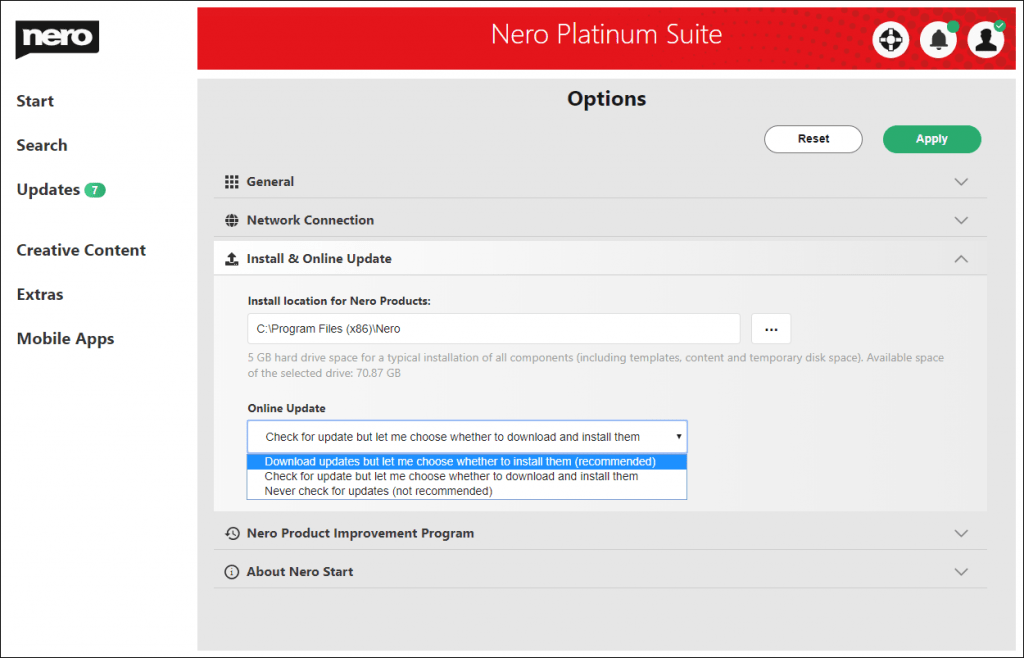
There are 3 types of updates check policy:
Download updates but let me choose whether to install them (recommended)
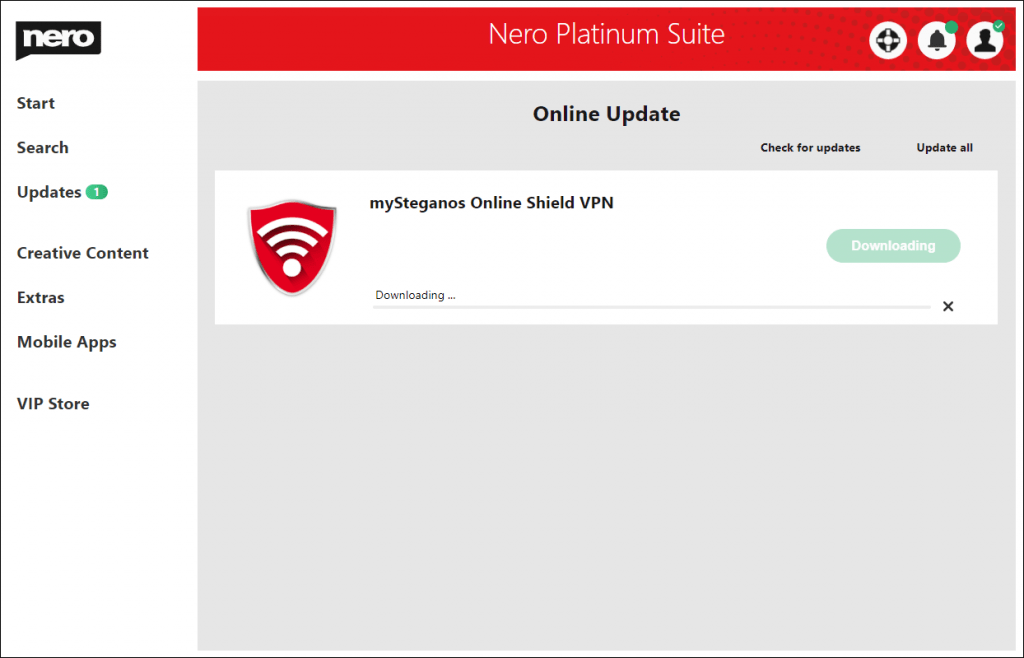
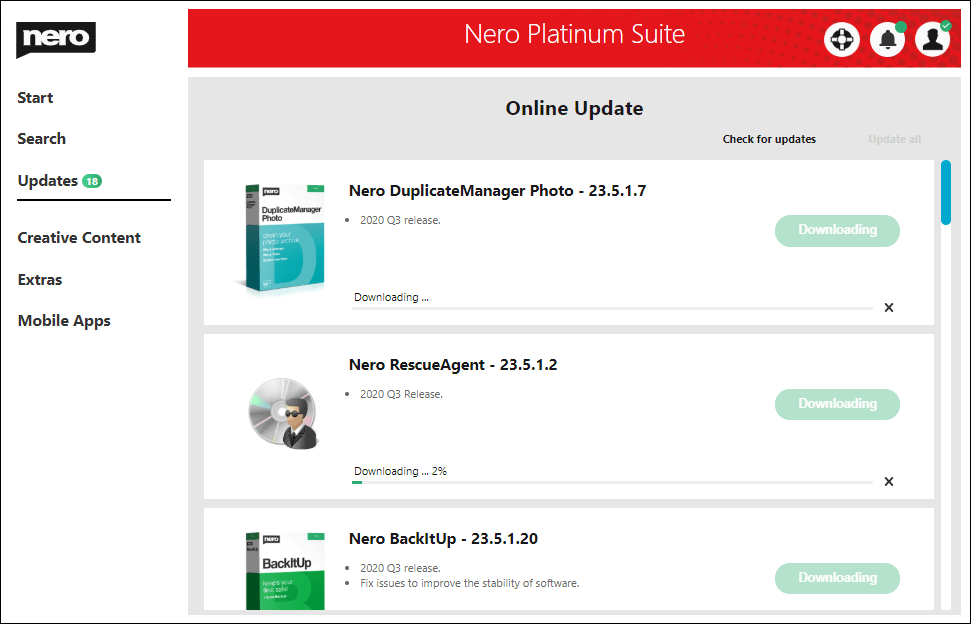
If updates for the applications are detected, Nero Start will automatically download the update in the background. You will be notified upon completion.
Check for update but let me choose whether to download and install them
While Nero Start launches, it will check for updates for the applications, and show the number available updates.
Never check for updates (not recommended)
Nero Start will not check for any updates.
Click the button “Check for updates” to immediately leave the Options screen and start an online update check in Updates screen.
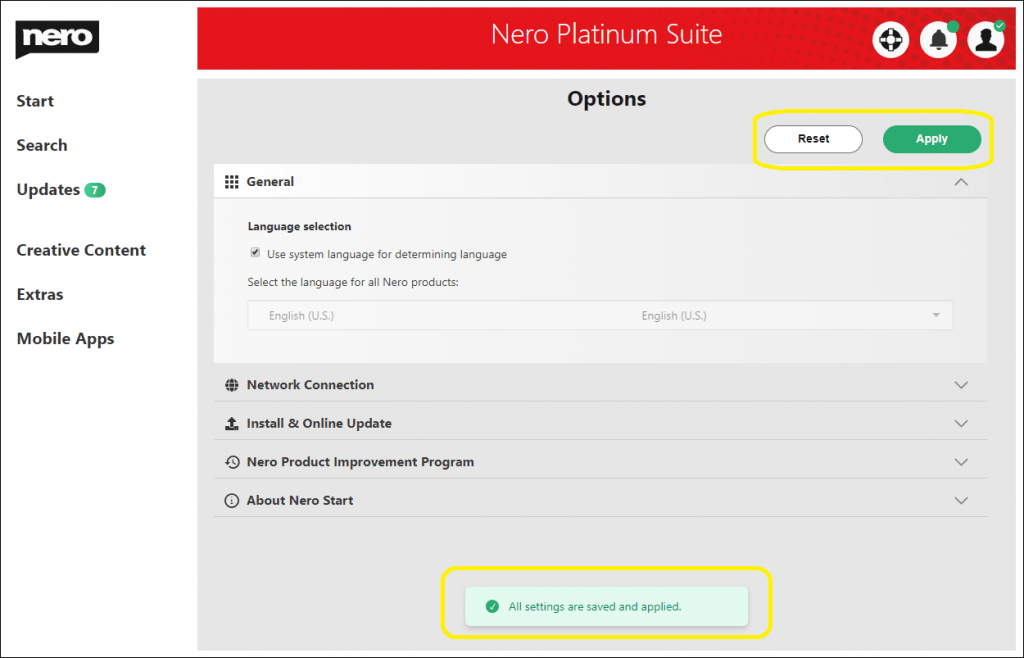
Info: Make sure to click the button “Apply” to save the configuration update before leaving the Options page.
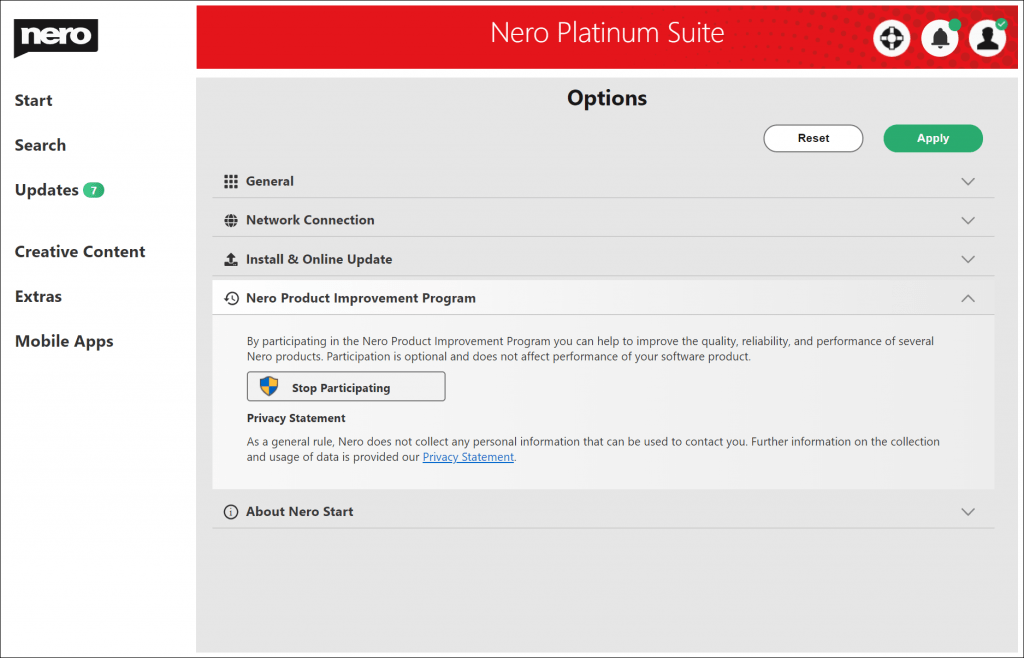
Nero Product Improvement Program
You can participate in the Nero Product Improvement Program to help improve the quality, reliability, and performance of Nero products.
Available Product: Nero Platinum Suite – yearly license
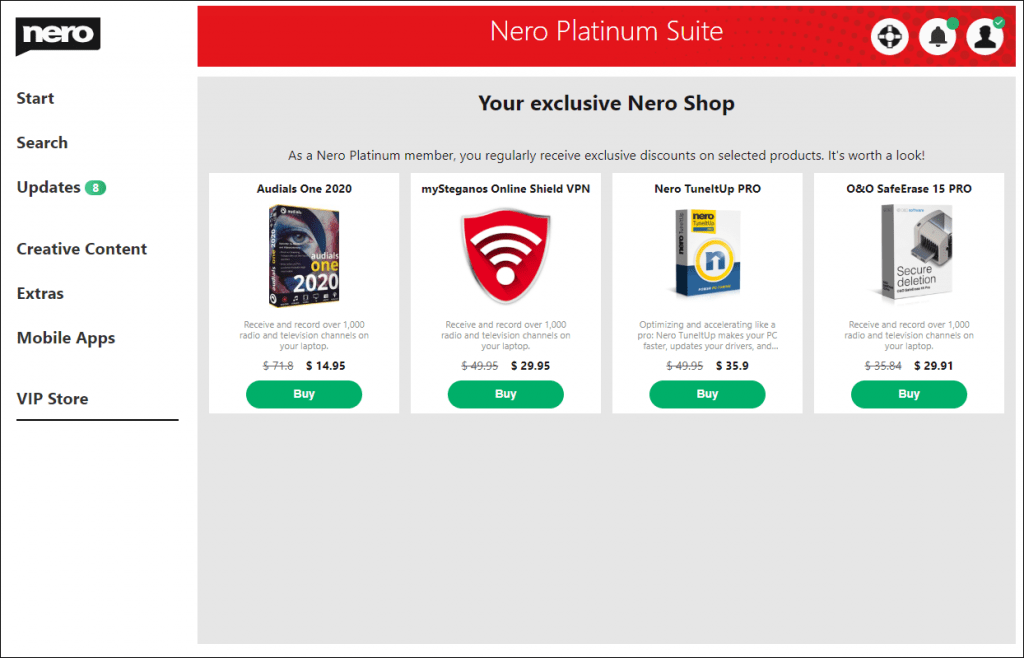
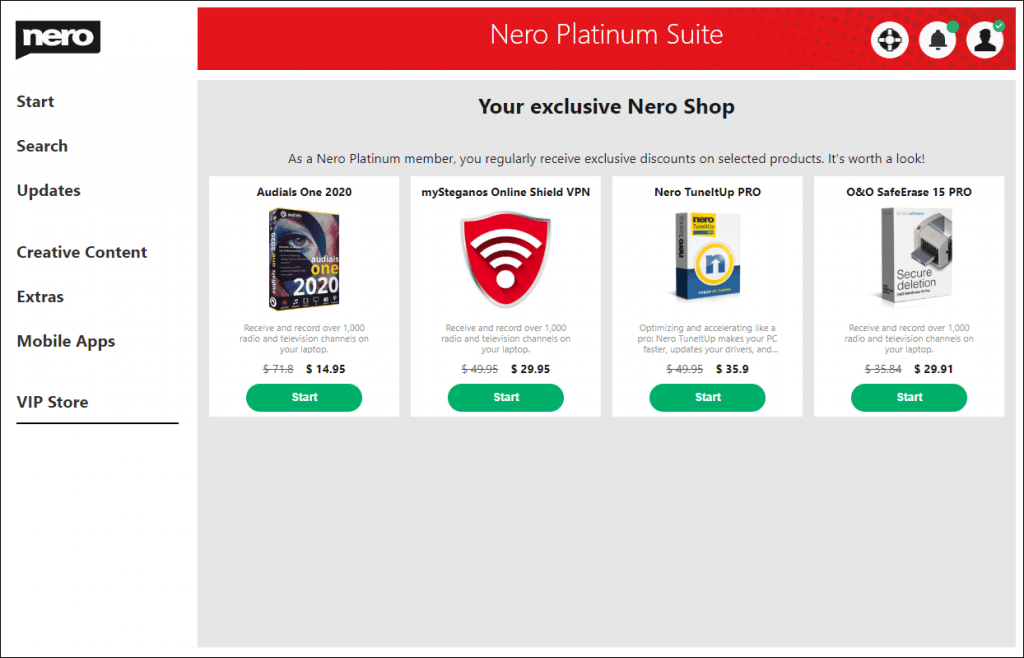
The VIP Store is the app Store in Nero Start. It is only available for Nero Platinum Suite – yearly license users. In the VIP Store, you can directly purchase additional software with just one click.
Info: Nero Start and other necessary components should be updated to the latest version to ensure the smooth functioning of the VIP Store.
When you are signed in in Nero Start and have Nero Platinum selected as your default product, the Nero VIP Store will appear in the left menu entry.
Nero Platinum subscribers will receive exclusive discounts for different products.
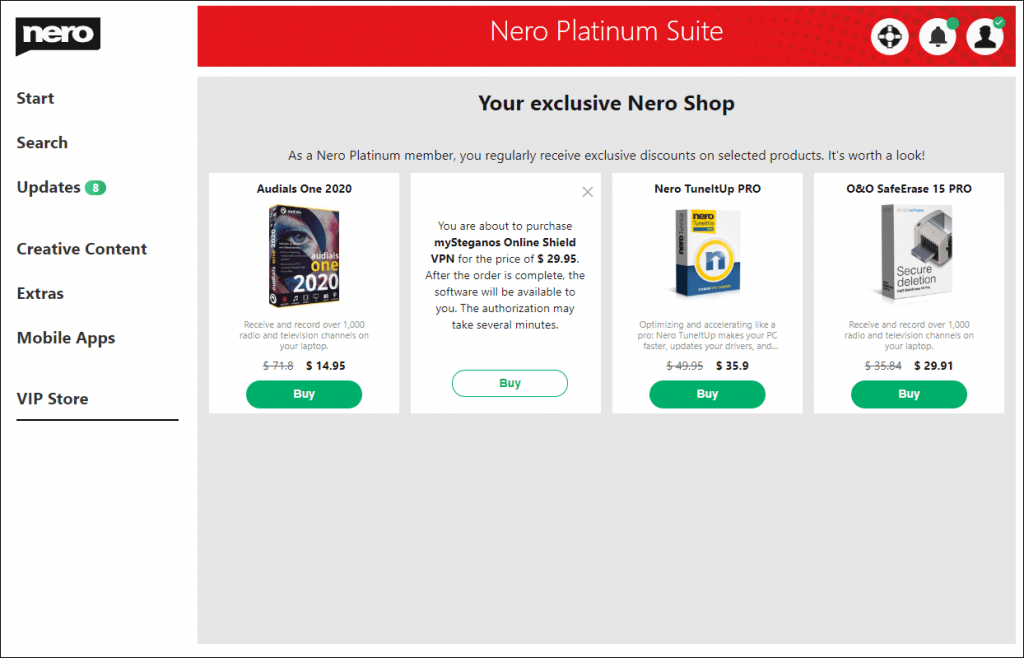
After you have confirmed your purchase in the VIP Store, the order will be placed by our authorized payment provider Verifone. The payment method will be the same one you are using for your yearly Nero Platinum license.
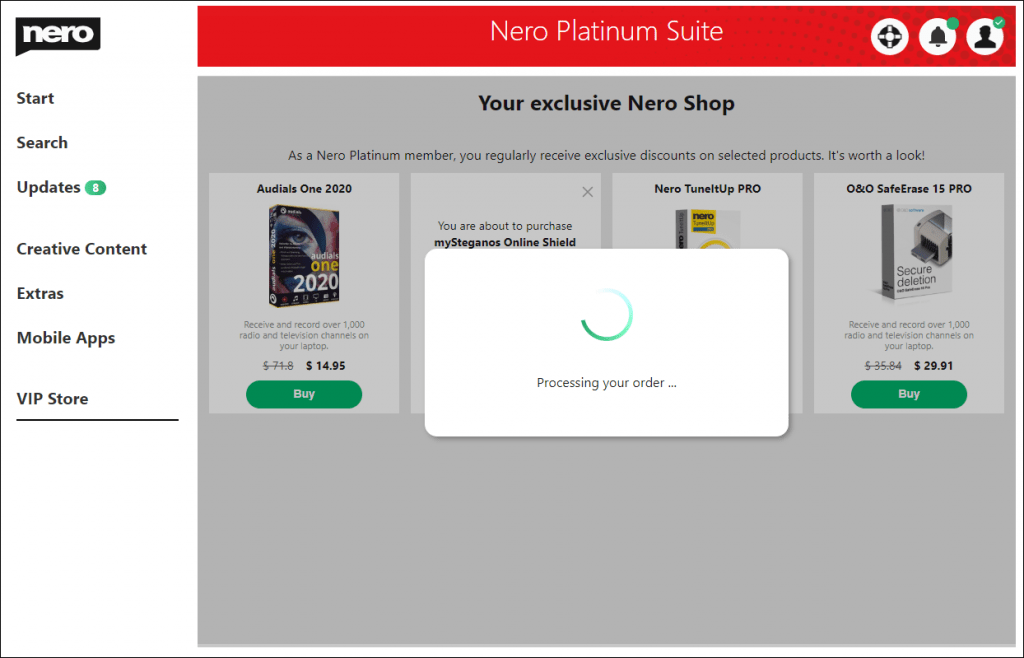
After the order is finished and successful, Nero Start will begin to download and install the product. After the product is installed successfully, you can start the application directly via the VIP Store.
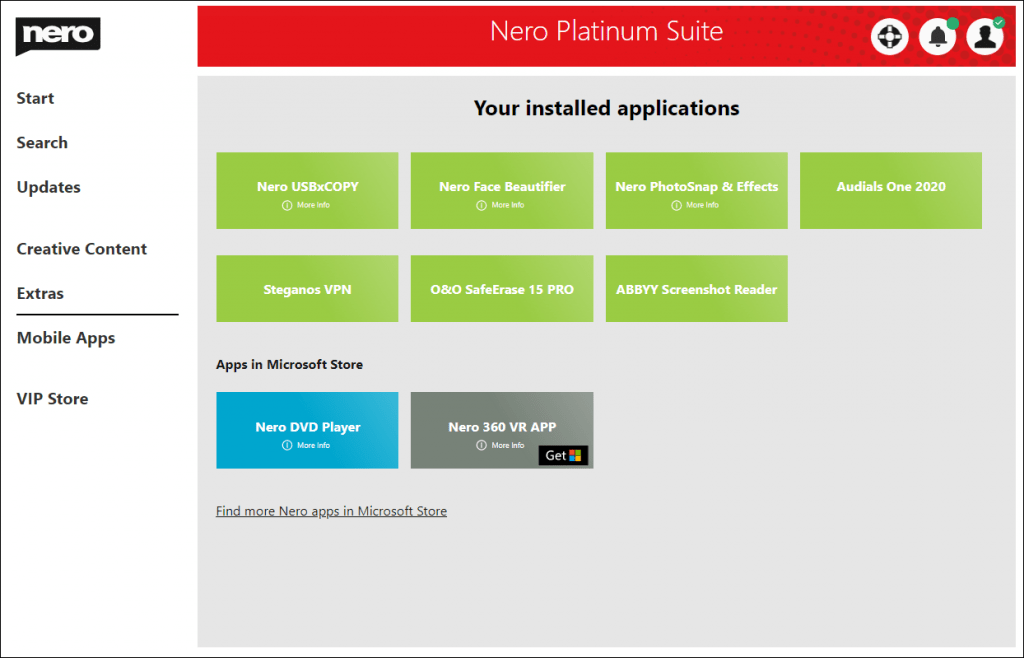
You can also find the application in your Extras menu entry.
If the payment information from your Nero Platinum Suite happens to be out of date, you will be notified and asked to input your payment info manually to continue with the order.
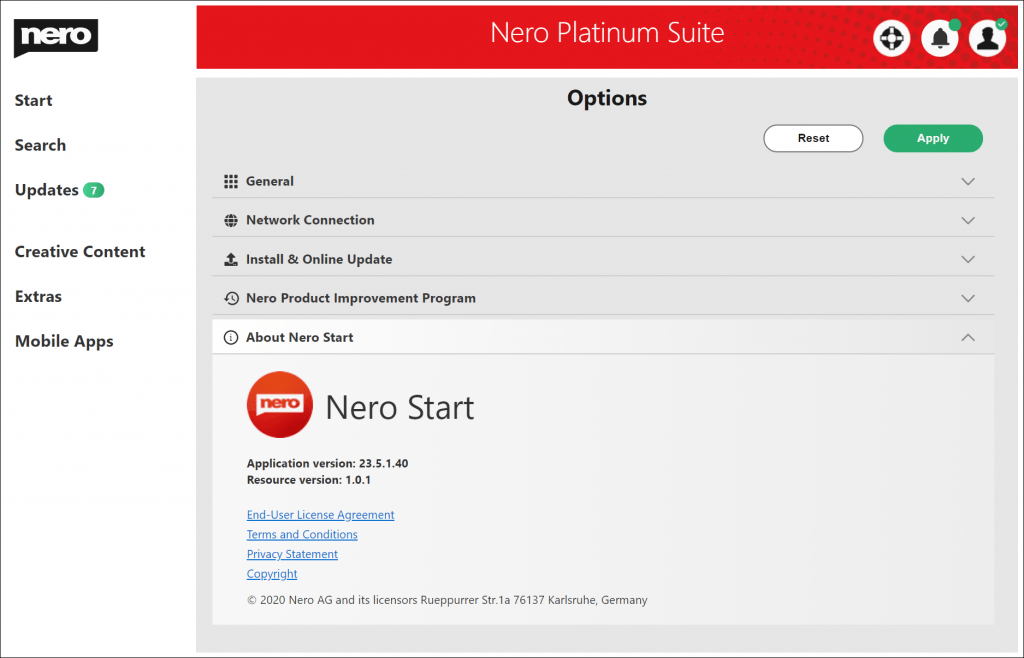
You can get the privacy policy detail information from below link.
How to get available products via Installer & Nero Start
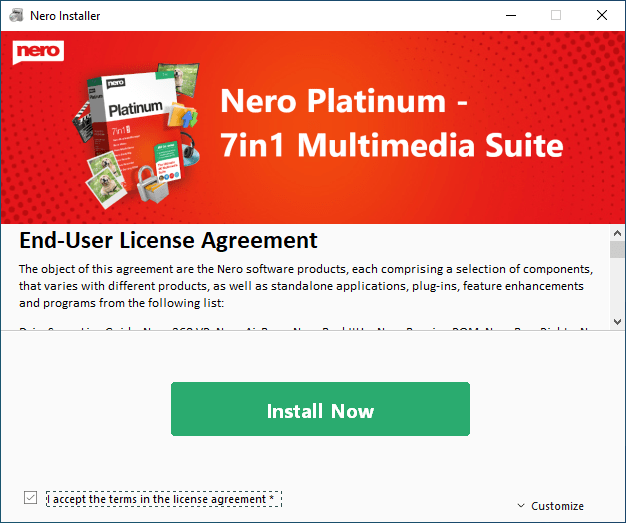
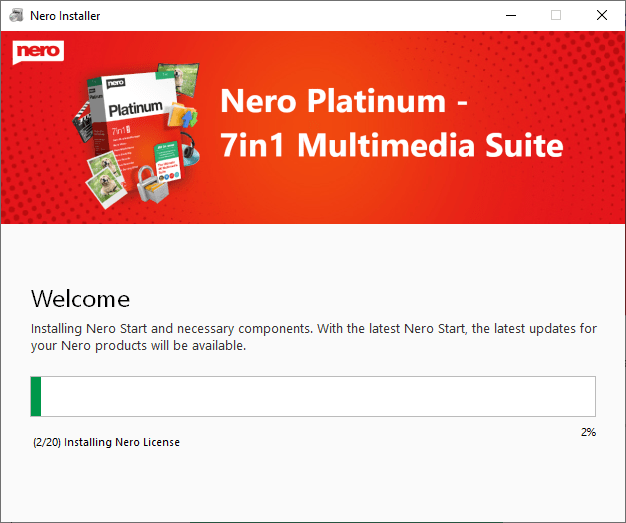
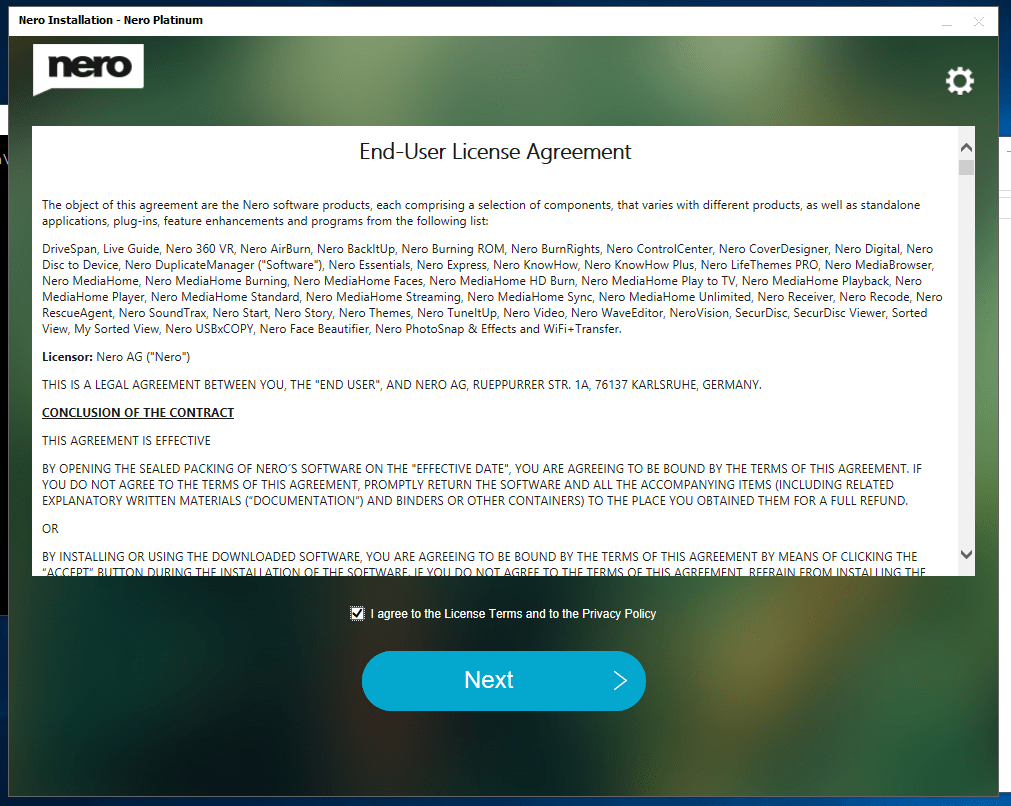
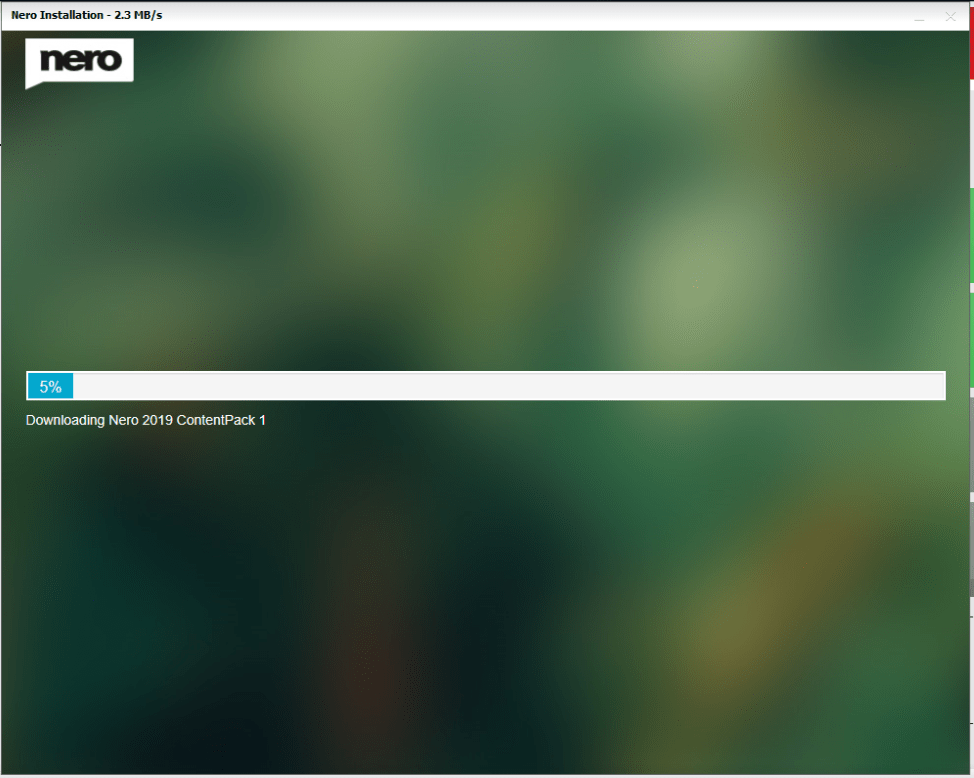
Launch the latest installer, and click the button “Install Now”. The installer willbegin to download and install the latest applications.
Based on different product definition and installation configurations, some products will download and install all available applications, but some products will only download and install Nero Start and the necessary components. The application download & installation will continue in the Nero Start Updates after the product has been unlocked.
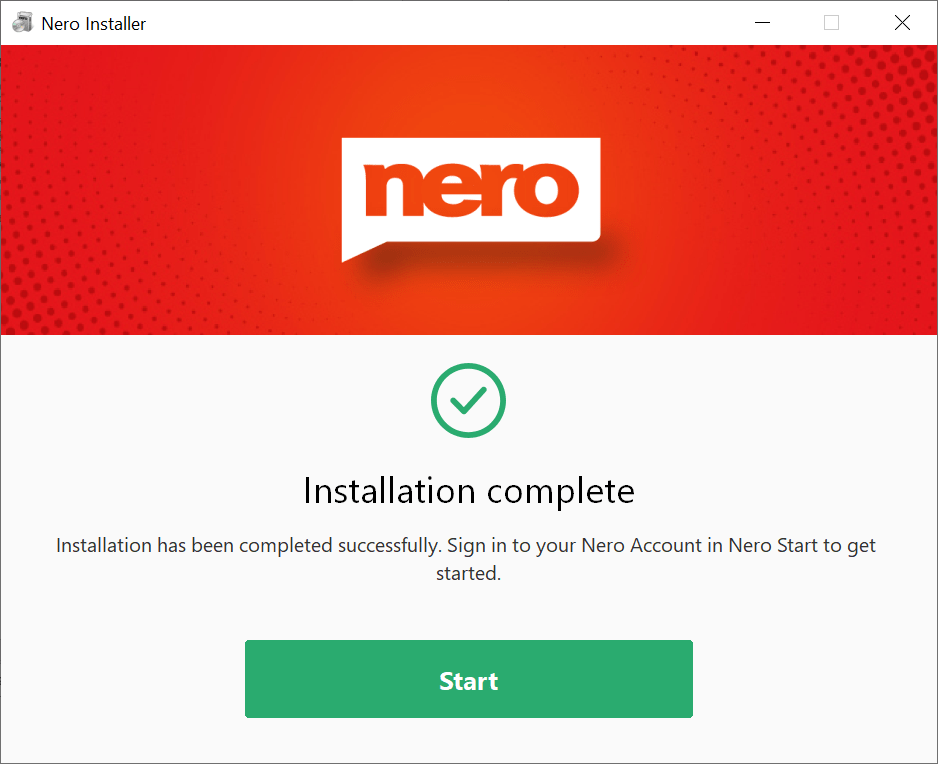
Nero Start will be started after the whole installation is finished.
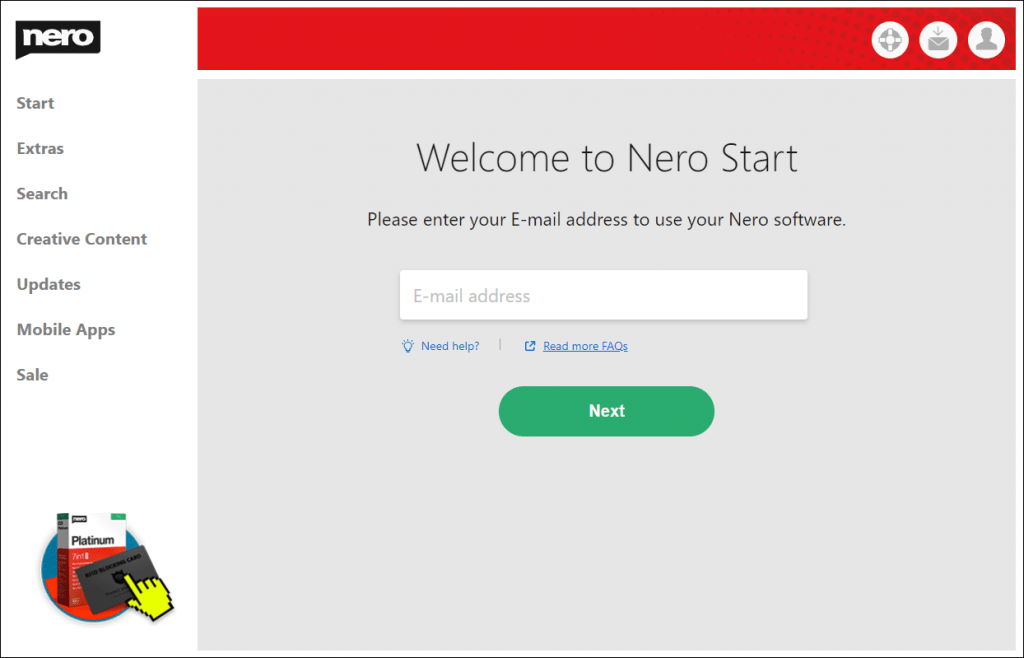
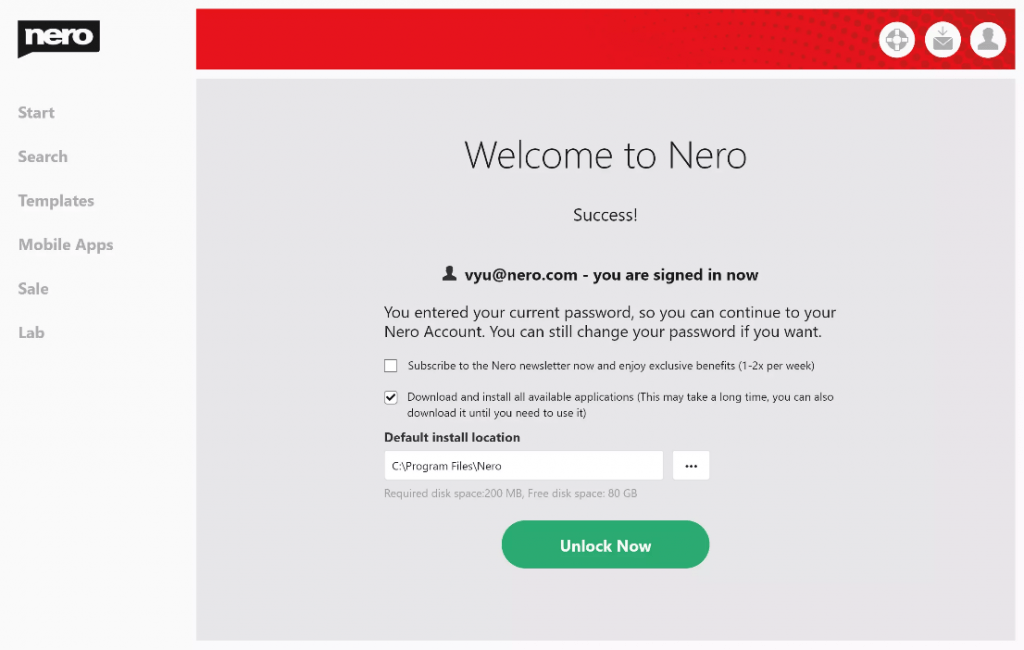
After signing in/registering with your Nero Account, the product will be available. Check the “Download and install all available applications” option to check if there are any updates available
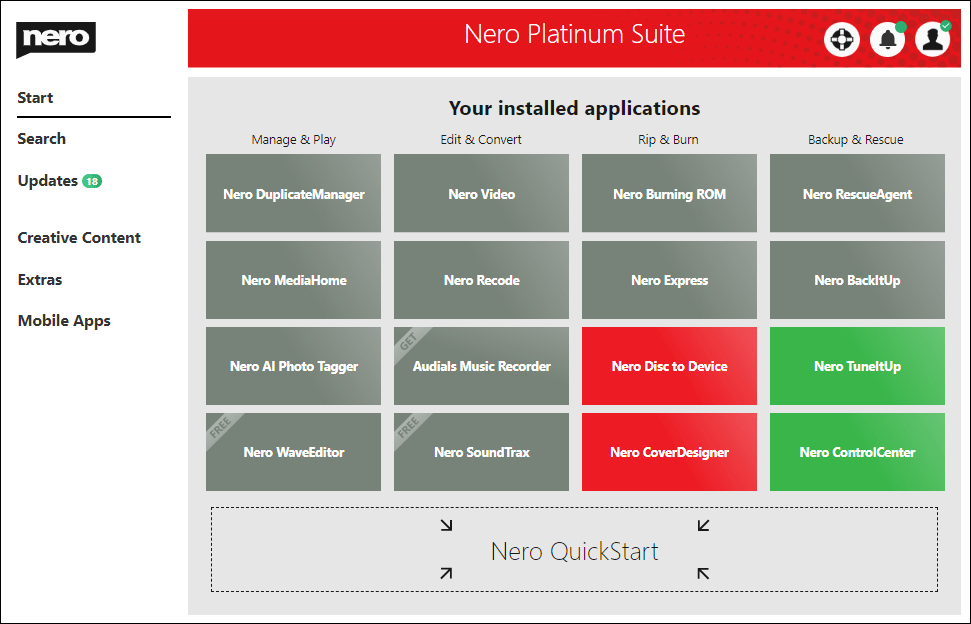
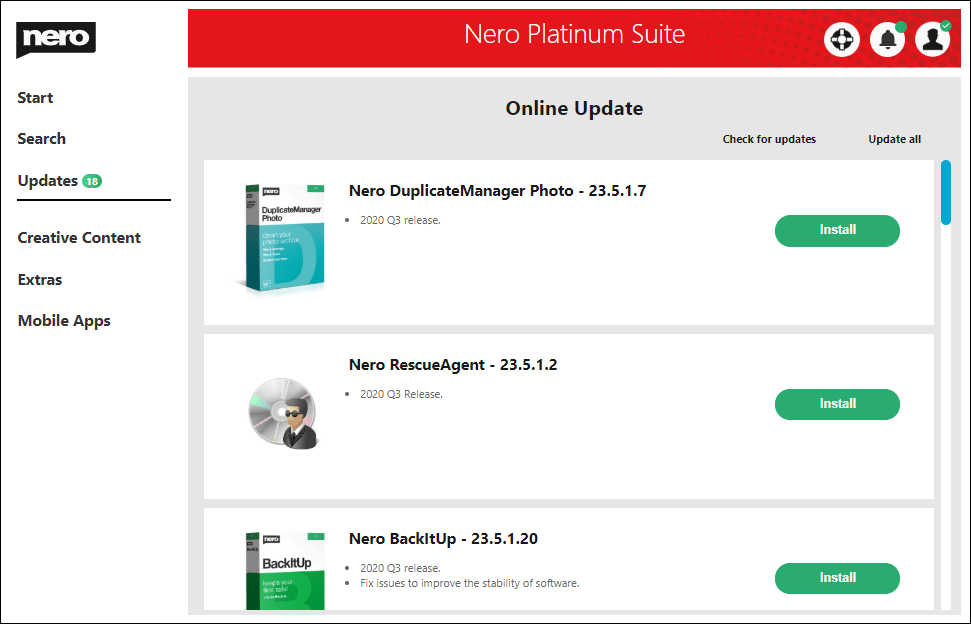
If only Nero Start and the basic components are installed, the application buttons will be grayed out. You can install or update the applications from the Updates screen.
How to get available products via the Legacy Stub Installer
Start the Stub Installer, and the application will check, download and install all available applications.
Nero Start will start after the whole installation is finished.
After signing in/registering with your Nero Account, the product will be available. Check the “Download and install all available applications” option to check if there are any updates available
How to re-Install Nero 2020 products via Legacy Stub Installer
Start the Stub Installer, and the application will check, download and install all available applications.
Nero Start will start after the whole installation is finished.
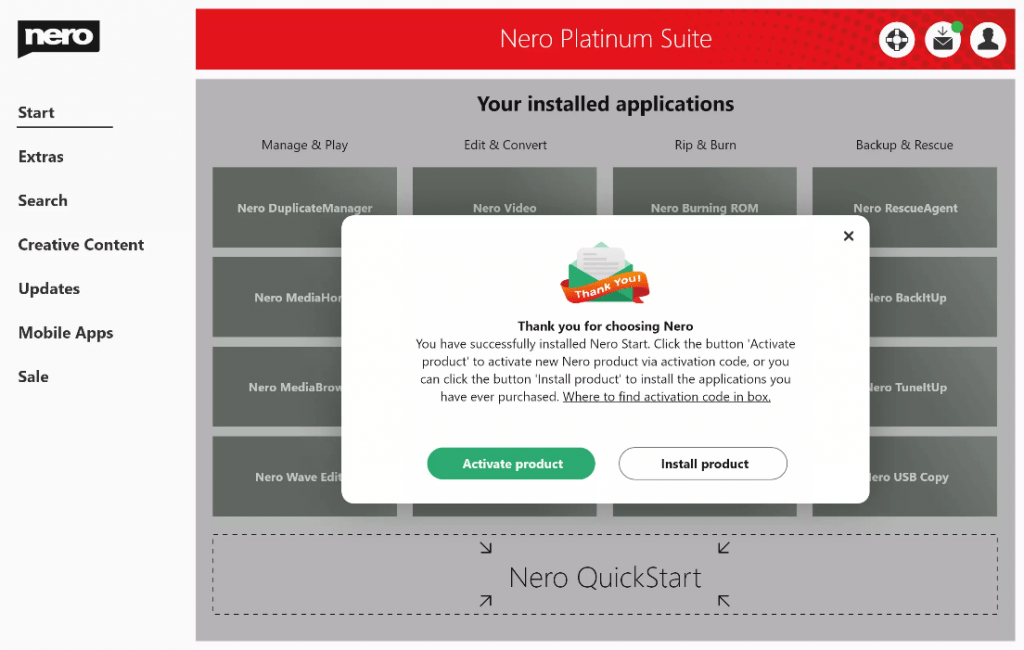
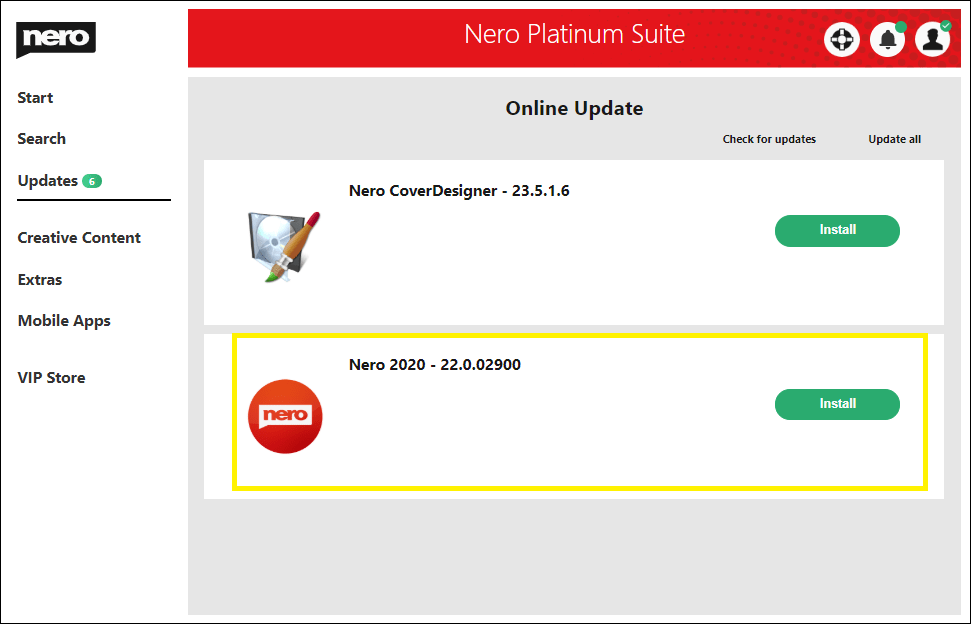
After signing in to your Nero Account, Nero Start will pop up a dialog and ask you to activate a new Nero product via activation code or to install existing own products. Selecting “Nero Platinum 2020” will trigger a download in the Updates screen. At the same time, the default product will also change to Nero Platinum 2020.
If you cancel the selection in the previous pop up dialog, it is also possible to find and download Nero 2020 under “My products”.
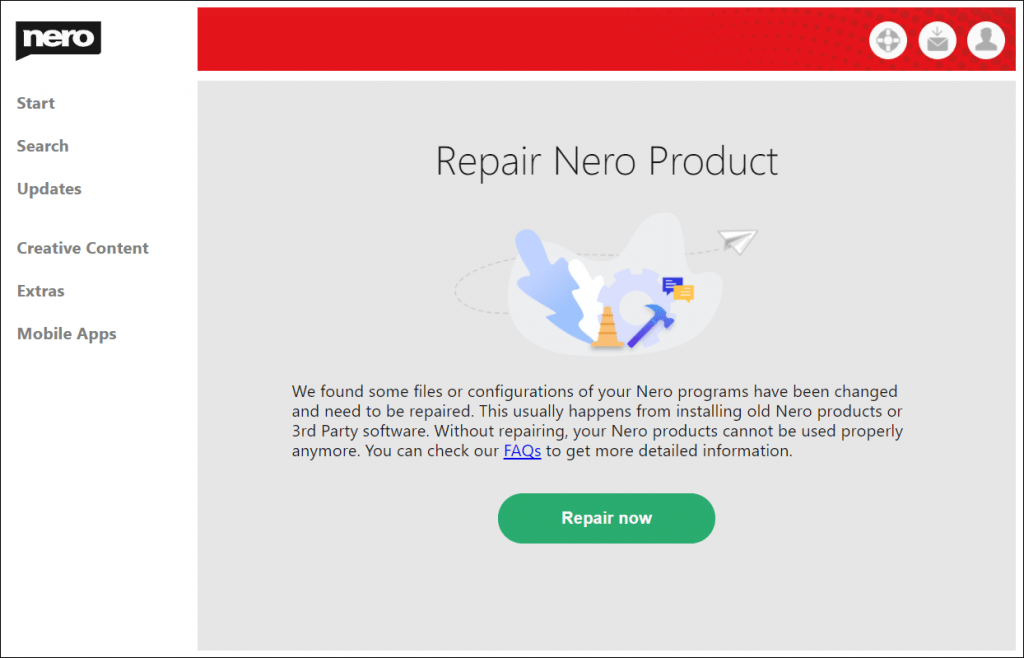
Sometimes, Nero Start will show the “Repair Nero Product” screen. This means Nero Start detected some damaged files or configurations that prevent Nero products from working correctly.
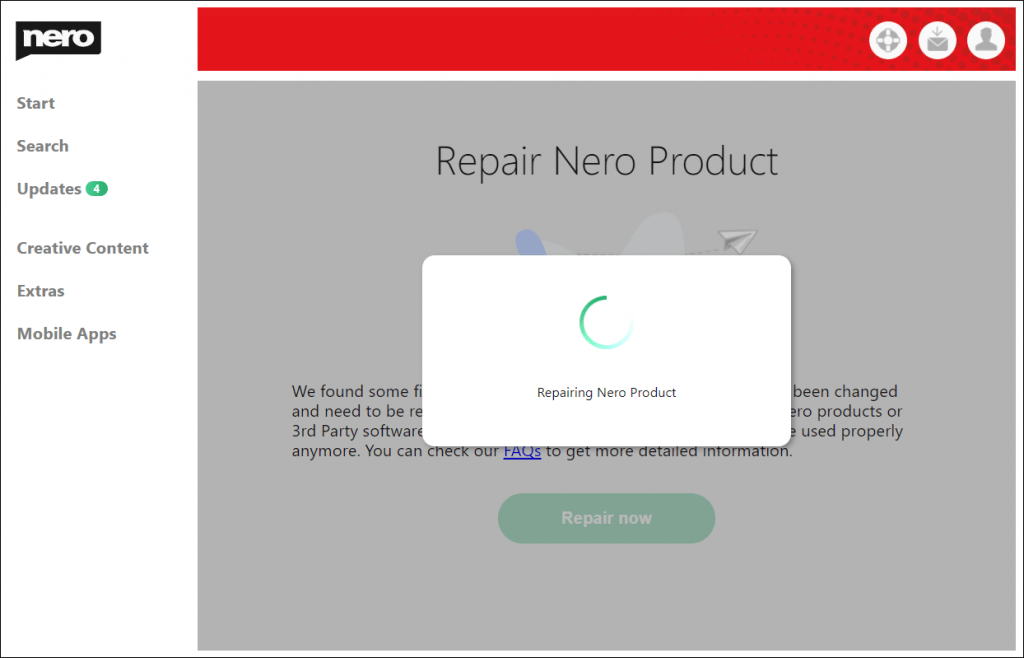
Please make sure the network is available, then click “Repair now”. Nero Start will try to repair the damaged files. After the repair process is finished, you can open the Updates screen to check if there are updates available for the applications.