Changelog – Nero AI Image Upscaler

This is the changelog for version ID starting with xx.5.x.x  

If you are running an app from the Microsoft Store whose version ID starts with 2.0.x.x, please see the changelog here. 

25.5.12.0

2023-01-13

New

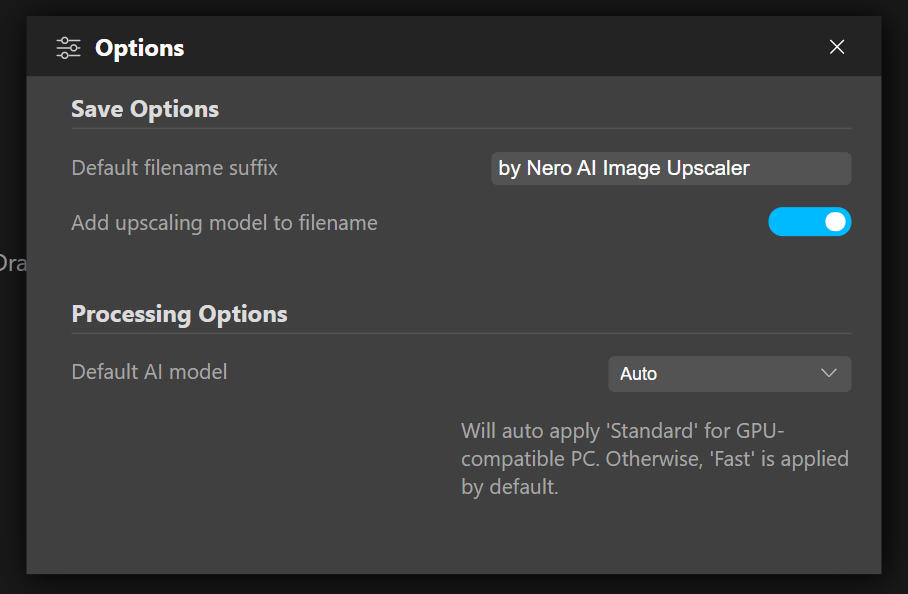
setup default ai model

  • Now you can set up the default AI model in the Options.
  • Support new format .webp

25.5.11.0

2022-10-28

Improvements

  • Localizations for German


25.5.10.0

2022-10-14

New

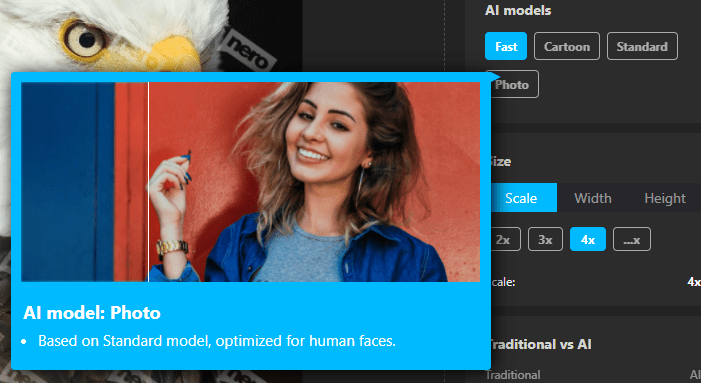
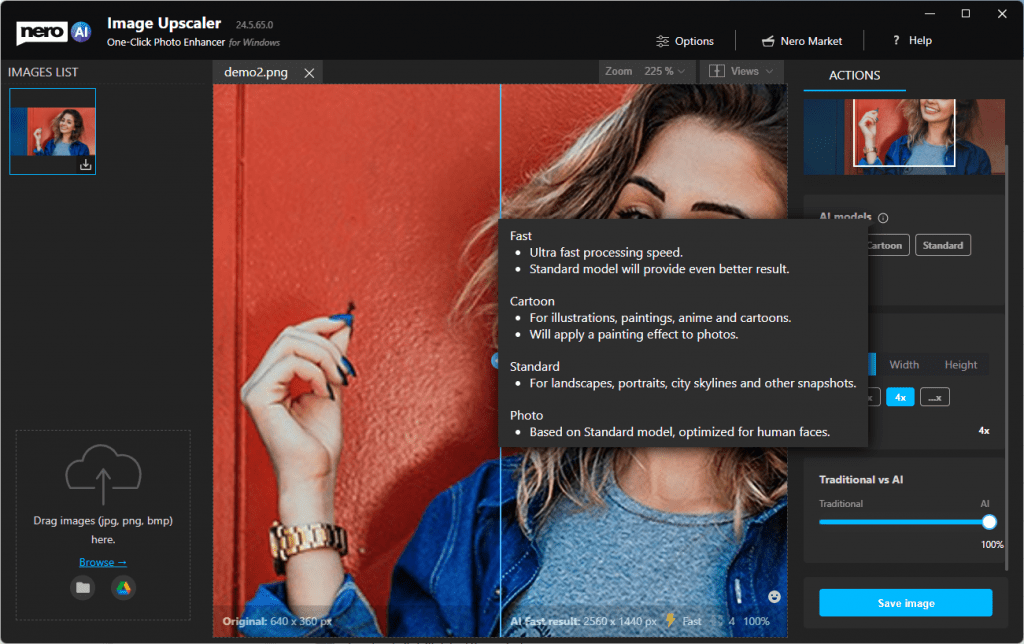
  • Hints with gif when cursor hovers on the model.

tooltip for models

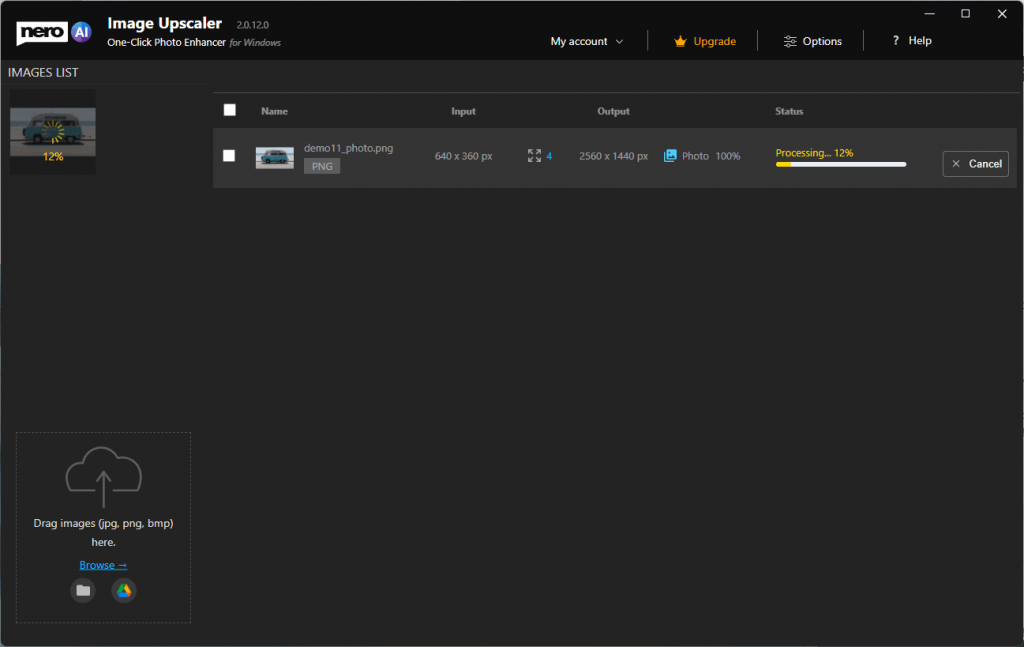
  • Show the progress status in the thumbnail list for the image under processing.

progress status

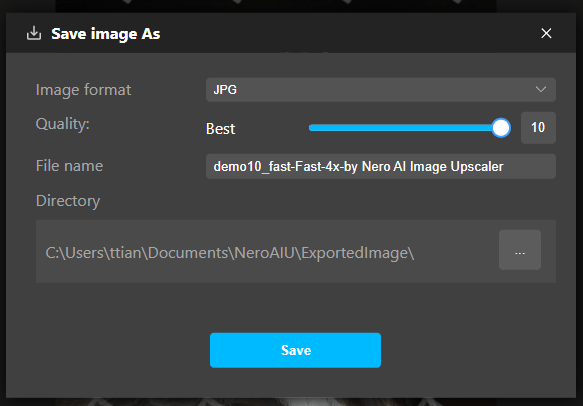
  • Support compression settings when saving results as the jpeg.

jpeg compressions

  • Keep original EXIF data in the resulting image.

Improvements

  • Better sample image with result presenting.
  • The process will not be interrupted when the PC sleep.
  • Other improvements for stability and reliability.


24.5.67.0

2022-07-04

New

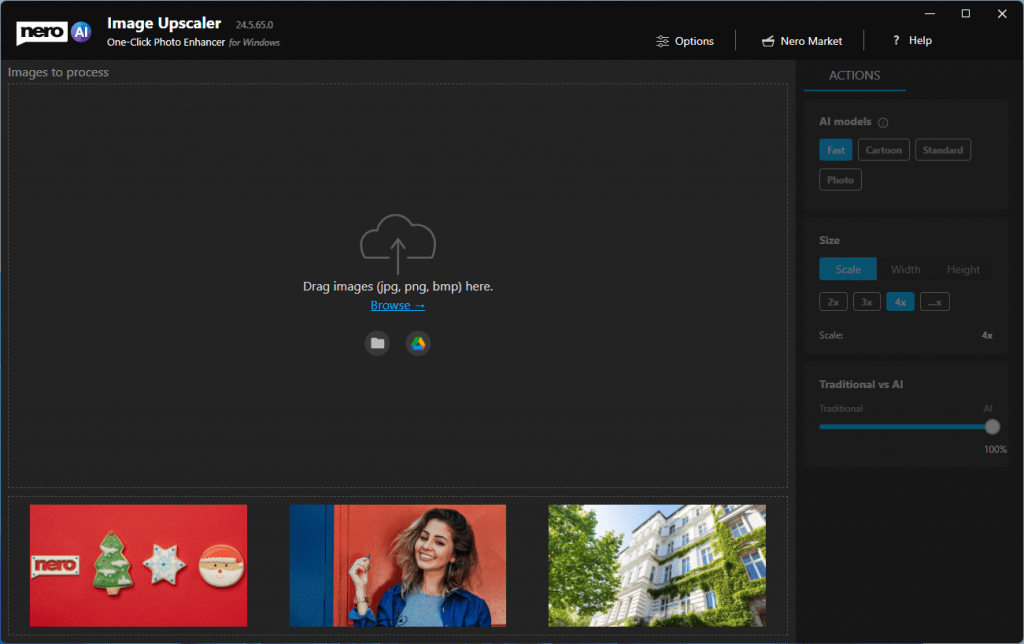
  • Some example images to start with.new start with example
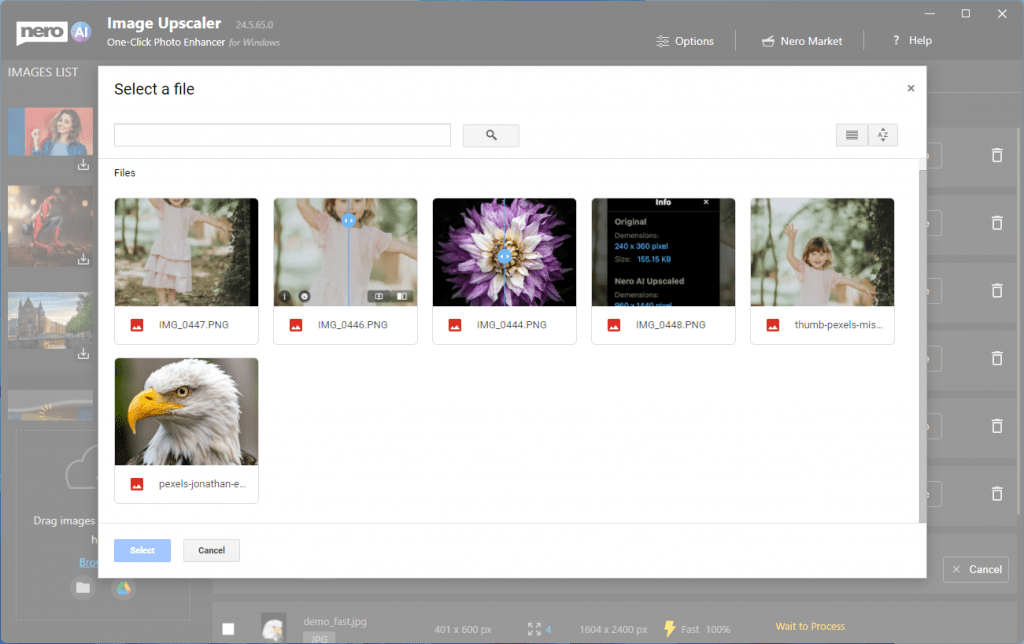
  • You can input images from Google Drive

open from google drive

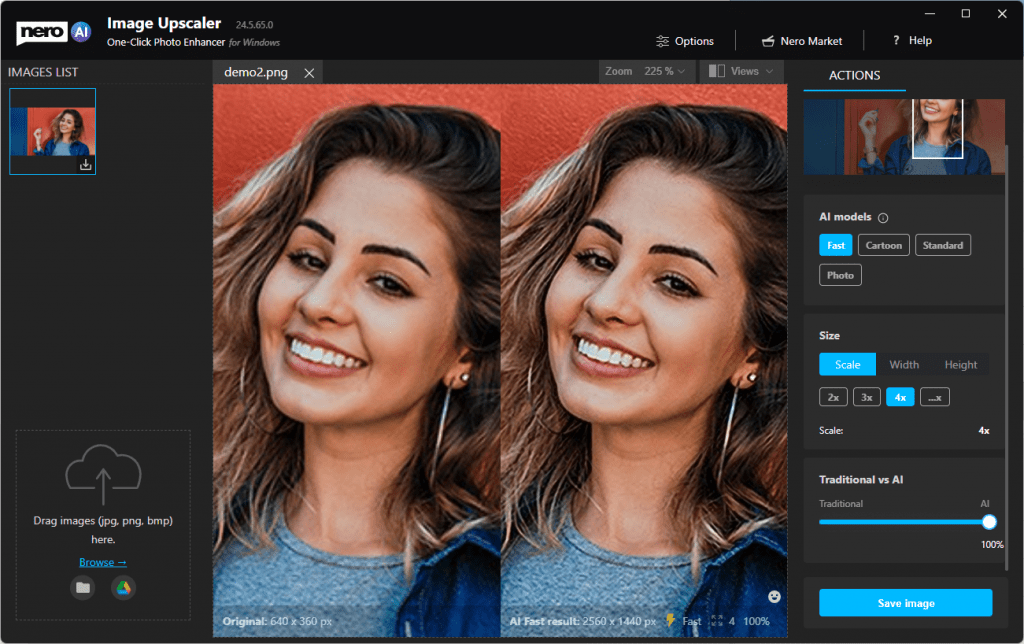
  • AI model selection is now available. Try different models for different photos till you get a happy result.

ai models

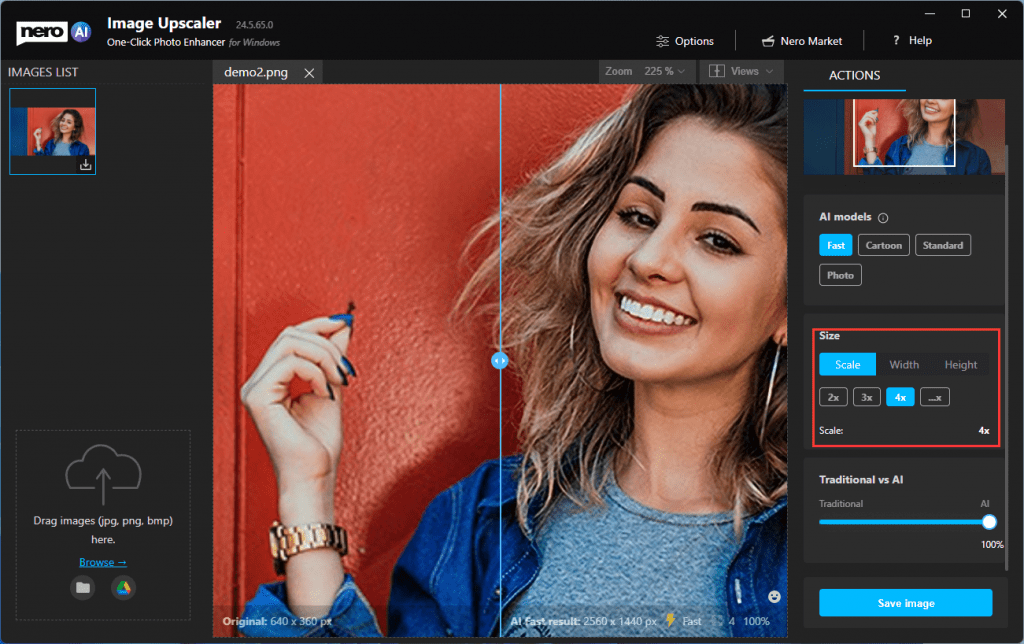
  • You define how big the result goes. 2x, 4x or by targeted width and height values.

more scale ratio

  • More comparison views:

1on1 view

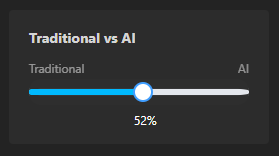
  • Compare traditional and AI results with the slide bar.

traditionalvsai

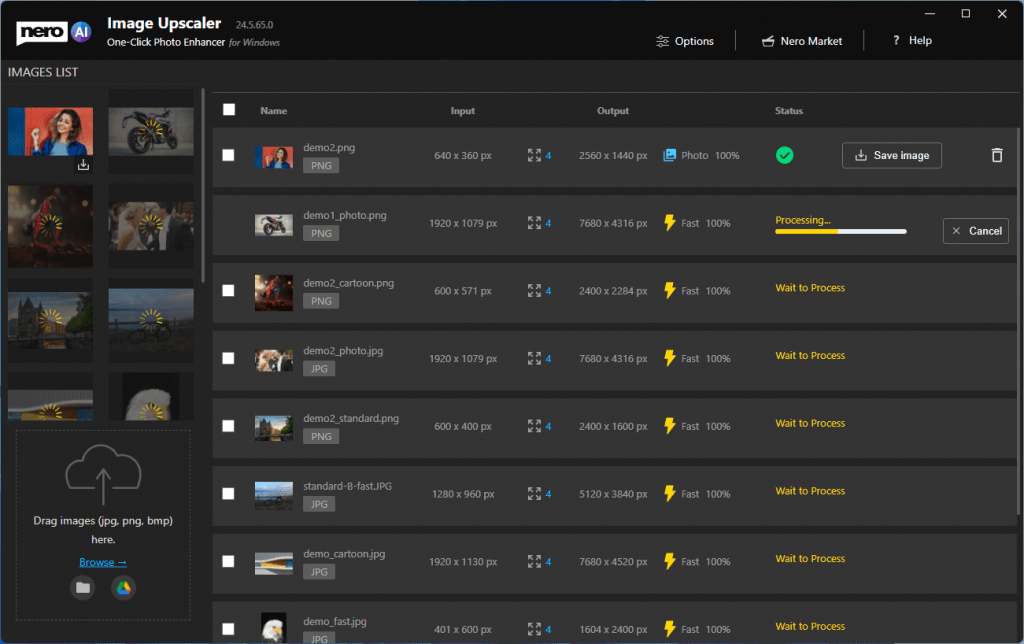
  • Batch processing is possible and up to 20 images in a row.

batch process

Improvements

  • Giant improvements in processing speed with NVIDIA GPU acceleration.
  • Save files with customized file names.


24.5.30.11

2021-12-07

Improvements

  • New icon design
  • Some improvements for photographs with faces.


24.5.30.7

2021-10-21

Improvements

  • Improved ads and Nero Market button.


24.5.30.6

2021-10-11

Features

The initial release of Nero AI Image Upscaler – use artificial intelligence to increase image resolution with enhanced sharpness and detail.

  • Upscale rate: 4x.
  • Remove noise and jpeg compression artifacts.
  • Support JPEG, and PNG.


Nero KnowHow 00251

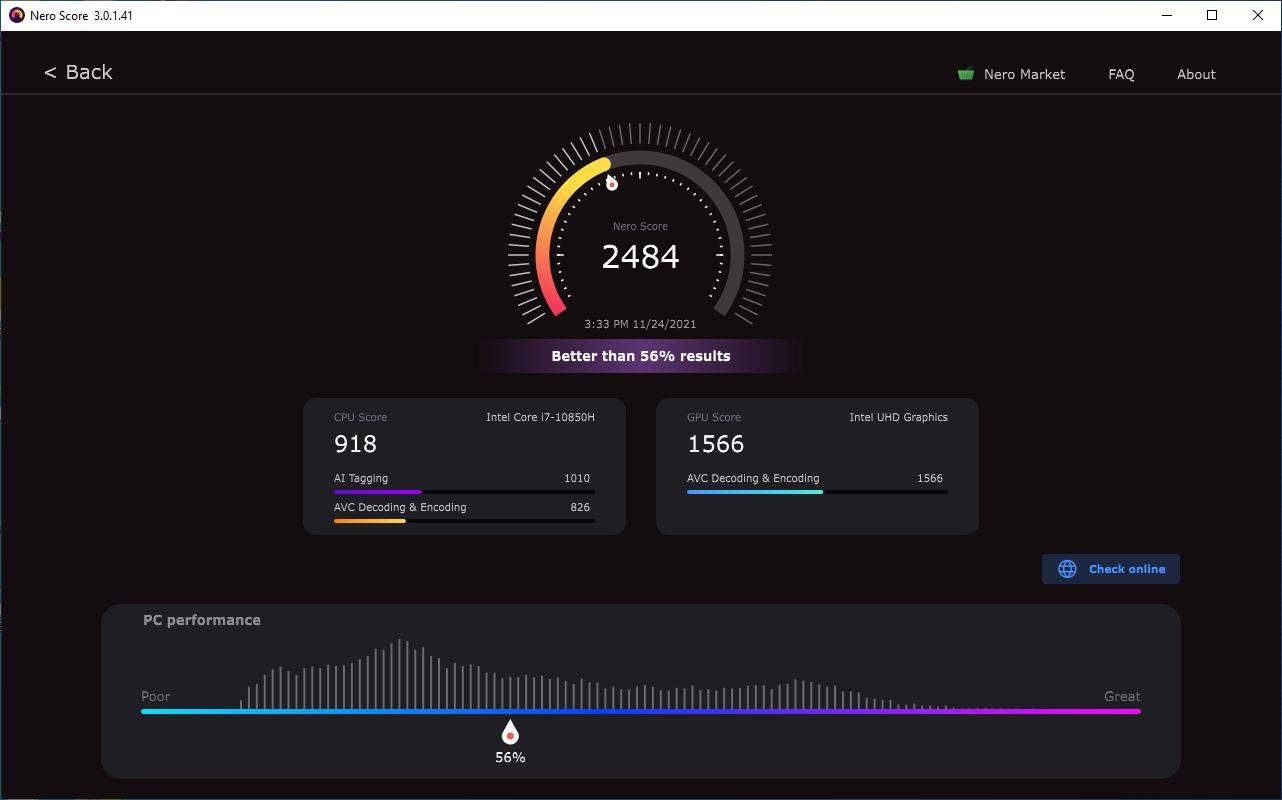
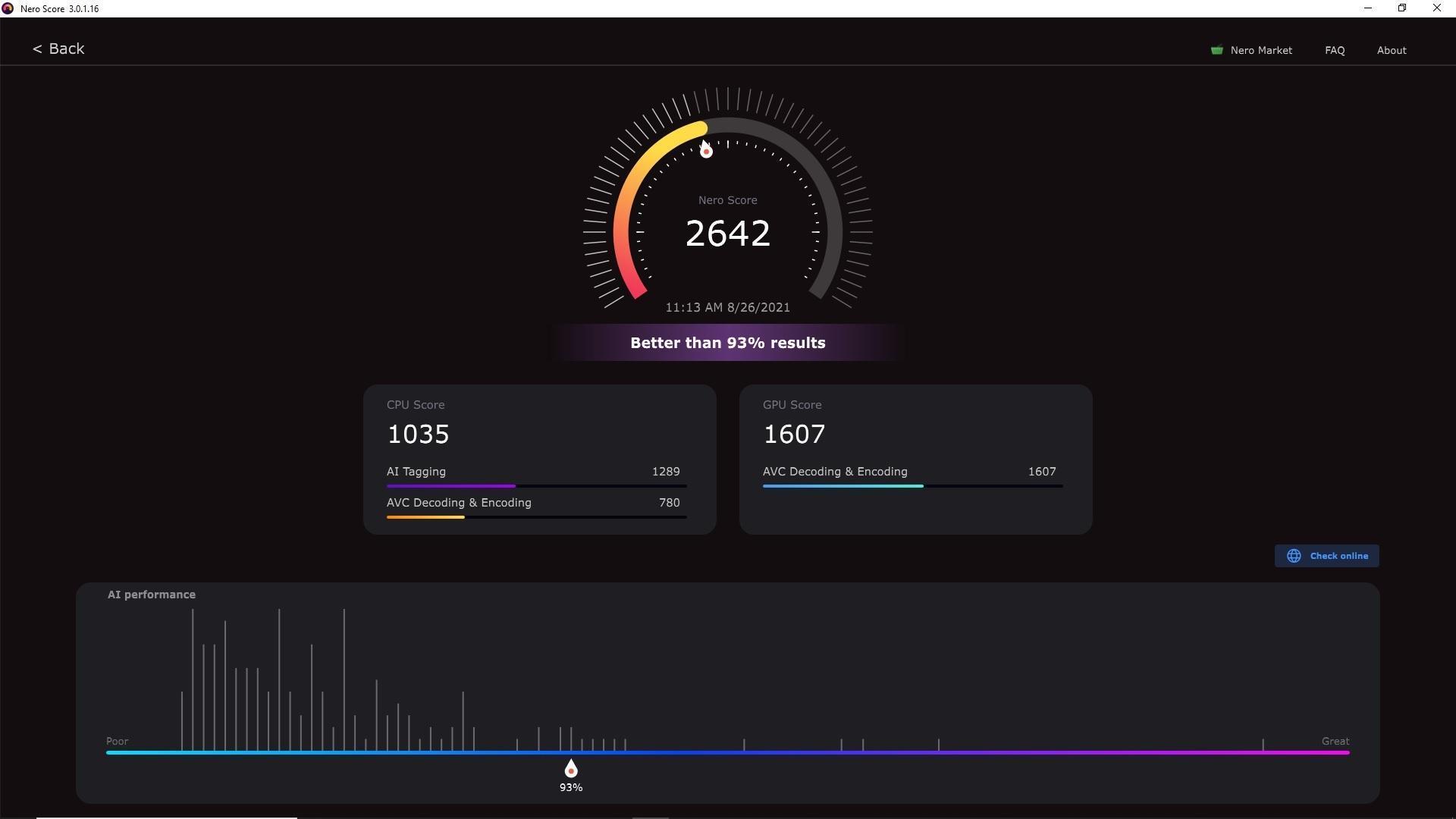
Nero Score adds new AVC Decoding and Encoding Test

Following the AI Tagging test, Nero Score is once again focusing its benchmarking tool on real-world AVC decoding and encoding tests. This is a test unit for measuring the performance of system codecs running AVC software and hardware decoding & encoding separately.

Compared with previous video compression standards, AVC achieves effective compression while minimizing distortion caused by the compression process. Today, AVC has become a relatively main codec for users in video playback, transcoding, and compression.

Most benchmarking of codecs on the market is often done using a tool that comes with the codec, which does not truly reflect the performance, for example, your movie playback using the system’s Movies & TV application, and it is hard to relate these benchmark results under specific conditions with real-world performance.

Nero Score’s ‘AVC Decoding and Encoding Test’ is a unit that measures codec performance using only the system’s own codecs, which is a more realistic reflection of your system’s performance without running third-party applications.

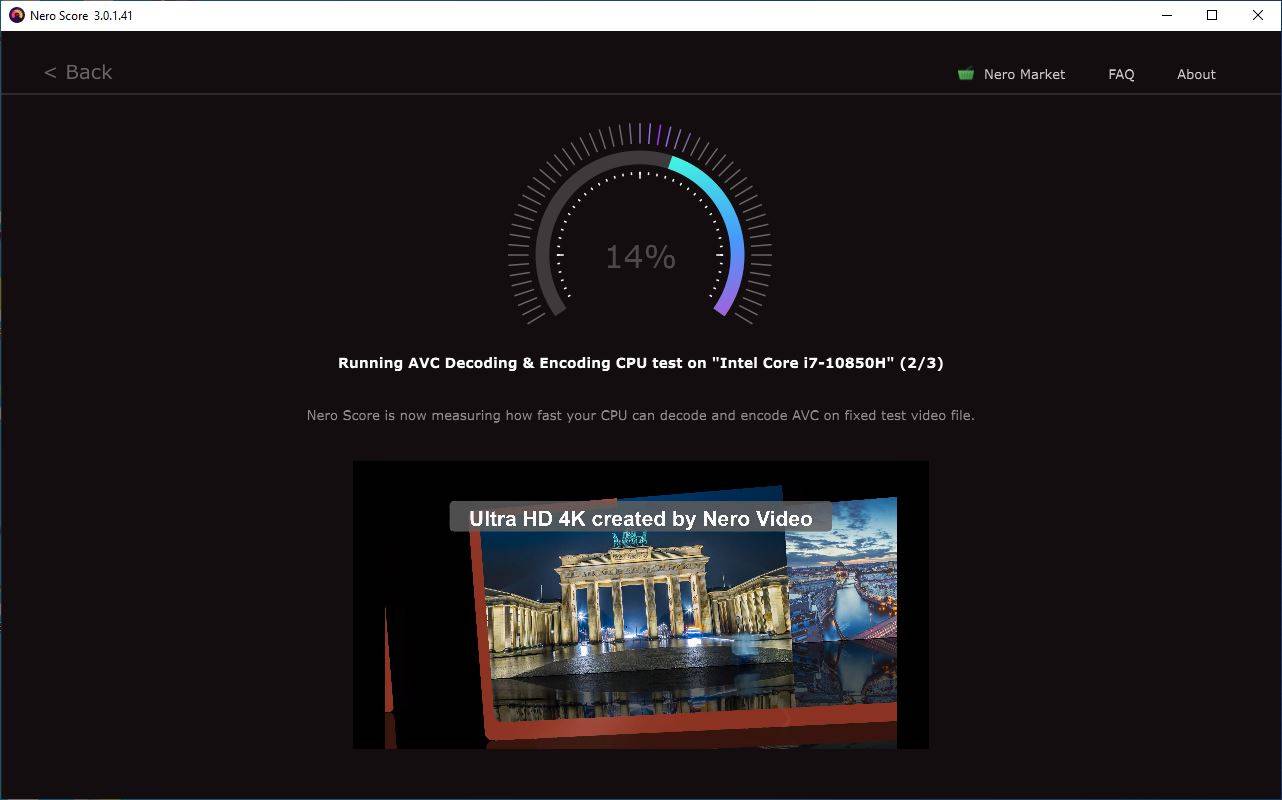
Nero Score AVC decoding and encoding test decodes and encodes a dedicated Ultra HD 4K video clip with the system’s own codecs to measure the processing power of your system’s CPU and GPU for AVC.

AVC CPU

CPU/GPU AVC benchmarks and measures how many video frames per second can be processed with your system’s codec on the given CPU/GPU. The outcome of this test will let you compare how different CPUs/GPUs score in this domain. And you also can compare the CPU behaviors in AVC solution and AI inference solution.

Result

The test produces a benchmark score for AVC decoding and transcoding as a measure of performance. As with the AI Tagging test, higher scores mean better performance. Here are some scores for reference:

AVC CPUs (software decoding & encoding)

  • AMD Ryzen Threadripper PRO 3995WX 64-Cores: 2343
  • AMD Ryzen Threadripper 3970X 32-Core Processor: 2033
  • 12th Gen Intel Core i9-12900K: 1977

AVC GPUs (hardware decoding & encoding)

  • NVIDIA GeForce RTX 3080 Ti: 4045
  • NVIDIA GeForce RTX 3070: 3937
  • Radeon Pro Vega 56: 3155
  • Intel Iris Xe MAX Graphics: 2322

Start testing AVC decoding and encoding performance today! Get Nero Score latest version from Nero Start or score.nero.com.

Nero KnowHow 00246

Release Notes for Nero Platinum Suite (Subscription) – 2021 Q3

We always improve our product based on your feedback and suggestions on a ongoing basis.

Nero Start

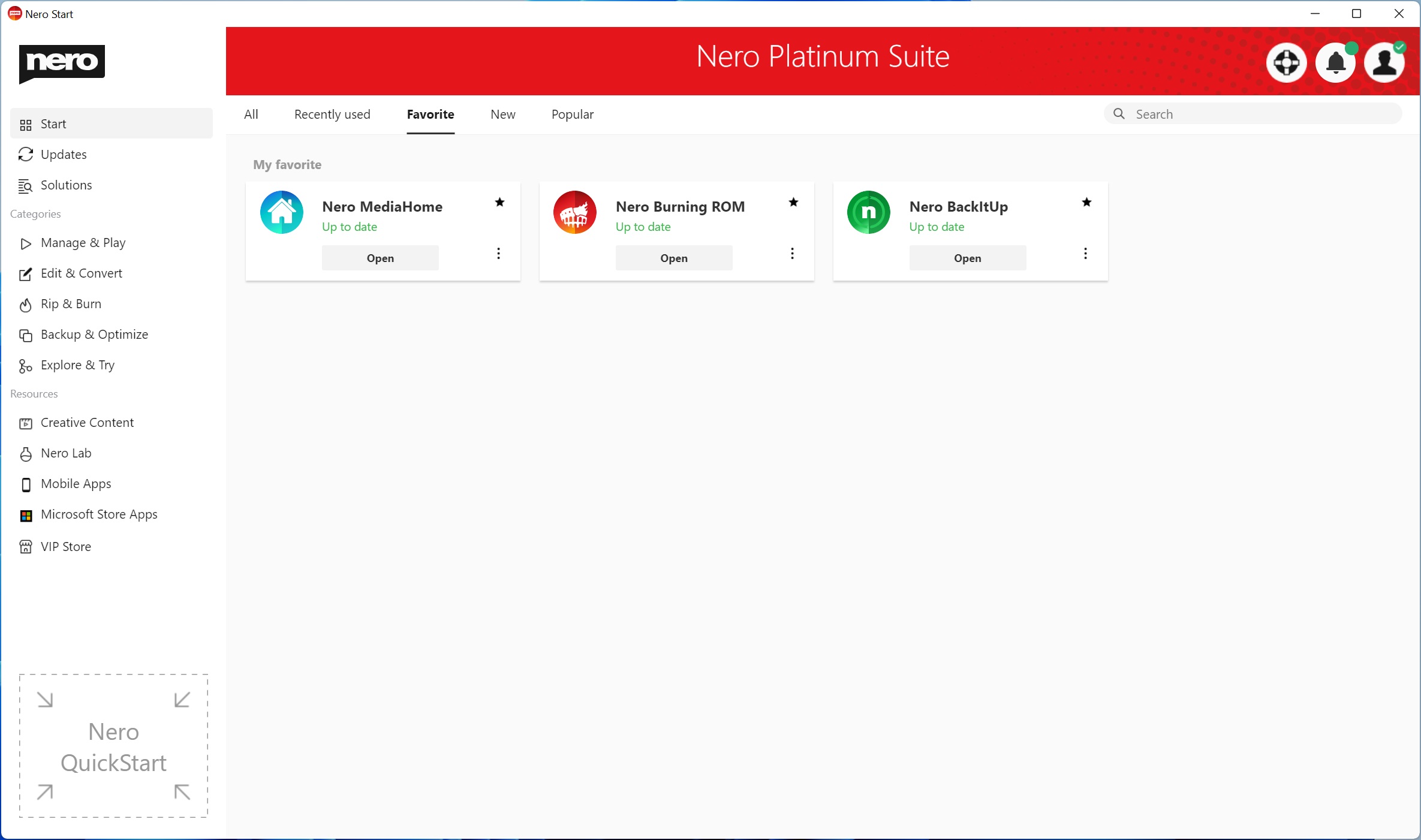
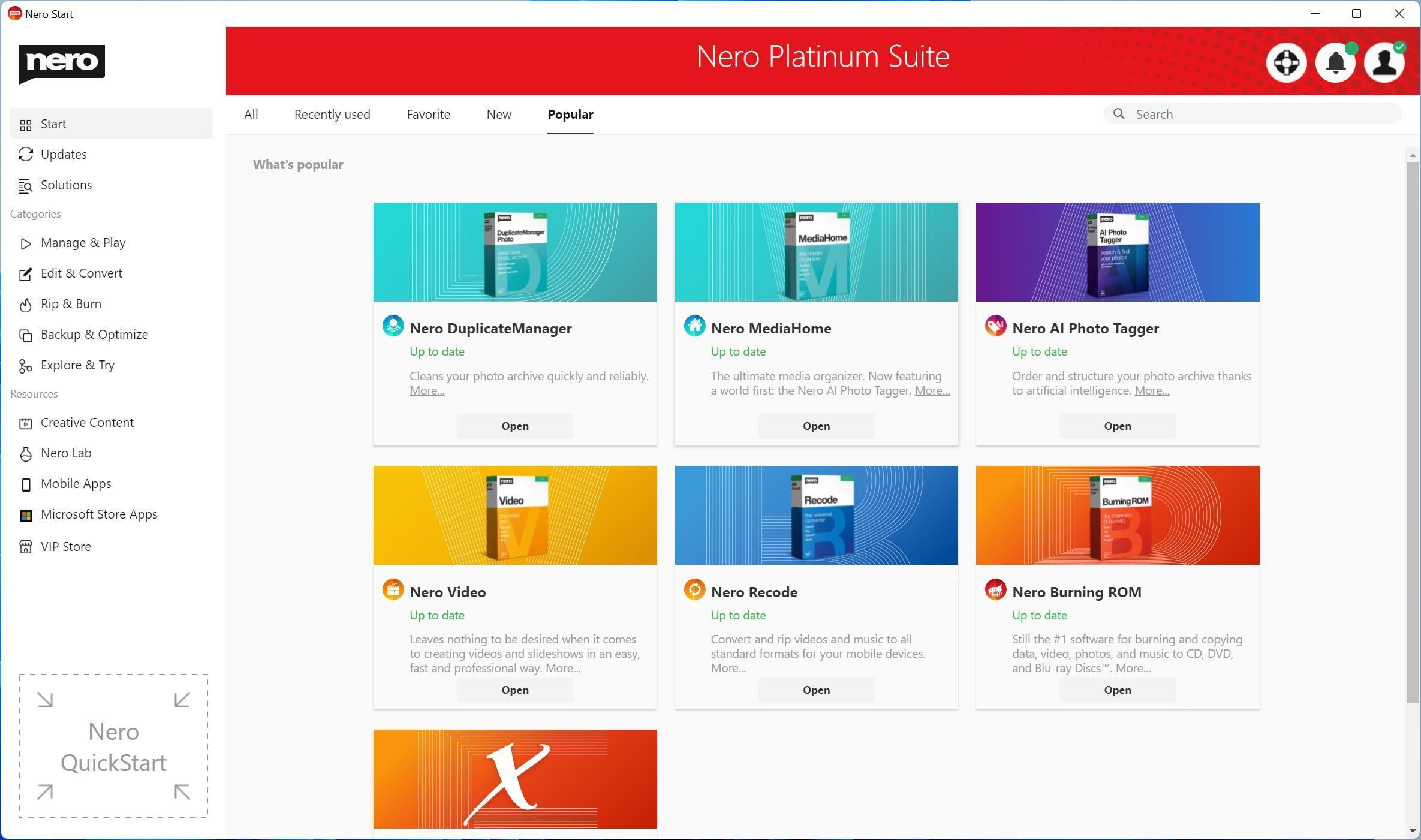
  • The new user interface provides you with dynamic and customized tabs such as “Recently used” and “Favorite” pages
  • See the latest released apps and most popular apps from users all over the world
  • Dedicated “Updates” tabs keep you focus on the apps you have installed
  • Provides more than 200 solutions for mobile and PC with easier and faster accessibility and a search bar on the start page
  • A brand new category “Experience AI” provides easy access to apps that are powered by AI

Launcher-home page Launcher-start-favorite Launcher-start-popular

1001 TVs (PC)

  • 1001 TVs – mirror screen from multi-phones to your Windows PC and mirror your Windows desktop to TV

Nero AI Image Upscaler

  • Nero AI Image Upscaler – use artificial intelligence to increase image resolution with enhanced sharpness and detail NAIU-start screen

Nero Score

  • Nero Score – the real-world PC benchmark. Nero Score measures the multi-core performance of your processor (CPU) and pushes your graphics card (GPU) to its maximum limit with real-world multimedia use cases

Nero Score_result

Nero AI Photo Tagger

  • Upgraded AI detection optimizes performance to take full advantage of high-end CPUs
  • Better structured AI tag list for future extension

parent-sub structure

Nero Video

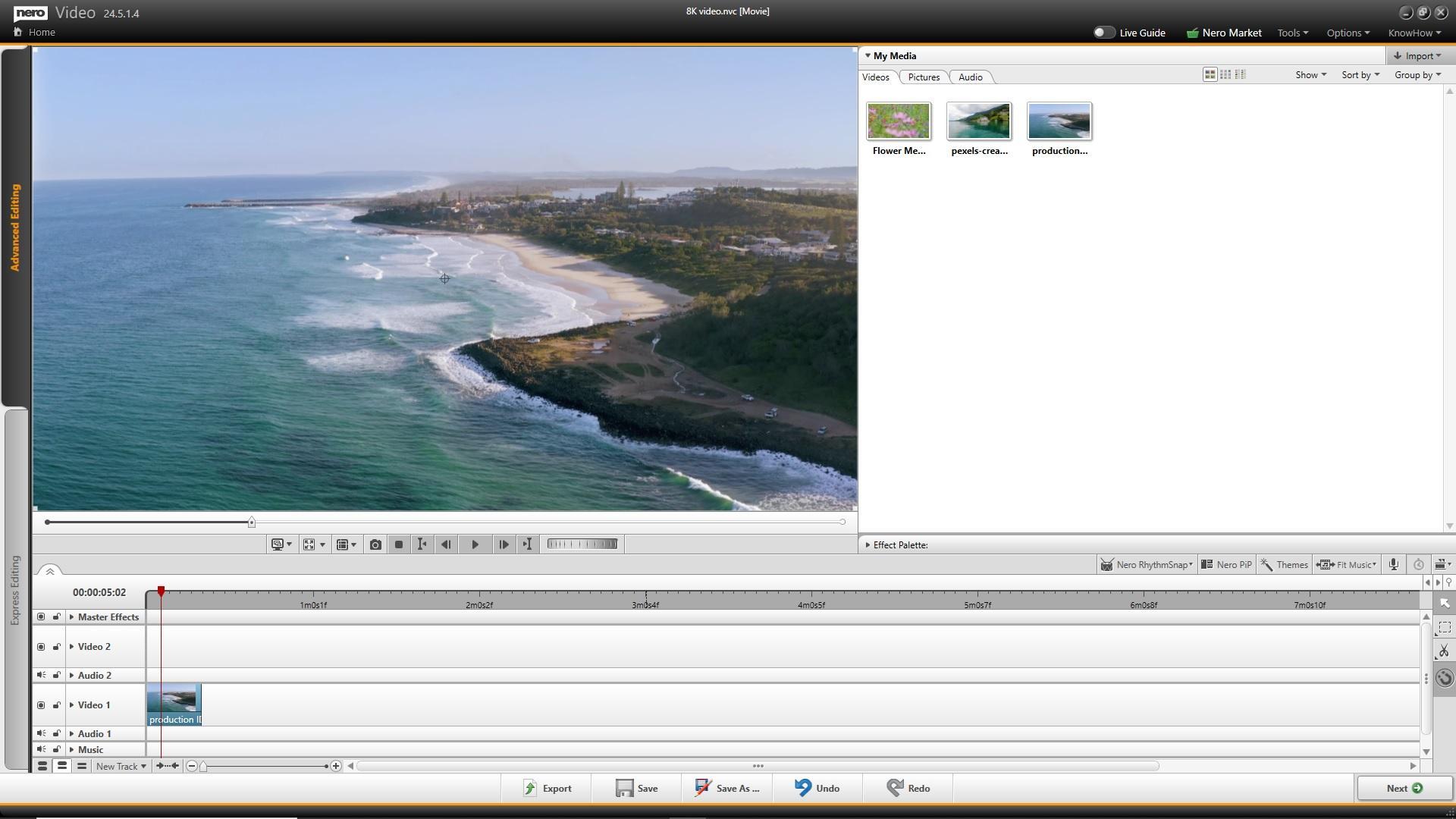
  • Support importing and editing of 8K video footage Nero Video_8K video editing
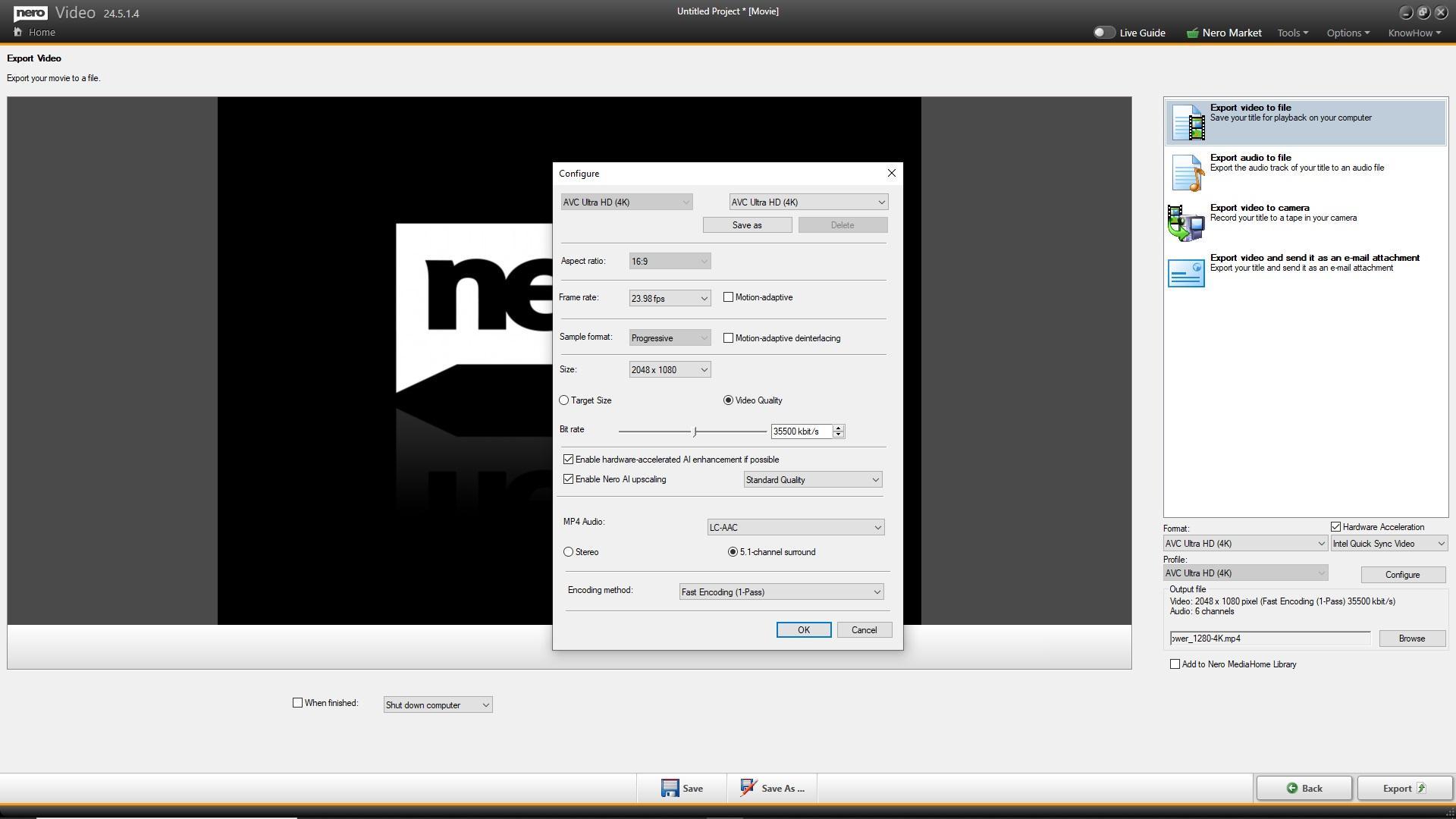
  • Nero Video supports Nero AI upscaling for video during export. Nero AI video upscaling predicts high-resolution video with AI models and produces incredibly sharp and enhanced details such as sharper edges, more realistic hair, and landscapes with amazing clarity. Nero AI video upscaling_configure
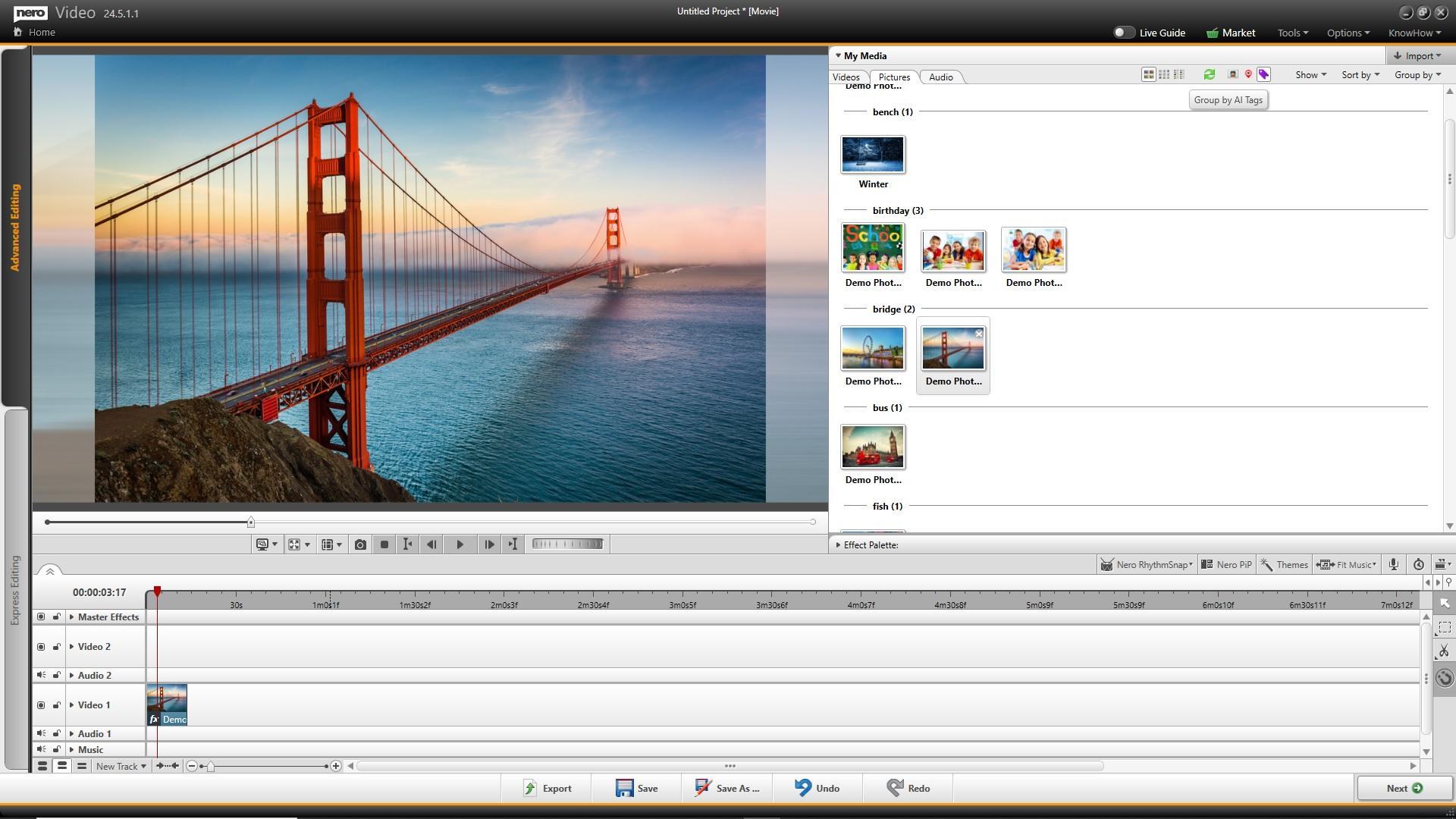
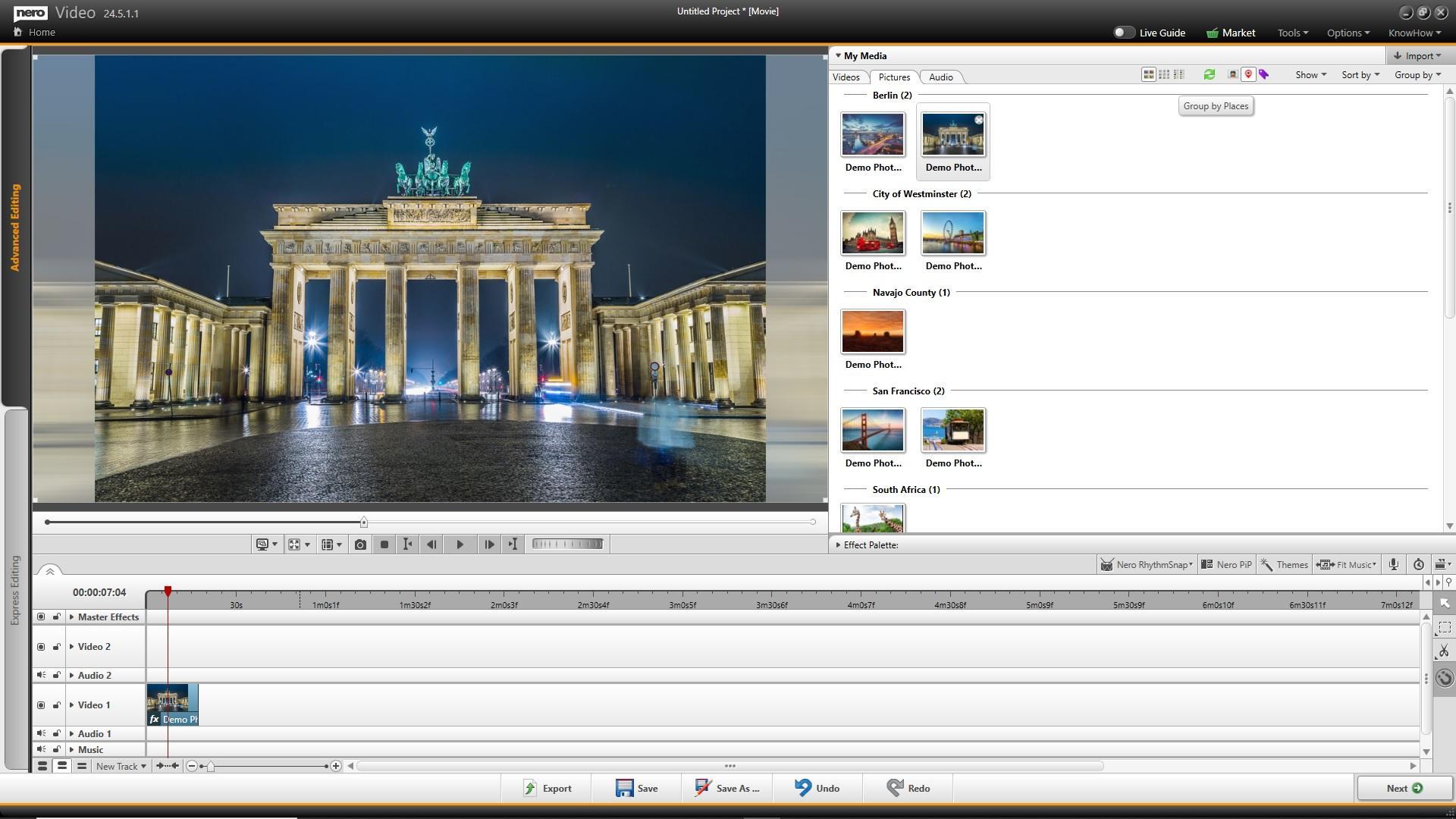
  • Now it’s easier to create slide shows after your vacation – because in Nero Video’s media library, you can use the media information already applied in other applications (e.g. Nero MediaHome, Nero AI Photo Tagger) to find the photos you want more easily Smart library - group by AI Tags Smart library - group by Places

Nero Recode

  • Support importing and playback 8K video footage
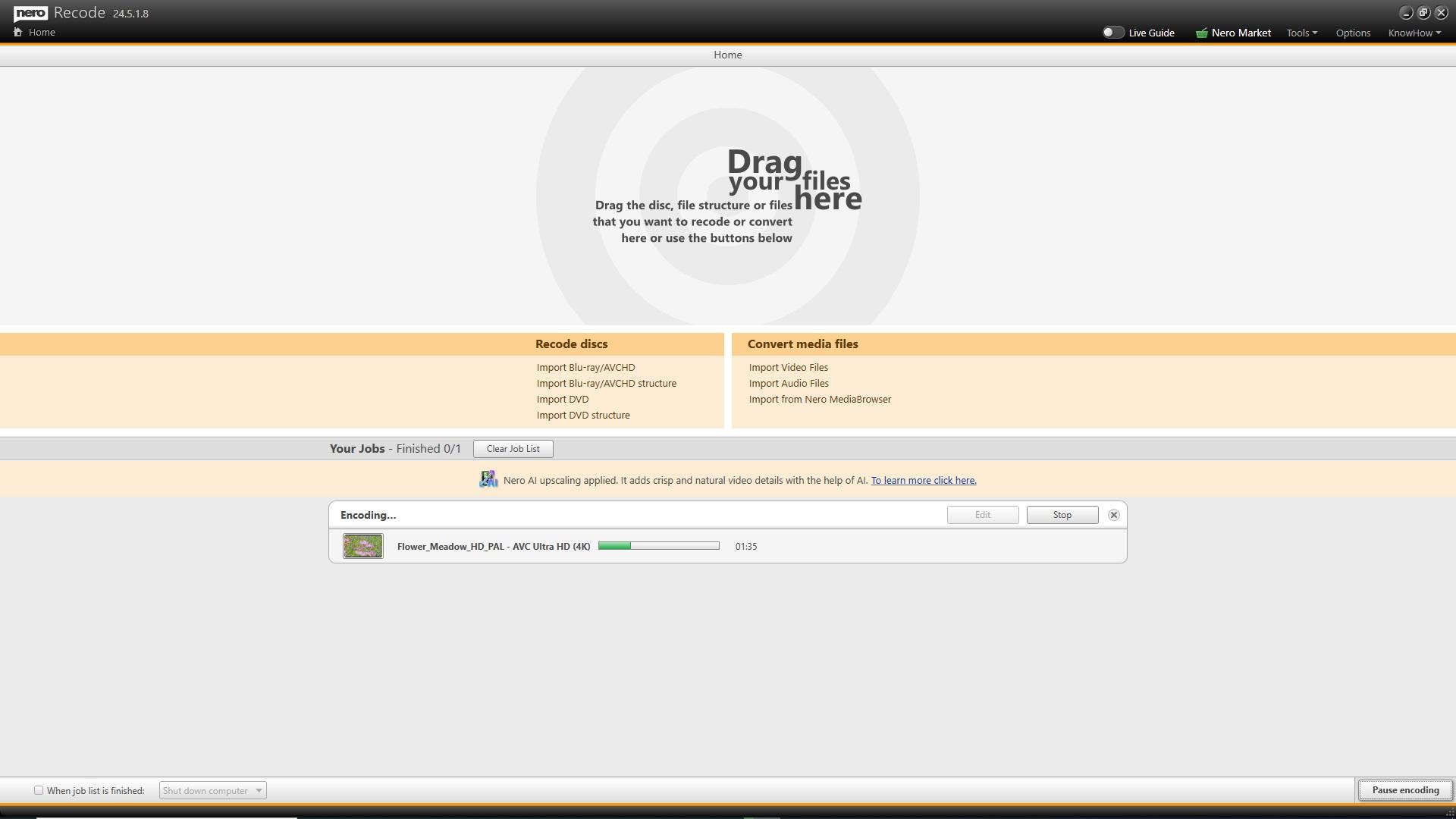
  • Nero Recode supports Nero AI upscaling for video during conversion Recode_Nero AI video upscaling_export

Nero MediaHome

  • Support for 8K video playback
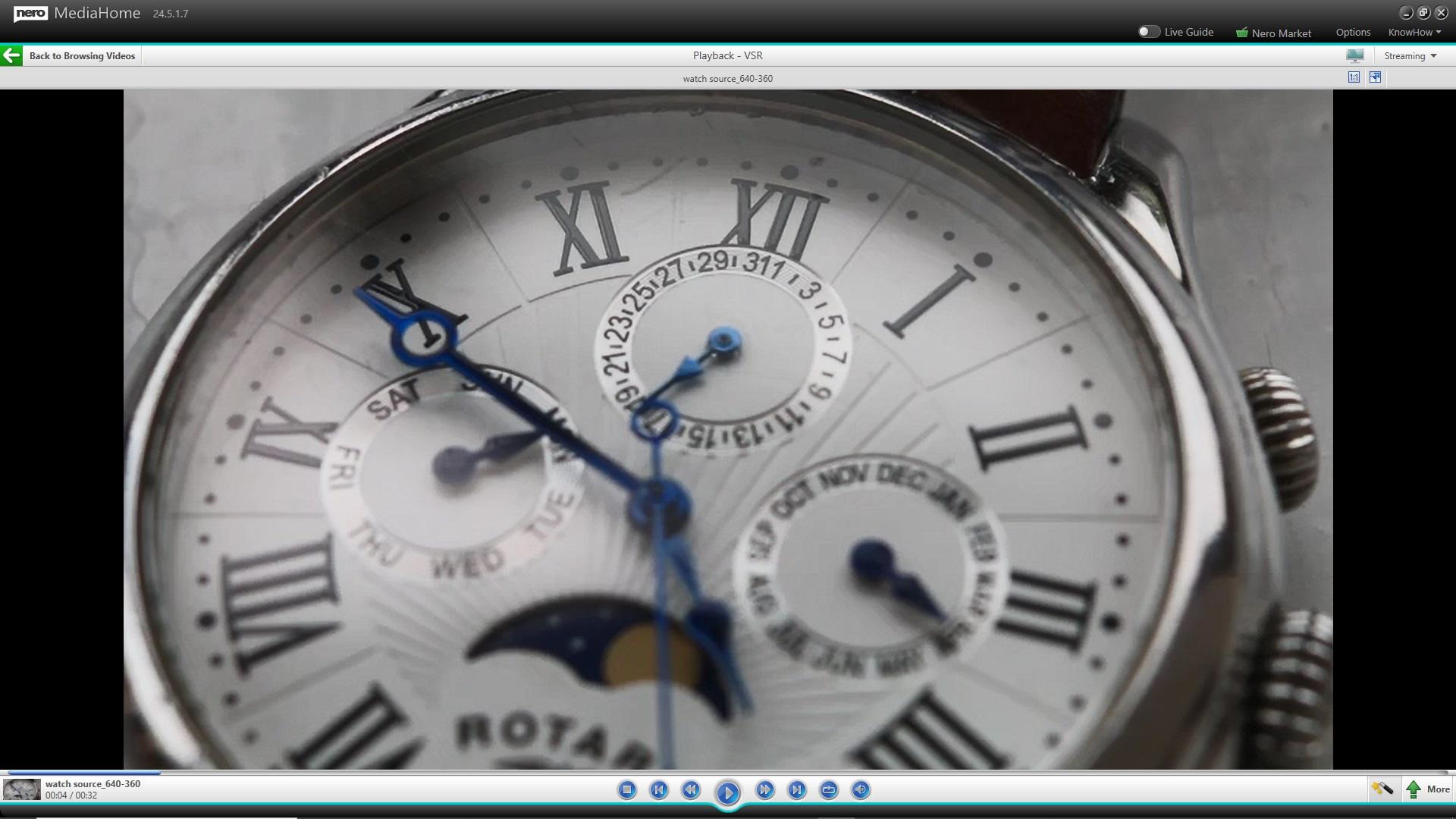
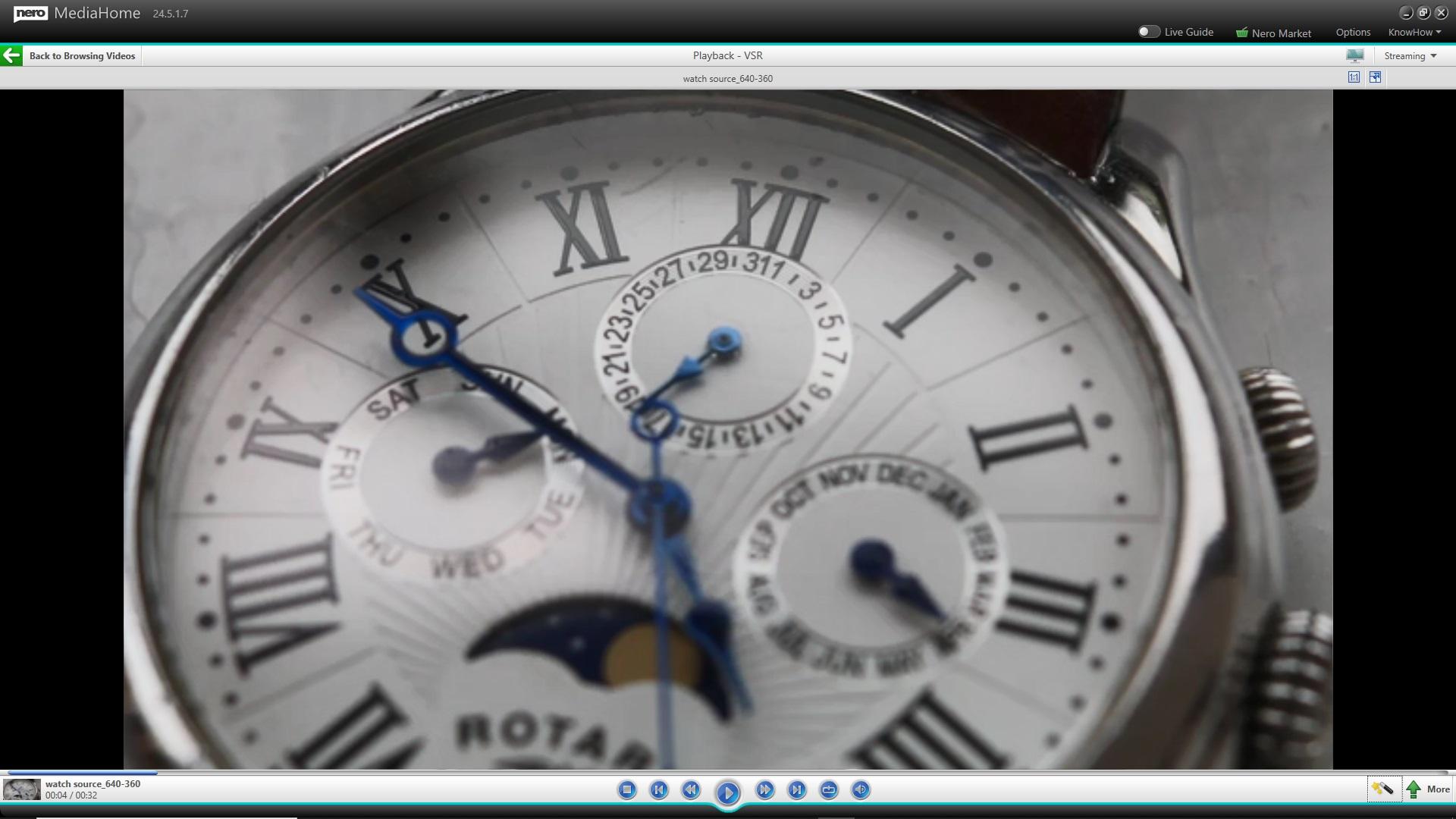
  • Support Nero AI upscaling in real-time video playback – enjoy high definition quality with standard definition sources


Nero BackItUp

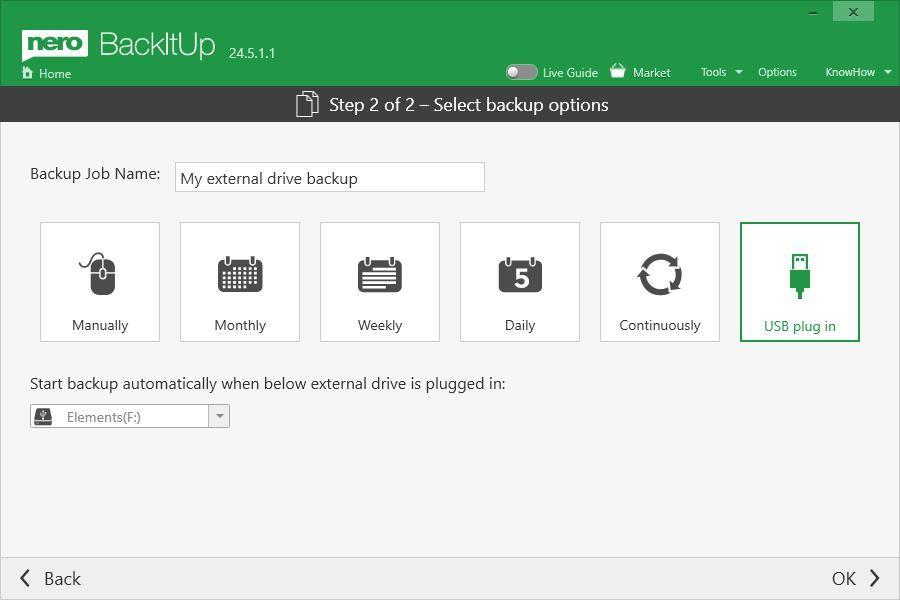
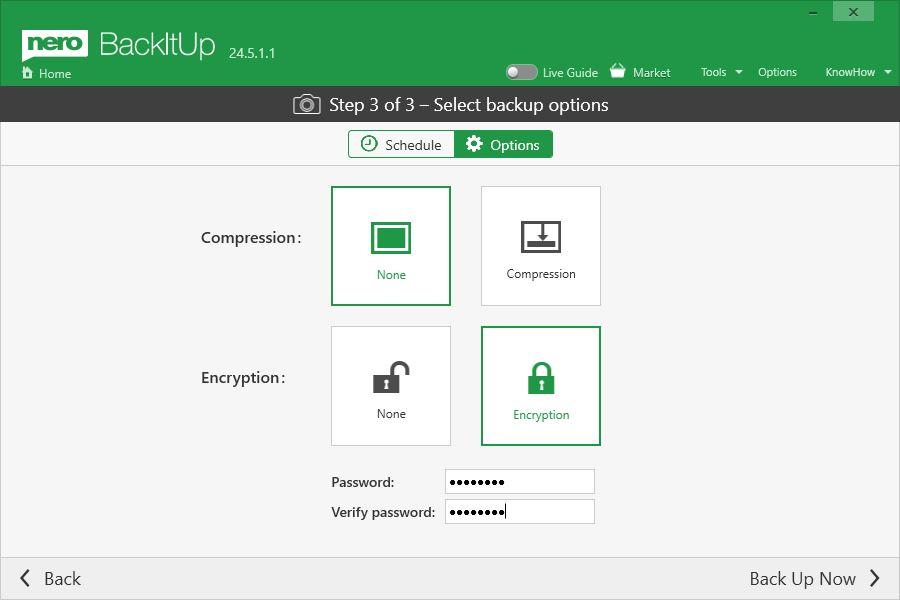
  • Now supports a new backup option: automatically start backup when an external USB drive is attached auto backup once attached the external backup drive
  • Nero BackItUp allows now encryption independent from compression allowing encryption independent from compression
  • Now Nero BackItUp supports browsing and relocating backup files if you move them to a new location

Nero Burning ROM & Nero Express

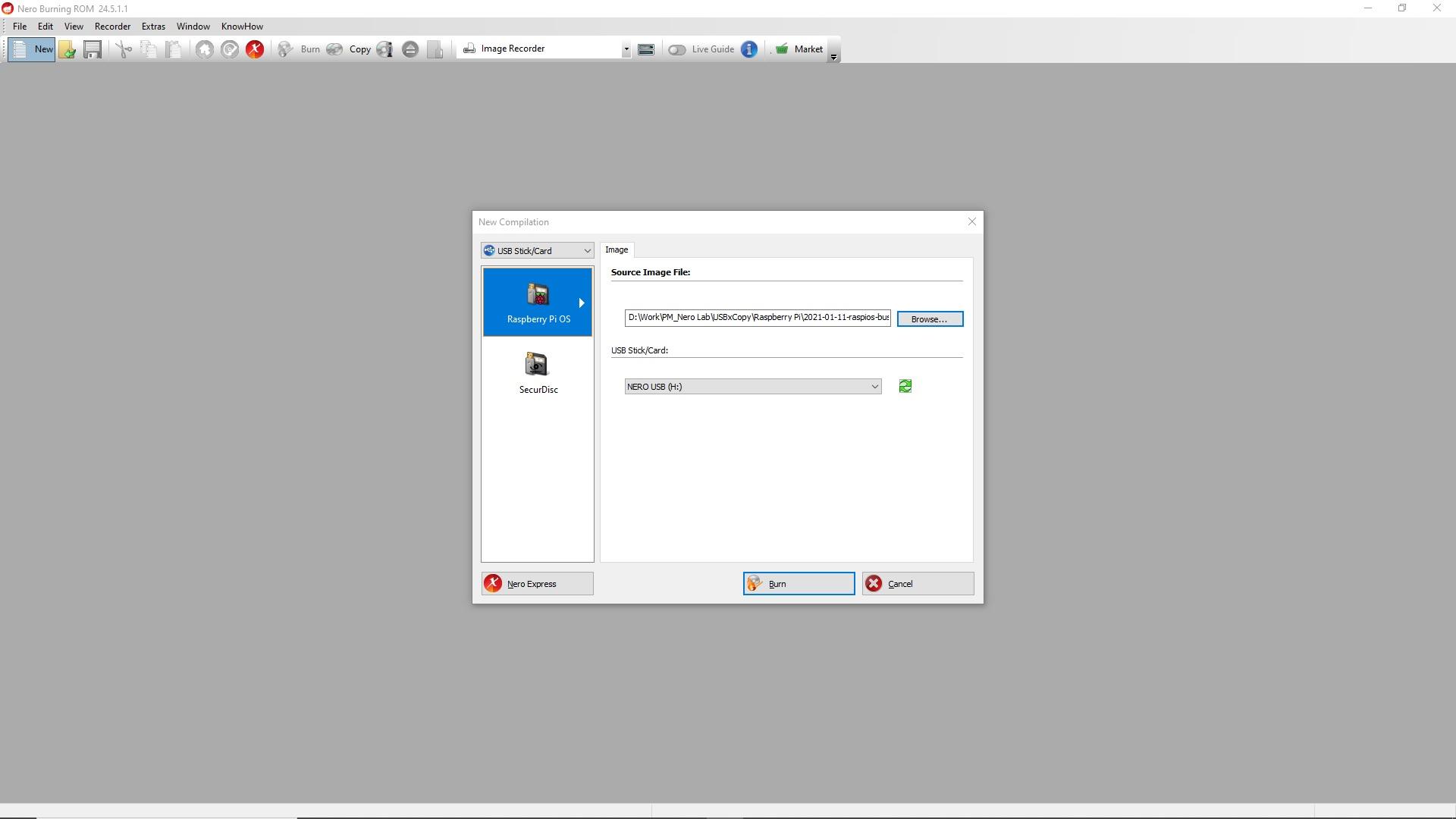
  • Now you can create Raspberry Pi OS on your USB stick or SD card in Nero Burning ROM Create Raspberry Pi OS to USB stick in NBR_1

Nero USBxCOPY

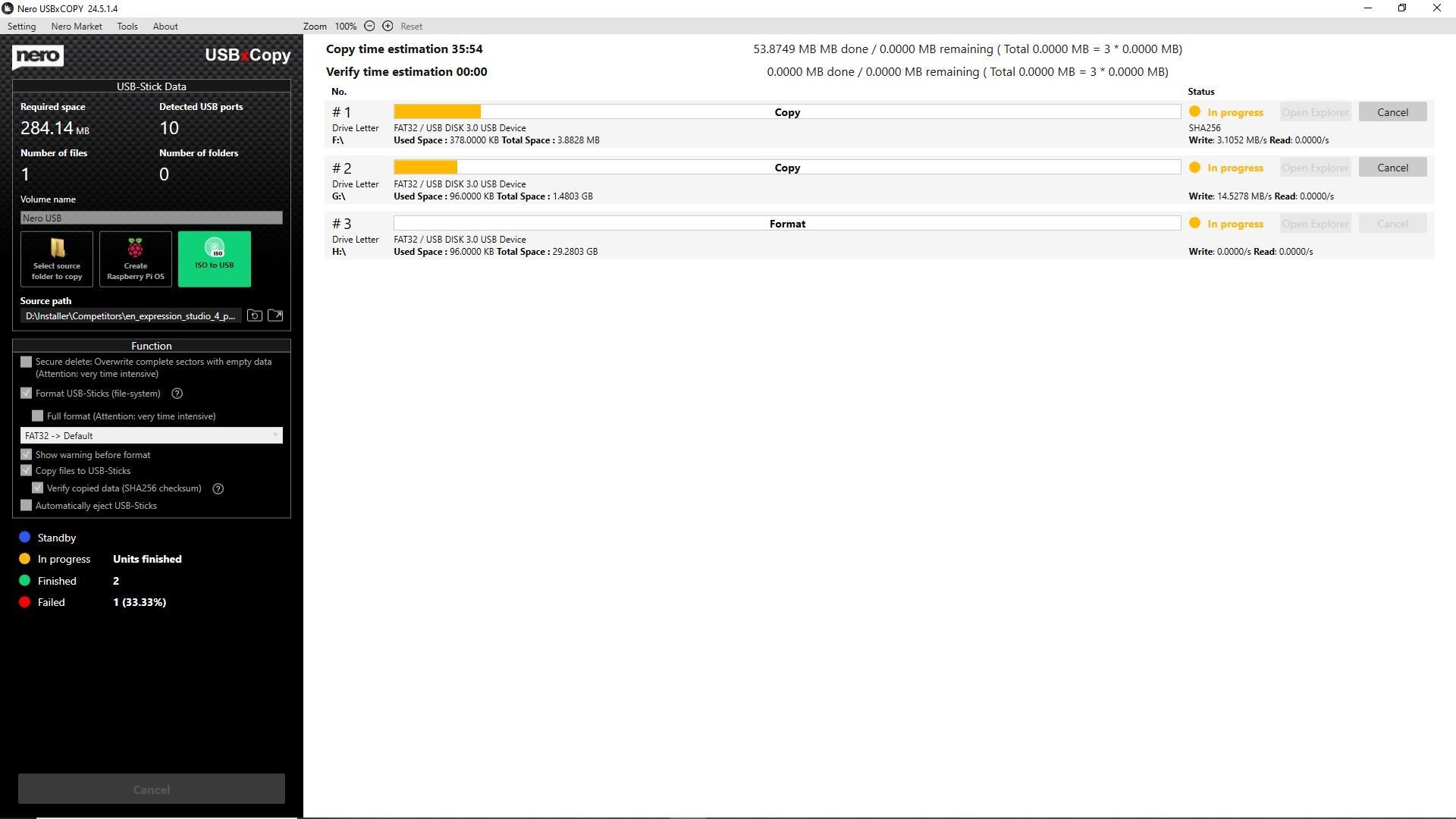
  • [Now you can write ISO images (e.g. operating system images) to multiple USB drives with one click
  • Improved user interface and better usability Create ISO to multiple USB in USBxCOPY

🛒 Click and Get Nero Platinum Suite

Nero KnowHow 00245

Release Notes for Nero Platinum 2020 – 2021 Q2

We always improve our product based on your feedback and suggestions continually.

16th July, 2021

Nero BackItUp

  • This update includes the fixes of Google Drive backup issue.

Nero MediaHome

  • This update includes some bug fixes to improve the app stability.

Nero Video and other applications

  • This update includes some regular bug fixes and minor improvements.

🛒 Click and Get Nero Platinum Suite


Nero KnowHow 00237

What is Nero Score?

WHAT IS NERO SCORE?

Nero Score is a free tool which measures your processor’s (CPU) multi-core power and is pushing your graphics card (GPU) to it’s maximum limit with real world multimedia use cases.

Score_High end

Nero Score is used by journalists to review hardware, hardware manufacturers to optimize their latest products, as well as computer owners to evaluate their individual system to make purchase decisions.

WHAT KIND OF BENCHMARKS ARE INCLUDED IN NERO SCORE?

The initial version of Nero Score includes an CPU AI benchmark and measures how many pictures per second can be processed with artificial intelligence on the given CPU. So this in not about training an model, but actually applying a trained model on data (called inference). The outcome of this test will let you compare how different CPUs score in this domain. The result can be 1:1 matched with CPU-based AI inference solution, like e.g. Nero AI Photo Tagger. The data set for this test includes 50 pictures that will be inferred 3 times each. The format and size of the pictures doesn’t matter for this test as the AI inference only needs an input of 299×299 pixels in size anyway.

WHAT KIND OF TESTS WILL BE NEXT IN NERO SCORE?

The roadmap for Nero Score foresees an extension into further multi-media related use cases utilizing CPU and multiple GPUs e.g. video encoding, 3D rendering.

HOW IS THE SCORE CALCULATED?

Nero is fully transparency on the calculation of the actual score. Each of the tests executed within Nero Score will generate a score of it’s own. For example: The CPU AI benchmark measures how many pictures are processed per second. This number is multiplied by a factor of 25 to generate the score for this specific test. So there is a 1:1 relation between the score and the performance of the CPU for the given task. A PC with twice the score will be twice as fast.

As soon as there are more tests a total score will be calculated from the single results and the simple formula for this calculation will be made transparent, too. Over time there might be changes on how the score is calculated, those will be called out and documented with revisions to ensure that results are always reproducible and comparable.

HOW CAN I CHECK MORE REAL-WORLD PERFORMANCE DATA?

score.nero.com will list all performance data which submitted by customers. Try Nero Score on your PC now, to see how your PC performs.

HOW CAN I GET NERO SCORE?

Download Nero Score from Nero Lab

WHAT SHOULD BE CONSIDERED BEFORE/WHILE RUNNING A TEST?

  • Laptops should be connected to a power supply.
  • The high performance power plan should be selected on any device.
  • All open applications should be closed.
  • No user activity should be done in the foreground.
  • Background activity should be avoided e.g. no virus scans, software update downloads, cloud uploads.

WHICH KIND OF PLATFORMS ARE SUPPORTED BY NERO SCORE?

At the moment Nero Score is supporting Windows 10 64-Bit exclusively.

ARE THERE COMMAND LINE OPTIONS AVAILABLE?

Yes, for example “C:\Program Files (x86)\Nero\Nero Apps\Nero Score\NeroScore.exe” runtimes:50 stoptime:3 logfile:1 will executed the current test 50 times with a pause of 3 seconds in between and create a log file in %temp%\NeroScore (so inside he current users system temp folder).

  • runtimes: number of times the test should be run
  • stoptime: time between the runs in seconds
  • logfile: defines if a log file should be generated 1 = yes / 0 = no
  • logfilepath: alternative path for the log file e.g. “E:” or “D:\Score”
  • autoexit: defines if the application should exit after all tests are done 1 =yes / 0 = no
  • language: use any of the above 4 letter codes to define the application language manually (e.g. es-ES)
  • exepath: runs a specific application on exit (e.g. “C:\WINDOWS\system32\notepad.exe”)

Nero KnowHow 00235